Retail Inventory Management System: Features, Integrations and ROI
A practical guide to retail inventory management systems, including stock control, integrations, implementation and ROI for growing retailers.
DevGlim Team
September 8, 2026 · Updated September 30, 2026
Looking to build this instead of buying it? See our Custom Retail Inventory Management Software service →
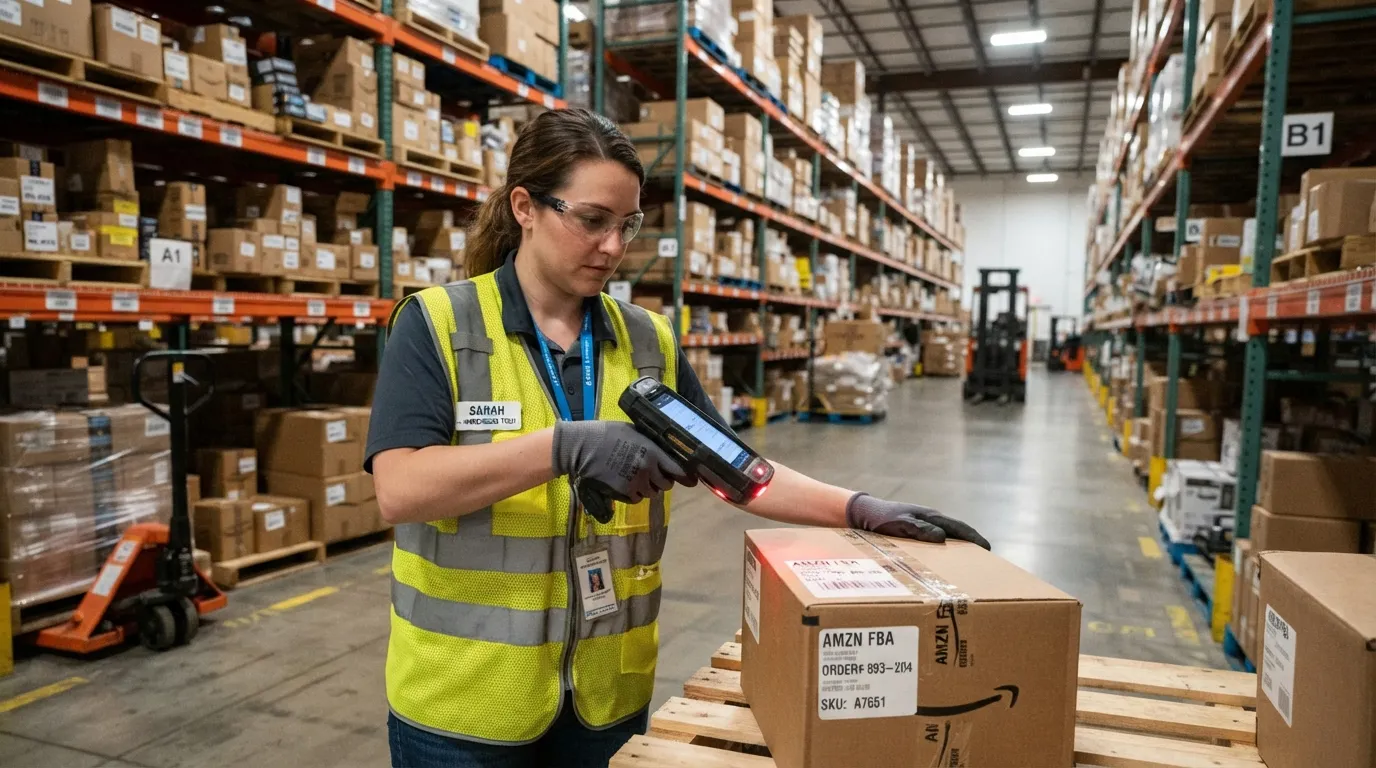
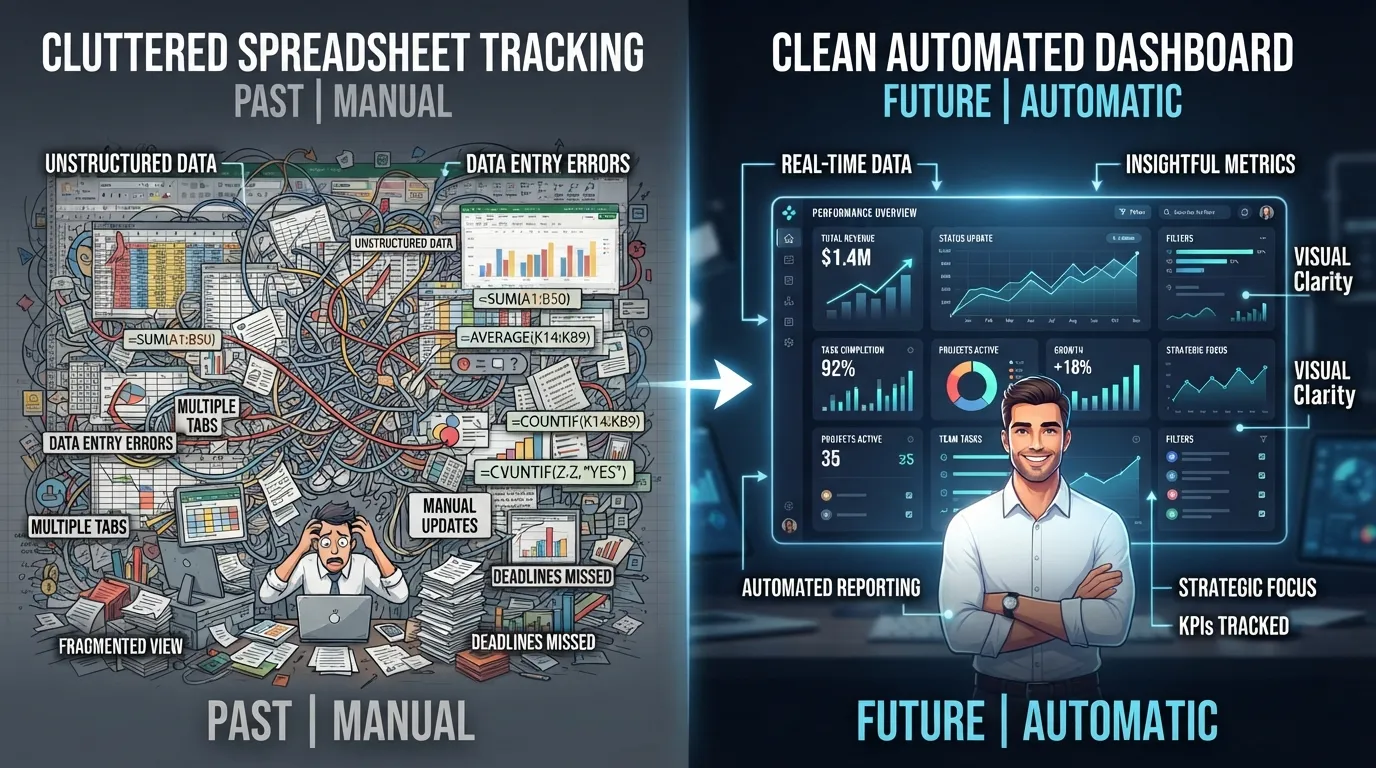
Most retail and small businesses start tracking inventory in spreadsheets—and it works, until it doesn't. Overselling out-of-stock items, losing track of what's actually on shelves, and manually reconciling counts across locations are signs a business has outgrown manual tracking. A proper small business inventory management system solves these problems directly and pairs naturally with the custom e-commerce software a growing store often needs anyway.
Common Inventory Problems Growing Businesses Face
1. Overselling Out-of-Stock Items
Without real-time sync between your storefront and actual stock, customers order items that are already sold out—leading to refunds, complaints, and lost trust. This is one of the most common triggers for businesses to finally invest in inventory control software.
2. Manual Counts Take Hours
Physical stock counts done manually are slow and error-prone, especially across multiple storage locations or sales channels.
3. No Visibility Into What's Actually Selling
Without proper reporting, businesses can't easily tell which products move fast and which are dead stock tying up capital.
4. Disconnected Systems
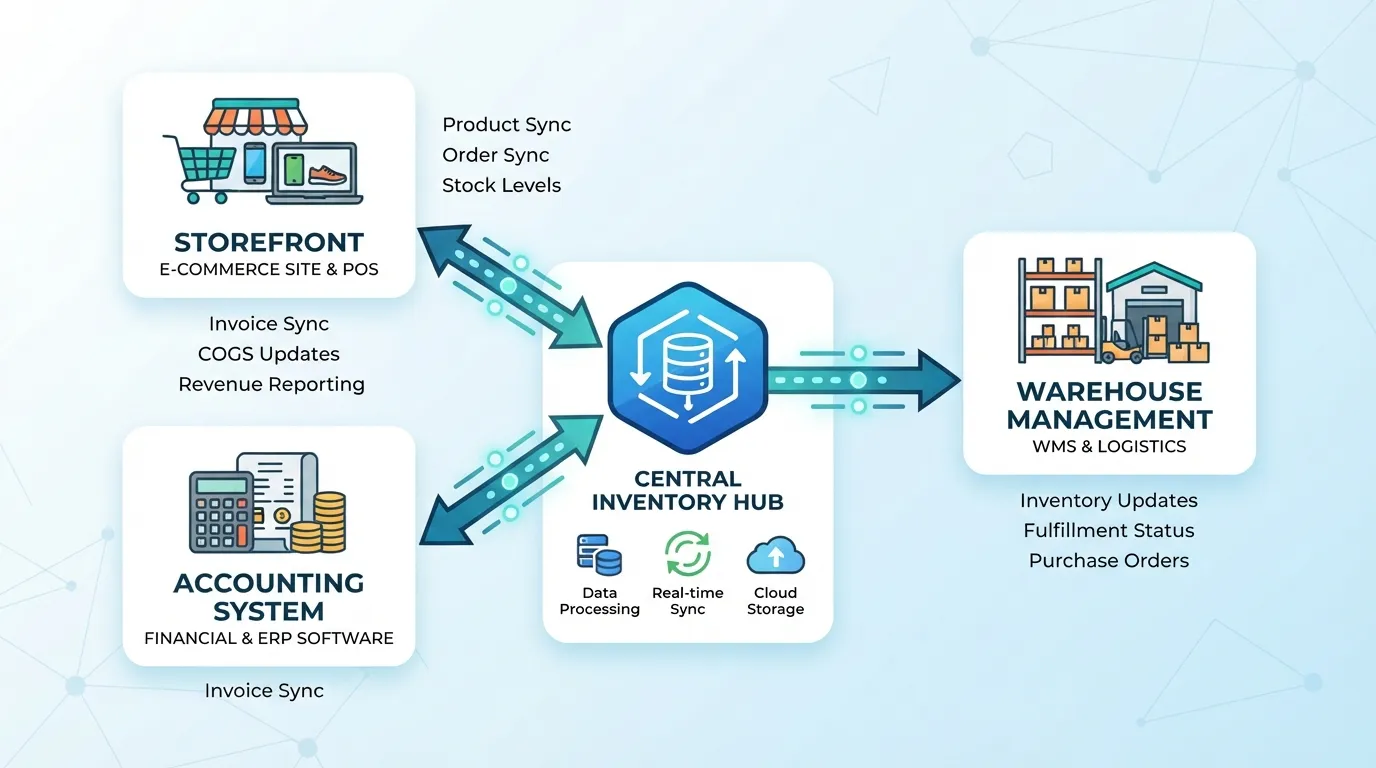
When your storefront, accounting, and warehouse tracking are all separate systems, data has to be manually re-entered—introducing errors and wasting staff time. This is where accounting and inventory control software built as one connected system solves the disconnect entirely.
Wondering whether inventory software would pay for itself? Enter your numbers to see the annual cost of manual inventory work and the potential savings. Open the full-page tool.
Free tool · about 2 minutes
Retail Inventory Management ROI Calculator
You will get:
- The current annual cost of your manual inventory work
- Potential annual savings based on your inputs
- An indicative payback period
No sign-up needed to see your result. This is an indicative estimate based on the information provided. Final pricing depends on features, integrations, design complexity and project requirements.
What a Proper Inventory System Should Include
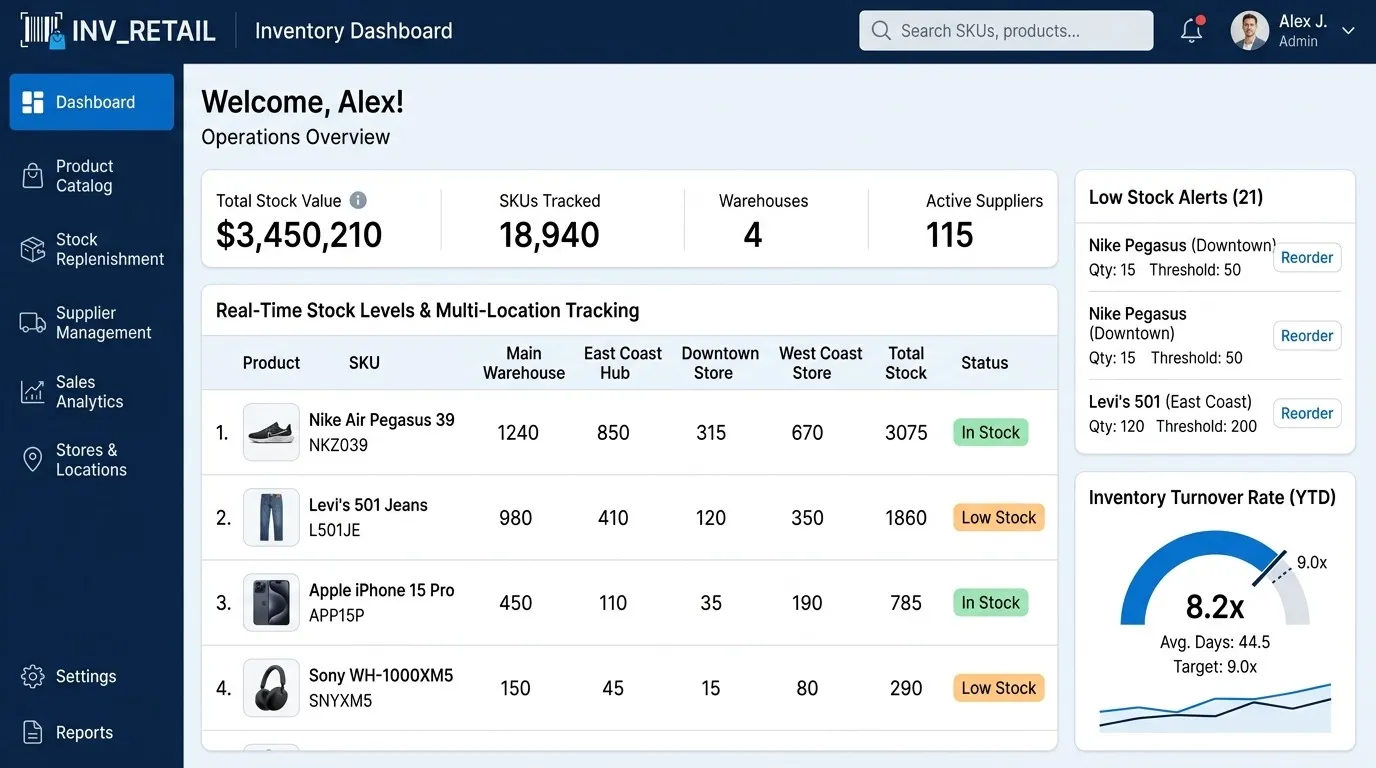
- Real-time stock sync—across your website, POS, and any additional sales channels
- Low-stock alerts—automatic reorder notifications before you run out
- Multi-location tracking—accurate counts across warehouses or store locations
- Sales & demand reporting—visibility into what's actually moving
- Integration with accounting—inventory value reflected automatically in your books
Custom Inventory Software vs. Generic Tools
Multi-channel stock control
Generic tools may work for one location and one sales channel. A custom inventory system can apply the same allocation, reservation and return rules across a website, POS, marketplaces and warehouses.
Reporting and replenishment
Standard products offer fixed reports. A tailored system can surface metrics such as sell-through, stock age, margin by channel, reorder points and transfer recommendations using the definitions your team already uses.
Integration and scalability
Before building, confirm whether a standard platform already supports your accounting, shipping and commerce tools. Custom development is strongest when proprietary workflows, unusual integrations or scale requirements make plug-ins unreliable—not simply because customization is possible.
How This Fits Into a Broader Business System
Inventory rarely operates in isolation—it connects directly to your e-commerce storefront, your CRM and sales pipeline, and your accounting. Our custom ERP system guide covers how inventory fits as one module within a larger connected business system, and our SaaS vs. on-premise comparison is useful if you're deciding how to host and deploy the system.
If your business also handles manufacturing or production scheduling alongside inventory, see our ERP guide for how production tracking modules typically integrate with stock management.
Inventory System Implementation Plan
- Establish a stock baseline: reconcile physical counts, units of measure, SKUs and location codes.
- Map stock events: document purchasing, receiving, transfers, reservations, sales, returns, damage and adjustments.
- Choose a system of record: decide which platform owns products, prices, available stock and financial values.
- Test edge cases: include partial shipments, backorders, exchanges, bundles and concurrent orders.
- Roll out by location or channel: limit disruption and compare system counts with physical counts before expansion.
How to Measure Inventory Software ROI
Measure the current cost of stockouts, overselling, emergency purchasing, manual reconciliation and excess inventory before implementation. After launch, compare order-error rate, count accuracy, staff hours spent reconciling, stock turnover and fulfillment time. Use the inventory management ROI calculator to create a directional estimate from your own baseline instead of relying on a generic savings claim.
Frequently Asked Questions
How much does custom inventory management software cost?
Cost depends on locations, sales channels, purchasing rules, migration volume, user roles and integrations. A focused inventory application is usually simpler than a full ERP, but a reliable estimate requires a mapped workflow and integration list. See our custom software development guide for general cost breakdowns that apply here too.
Can inventory software integrate with my existing e-commerce store?
Yes—custom inventory systems are commonly built to sync directly with existing storefronts (Shopify, WooCommerce, or a custom e-commerce platform) rather than replacing them.
Is custom inventory software worth it for a small business?
Once manual tracking starts causing overselling or lost time, the decision should be based on measurable error costs and staff time. Establish a baseline first, then compare those figures after implementation.
Does inventory software work across multiple store locations?
Yes, multi-location tracking is a standard feature in properly built inventory systems, giving real-time visibility across all locations from one dashboard.

Final Thoughts
Inventory chaos isn't a sign of a failing business—it's usually a sign of growth outpacing manual processes. A properly built inventory management system solves overselling, lost visibility, and wasted staff time and integrates cleanly with the e-commerce and accounting systems a growing business already relies on.
Ready to Solve Your Inventory Chaos?
DevGlim builds custom inventory management systems tailored to how your business actually operates. See our industry systems services or get in touch to discuss your specific requirements.