CRM Automation: The Complete Guide to Automating Your Sales Process
Real CRM automation workflows, software criteria, ROI benchmarks and a step-by-step rollout plan for automating your sales process.
Zain
August 20, 2026
Looking to build this instead of buying it? See our Custom CRM Development service →
Most sales teams don't lose deals because reps aren't working hard enough. They lose deals because leads sit untouched for six hours while someone finishes a demo call, because a follow-up email that was supposed to go out on day three never did, or because a deal moved to "closed lost" and nobody updated the forecast for another two weeks. None of that is a talent problem. It's a process problem, and it's exactly what CRM automation is built to fix.
This guide breaks down what CRM automation actually is, how it differs from basic CRM software, which workflows deliver the fastest return, and how to roll it out without breaking the processes your team already relies on. It's written for sales leaders, RevOps managers, and small business owners evaluating whether automation is worth the investment — and how to do it right if it is.
What Is CRM Automation?
CRM automation is the use of rules, triggers, and pre-built workflows inside your customer relationship management system to handle repetitive sales, marketing, and service tasks without manual input. Instead of a rep manually logging a call, updating a deal stage, and then remembering to send a follow-up, the CRM does all three automatically based on conditions you define in advance.
The distinction that matters here is between a CRM and CRM automation. A standard CRM is a system of record — it stores contact information, deal history, and communication logs. CRM automation turns that system of record into a system of action. It doesn't just hold data; it responds to it.
A simple way to think about it: if your CRM tells you a lead has gone cold, that's data. If your CRM automatically re-assigns that lead, notifies the rep, and queues a re-engagement email the moment it goes cold, that's automation.
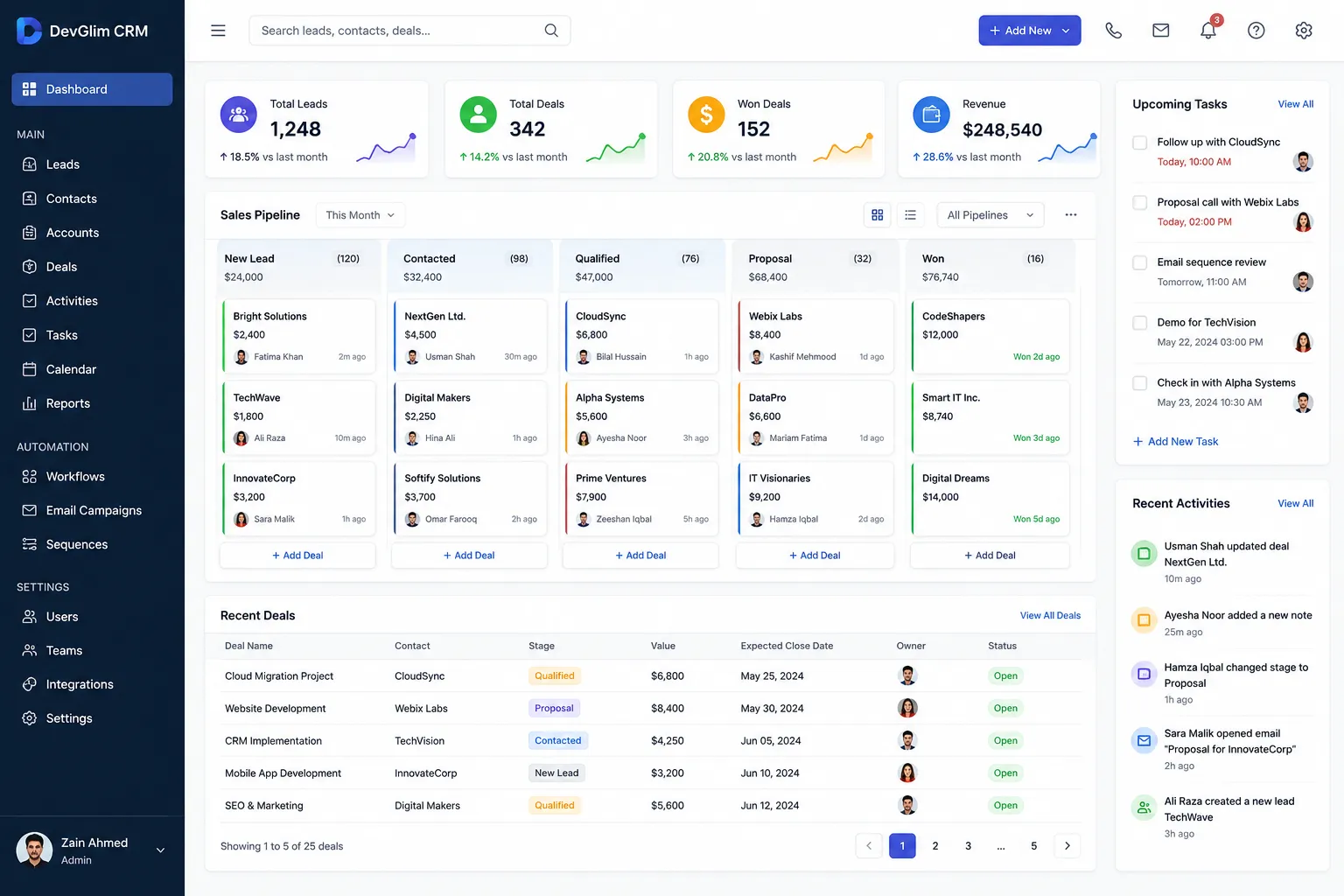
Why CRM Automation Matters Now
Sales teams have more tools than ever — email, chat, video, social, forms, ad platforms — and every one of those channels generates activity that's supposed to feed back into the CRM. Manually, that's not sustainable past a handful of reps. Data entry lags, follow-ups get missed, and pipeline reporting becomes a matter of opinion rather than fact.
Automated CRM workflows close that gap. They keep the data current in real time, they make sure no lead or task falls through simply because a person forgot, and they free reps to spend time on conversations instead of data entry. For revenue leaders, that also means pipeline reports that reflect what's actually happening rather than what was last updated a week ago.
There's also a compounding effect. Every manual step you remove is one less place where inconsistency creeps in. A rep who always logs calls the same way, always sends the same qualification questions, and always updates the same fields produces cleaner data — and clean data is what makes forecasting, attribution, and coaching possible in the first place.
Core Types of CRM Automation
CRM automation isn't one feature — it's a category that spans several distinct functions. Understanding the categories helps you evaluate CRM automation software on the criteria that actually matter for your process, rather than being sold on a feature list.
1. Lead Capture and Routing Automation
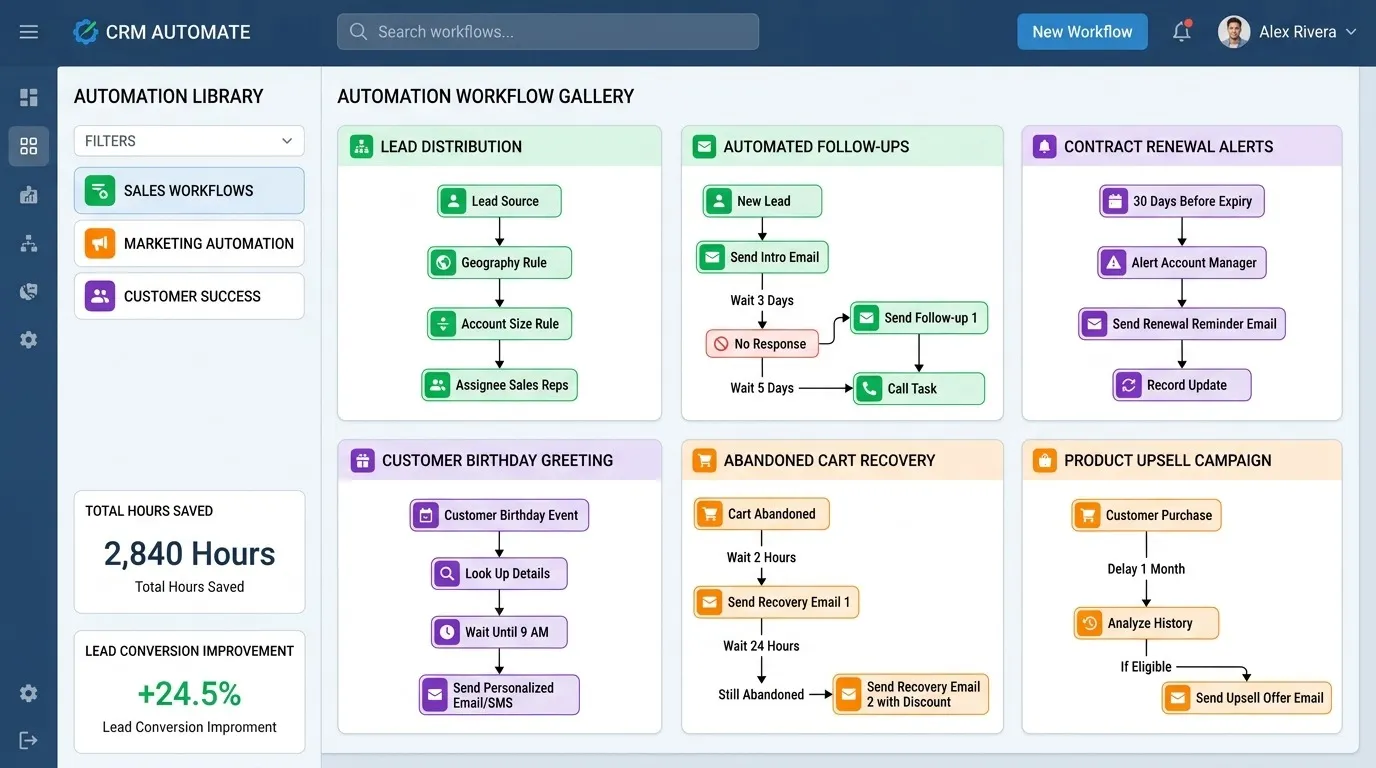
This covers everything that happens the moment a lead enters your system: form submissions, chatbot conversations, inbound calls, and list imports. Automation here assigns leads to the right rep or team based on territory, deal size, product interest, or round-robin logic, and it does so within seconds rather than whenever someone next checks their inbox.
Speed matters more here than almost anywhere else in the funnel. Response time is one of the most consistent predictors of lead conversion across B2B and B2C sales alike, and lead routing automation is the single highest-leverage place to start if you're new to CRM automation for small business or enterprise sales.
2. CRM Workflow Automation for Deal Progression
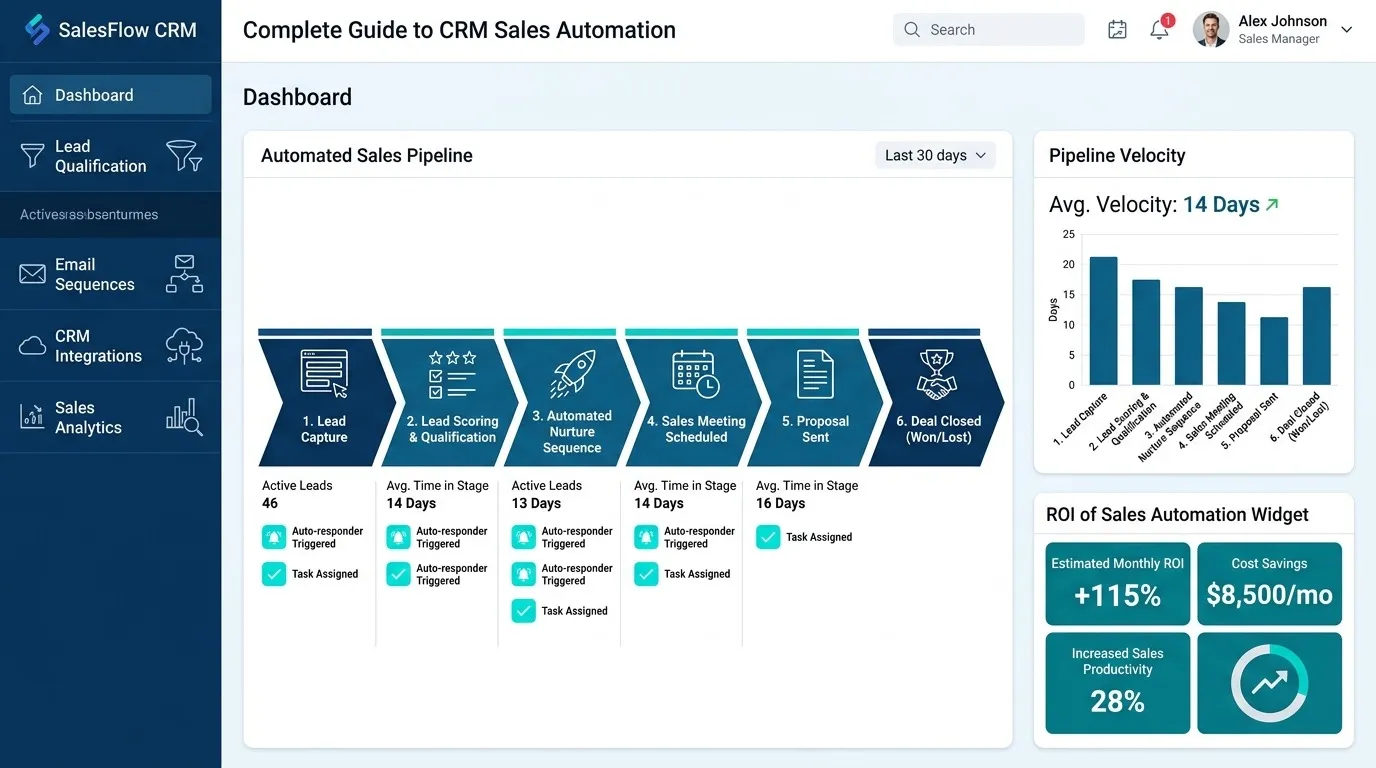
This is the backbone of sales pipeline automation. As a deal moves through stages — qualified, demo scheduled, proposal sent, negotiation, closed — automation can trigger the next action automatically: notify the rep's manager when a deal exceeds a certain size, create a task to send a contract, or flag a deal that's been stagnant in one stage for too long.
Well-designed CRM workflows also enforce process discipline without a manager having to police it manually. If a rep can't move a deal to "proposal sent" without attaching a proposal document, the automation itself becomes the quality control.
3. Sales Automation for Outreach and Follow-Up
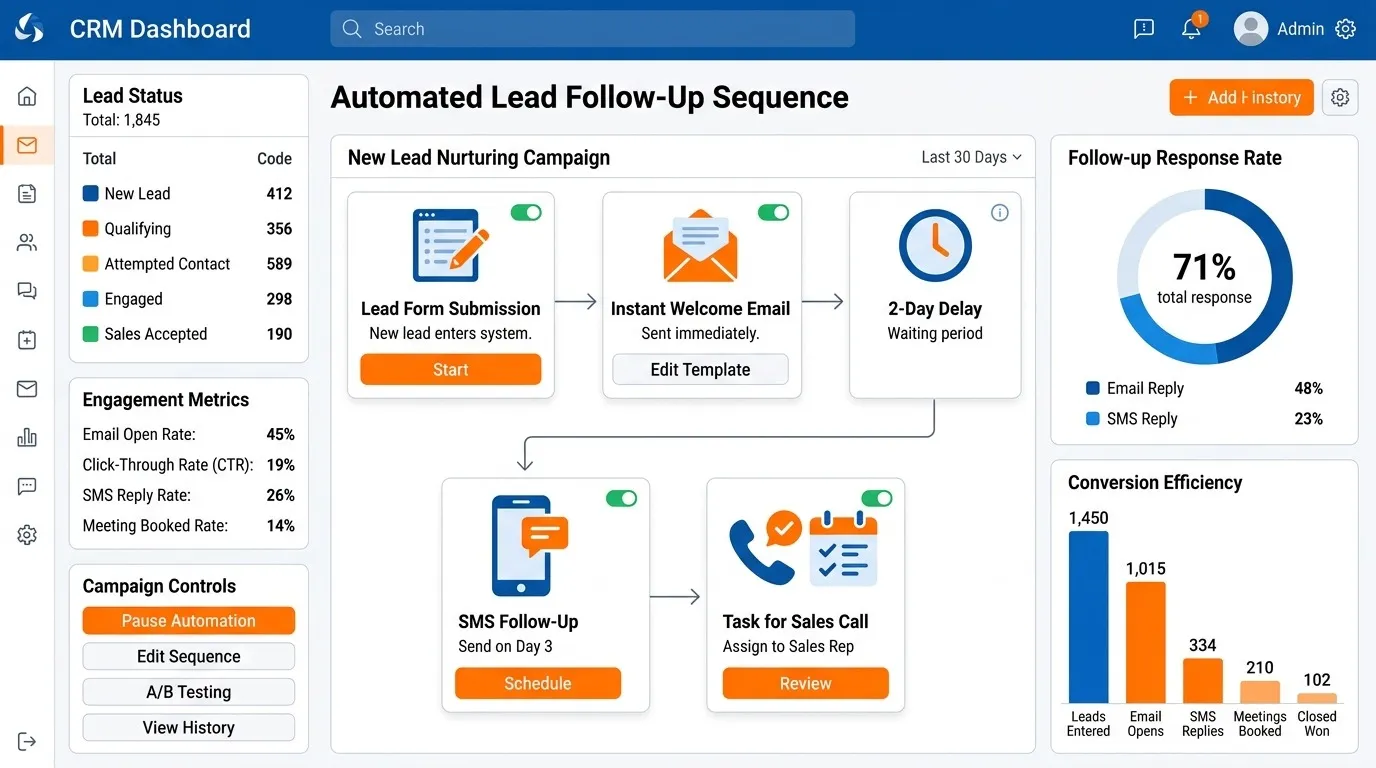
This includes automated email sequences, task reminders, and multi-touch cadences that keep leads warm between live conversations. Rather than a rep manually remembering to follow up on day one, three, and seven, the sequence runs on its own and pauses automatically the moment the prospect replies.
This is also where sales automation intersects with marketing automation — many CRM platforms let marketing-qualified leads flow directly into sales sequences without a handoff delay.
4. Data Entry and Enrichment Automation
Every call, email, and meeting generates data that used to require manual logging. Automated CRM systems now capture this activity directly — syncing calendar invites, logging call outcomes from connected phone systems, and enriching contact records with firmographic data as soon as a new lead is created.
5. Reporting and Alert Automation
Automated dashboards and threshold-based alerts remove the need for someone to manually pull pipeline reports every Monday. Instead, the system can notify a manager the moment a forecast changes materially, or flag when a rep's pipeline coverage drops below target.
Build a CRM now
Benefits of CRM Automation
The case for CRM automation usually comes down to five outcomes:
Faster lead response times. Automated routing and instant notifications mean leads get contacted while they're still actively considering a purchase, not after they've moved on to a competitor.
More consistent follow-up. Automated sequences don't forget, get busy, or deprioritize a lead because a bigger deal came in. Every lead gets the same baseline level of attention.
Cleaner pipeline data. When activity logging, stage updates, and task creation happen automatically, your reporting reflects reality instead of whatever was last updated manually.
Reduced administrative time. Reps who spend less time on data entry and manual follow-up scheduling spend more time in actual sales conversations — which is where their time returns the most value.
Better forecasting accuracy. Automated stage-change tracking and activity logging give sales leaders a much more reliable dataset to forecast from than manually updated spreadsheets or inconsistent CRM hygiene.
CRM Automation for Small Business: Is It Worth It?
Small businesses sometimes assume automation is an enterprise-scale investment, but the opposite is often true. A five-person sales team has less room to absorb a missed follow-up or a lead that sits untouched for a day — every deal matters more when there are fewer of them in the pipeline.
For small teams, the highest-value starting points are usually:
- Automated lead routing so no inbound inquiry waits for someone to notice it
- A basic follow-up sequence for leads that go quiet after an initial conversation
- Automatic task creation when a deal moves to a new stage, so nothing depends on memory
- Simple internal alerts when a high-value deal stalls
None of this requires an enterprise platform or a dedicated RevOps hire. Most CRM automation software built for small businesses includes pre-built templates for exactly these workflows, which means the setup time is measured in hours, not weeks.
How to Choose CRM Automation Software
The market for CRM automation software is crowded, and most platforms look similar on a features page. The differences that actually matter show up once you're using the tool day to day.
Trigger flexibility. Can workflows be triggered by more than just "deal stage changed"? Look for platforms that support triggers based on field updates, time delays, email engagement, and inactivity — not just the basics.
Native integrations vs. workarounds. Check whether your email provider, calendar, phone system, and marketing platform connect natively. A CRM that requires a third-party integration tool for every connection adds cost and fragility.
Visibility into automation logic. You should be able to see, in plain language, why a workflow did or didn't fire for a specific record. Platforms that hide this logic behind a black box make troubleshooting painful.
Ease of editing without a developer. Sales operations teams need to adjust workflows as the process evolves. If every change requires engineering support, automation becomes a bottleneck instead of a time-saver.
Scalability of pricing. Some platforms price automation as an add-on that scales sharply with usage. Understand what a workflow "run" or "action" costs before you build twenty of them.
Data governance controls. As automation touches more of your customer data, permissioning, audit logs, and rollback options become important — especially in regulated industries.
Step-by-Step: How to Automate Your Sales Process
Rolling out CRM automation works best as a phased process rather than a single big-bang implementation. Trying to automate everything at once usually produces workflows that conflict with each other or that nobody fully understands.
Step 1: Map Your Current Process Before Automating It
Document your sales process exactly as it happens today — every stage, every handoff, every manual step. Automating a broken process just makes the breakage happen faster. This is also the point where you'll usually spot redundant steps that don't need to be automated at all; they need to be removed.
Step 2: Identify High-Friction, High-Frequency Tasks
Look for tasks that happen often and that reps consistently delay, forget, or do inconsistently. Lead routing, follow-up scheduling, and stage-based task creation are almost always the highest-impact starting points because they're both frequent and error-prone when done manually.
Step 3: Build One Workflow at a Time
Start with a single automated workflow — commonly lead routing or a follow-up sequence — and let it run for a full sales cycle before adding the next one. This makes it much easier to identify what's working and what needs adjustment, and it keeps your team from being overwhelmed by simultaneous process changes.
Step 4: Set Clear Trigger and Exit Conditions
Every workflow needs a defined start condition and a defined stop condition. A follow-up sequence, for example, should stop automatically the moment a prospect replies — otherwise automation starts working against the relationship instead of for it. Ambiguous exit conditions are the most common cause of automation that annoys customers rather than helping close them.
Step 5: Assign Ownership of Each Workflow
Every automated workflow should have a named owner responsible for monitoring performance and adjusting it over time. Automation that nobody owns tends to go stale — running on outdated logic long after the process it was built for has changed.
Step 6: Test With a Small Segment First
Before rolling a new workflow out to your entire pipeline, run it against a subset of leads or a single territory. This surfaces edge cases — duplicate records, unusual field values, timezone issues — before they affect your whole team.
Step 7: Review Performance and Iterate
Set a recurring review cadence, typically monthly for new workflows and quarterly once they've stabilized. Track whether the automation is actually producing the outcome it was built for: faster response times, higher follow-up completion rates, cleaner data. Adjust or retire workflows that aren't earning their place.
Common CRM Automation Mistakes to Avoid
Automating a process before fixing it. If your qualification criteria are inconsistent, automating lead routing just distributes the inconsistency faster.
Building too many workflows at once. Overlapping automations can trigger conflicting actions on the same record, and troubleshooting becomes difficult when you can't isolate which workflow caused an issue.
No exit conditions on outreach sequences. Prospects who've already replied, booked a call, or asked to be removed should exit a sequence immediately. Continuing to email someone who already responded is one of the fastest ways to damage a relationship with automation.
Treating automation as "set and forget." Sales processes evolve — pricing changes, new products launch, territories get restructured. Workflows built a year ago and never revisited often quietly work against the current process.
Ignoring the data quality feeding the automation. Automation amplifies whatever data it's built on. Duplicate records, missing fields, or inconsistent naming conventions all get automated right along with everything else.
Frequently Asked Questions
What's the difference between CRM automation and marketing automation? Marketing automation typically manages top-of-funnel activity — email campaigns, lead scoring, ad retargeting — before a lead is sales-ready. CRM automation picks up from there, managing the sales process itself: routing, follow-up, deal progression, and reporting. The two increasingly overlap, and many platforms now handle both, but the distinction is about where in the funnel the automation operates.
Does CRM automation replace sales reps? No. It removes the administrative and repetitive parts of the job — logging, routing, follow-up scheduling — so reps spend more time on conversations, negotiation, and relationship-building, which are the parts of selling that automation can't replicate.
How long does it take to implement CRM automation? A single focused workflow, like lead routing, can typically be built and tested within a few days. A full automated sales process, covering routing, follow-up, deal progression, and reporting, usually takes a few weeks to a couple of months when rolled out in phases, as recommended above.
Is CRM automation expensive for small teams? Cost varies by platform, but most CRM automation software built for small business budgets is priced per user with automation included, rather than as a separate enterprise add-on. The bigger cost consideration is usually implementation time, not software price.
What should I automate first? Lead routing and follow-up sequencing are almost always the highest-return starting points. Both are high-frequency, easy to measure, and directly tied to revenue outcomes, which makes them the easiest place to prove value before expanding automation further.
Where to Go From Here
CRM automation works best as a series of small, deliberate improvements rather than a single overhaul. Start with the workflow that addresses your biggest current bottleneck — usually lead response time or follow-up consistency — measure the impact, and expand from there. The teams that get the most value from automation aren't the ones with the most workflows; they're the ones whose workflows actually match how their sales process really works.
If you're evaluating CRM automation software for the first time, start by mapping your process on paper before you look at a single platform demo. The right tool follows from the process — not the other way around.