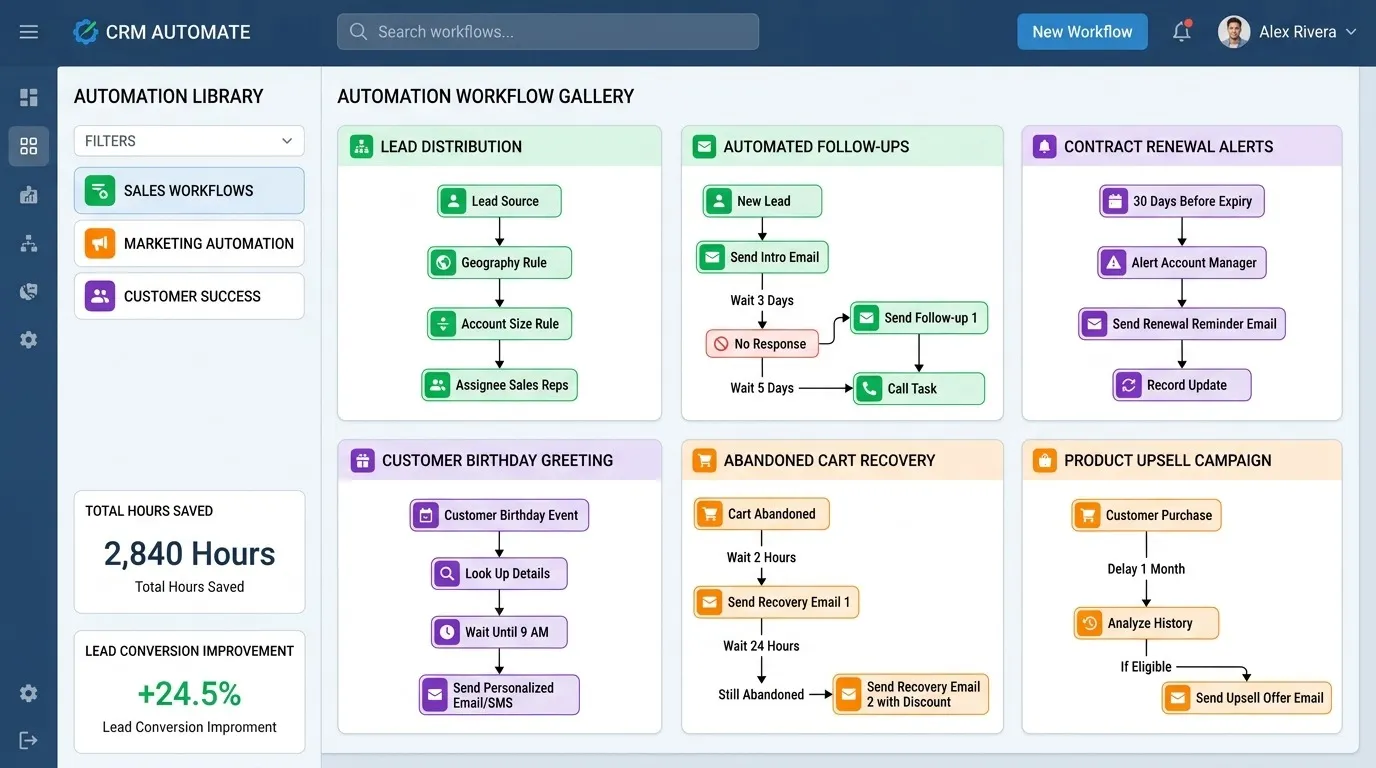
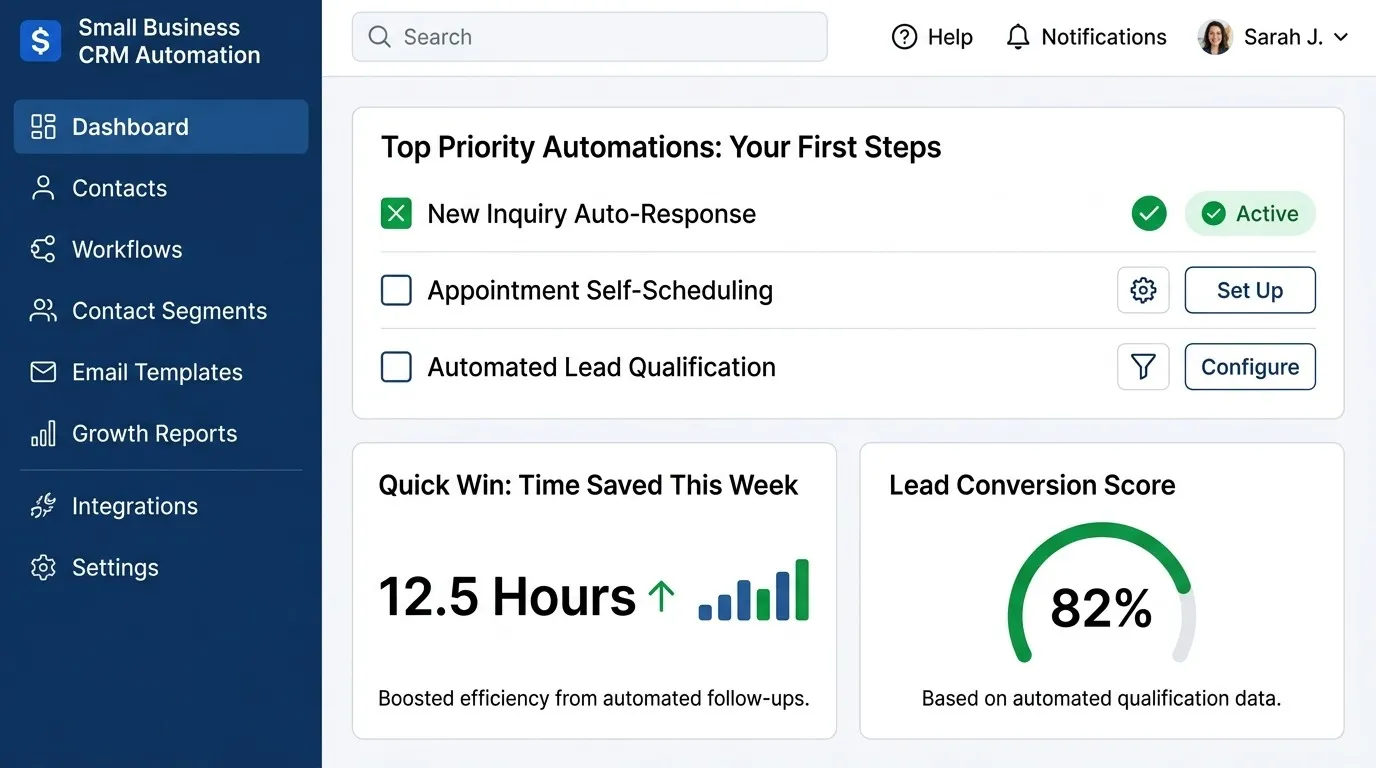
How to Automate Lead Follow-Ups With a CRM
A step-by-step guide to automating lead follow-ups — sequence structure, timing, exit conditions, and mistakes that make automation feel spammy.
DevGlim Team
August 20, 2026
Looking to build this instead of buying it? See our Custom CRM Development service →
Most leads aren't lost on the first conversation. They're lost somewhere around the third or fourth follow-up that never happened. A prospect says "send me some info" or "let me check with my team," the rep moves on to the next call, and by the time anyone thinks to circle back, the window has closed.
Follow-up automation exists to close exactly this gap — not by replacing the sales conversation, but by making sure no lead goes quiet simply because a human got busy. This article walks through how to actually build that in your CRM: sequence structure, timing, exit logic, and the specific mistakes that turn automated follow-up from a safety net into something that annoys prospects instead. For the broader category this fits into, see our CRM automation guide; for how this ranks against other workflows worth building, see 10 CRM workflows every business should automate.
Why Follow-Up Is the Easiest Thing to Automate — and the Easiest to Get Wrong
Follow-up automation is popular because it's genuinely one of the highest-return workflows available. It's also one of the easiest to implement badly, because it's tempting to treat it as "set it and forget it" — build one sequence, turn it on, and assume it's working.
The difference between follow-up automation that closes deals and follow-up automation that gets someone to unsubscribe usually comes down to three things: timing, relevance, and knowing when to stop. Get those right and the sequence does what a diligent rep would do anyway, just without depending on memory. Get them wrong and it reads exactly like what it is — a robot that didn't notice the conversation already ended.
Step 1: Decide What Triggers the Sequence
Before building anything, define precisely what should cause a lead to enter a follow-up sequence. The most common triggers are:
- No response after initial outreach — a lead was contacted once and went quiet for a set number of days.
- Post-demo silence — a prospect had a call or demo and didn't respond to the proposed next step.
- Stalled mid-pipeline — a deal has sat in the same stage without activity for longer than expected.
- Re-engagement after a long gap — a lead went cold months ago and is being given one more attempt before being archived.
Each of these calls for a different sequence, not the same generic one. A lead who ghosted after a great demo needs a different message than a lead who never responded to a first cold outreach. Trying to run one sequence for every scenario is one of the most common reasons follow-up automation underperforms — the messaging doesn't match the context the prospect is actually in.
Step 2: Set the Right Number of Touches and Spacing
There's no universal right number of follow-ups, but a few principles hold across most sales processes:
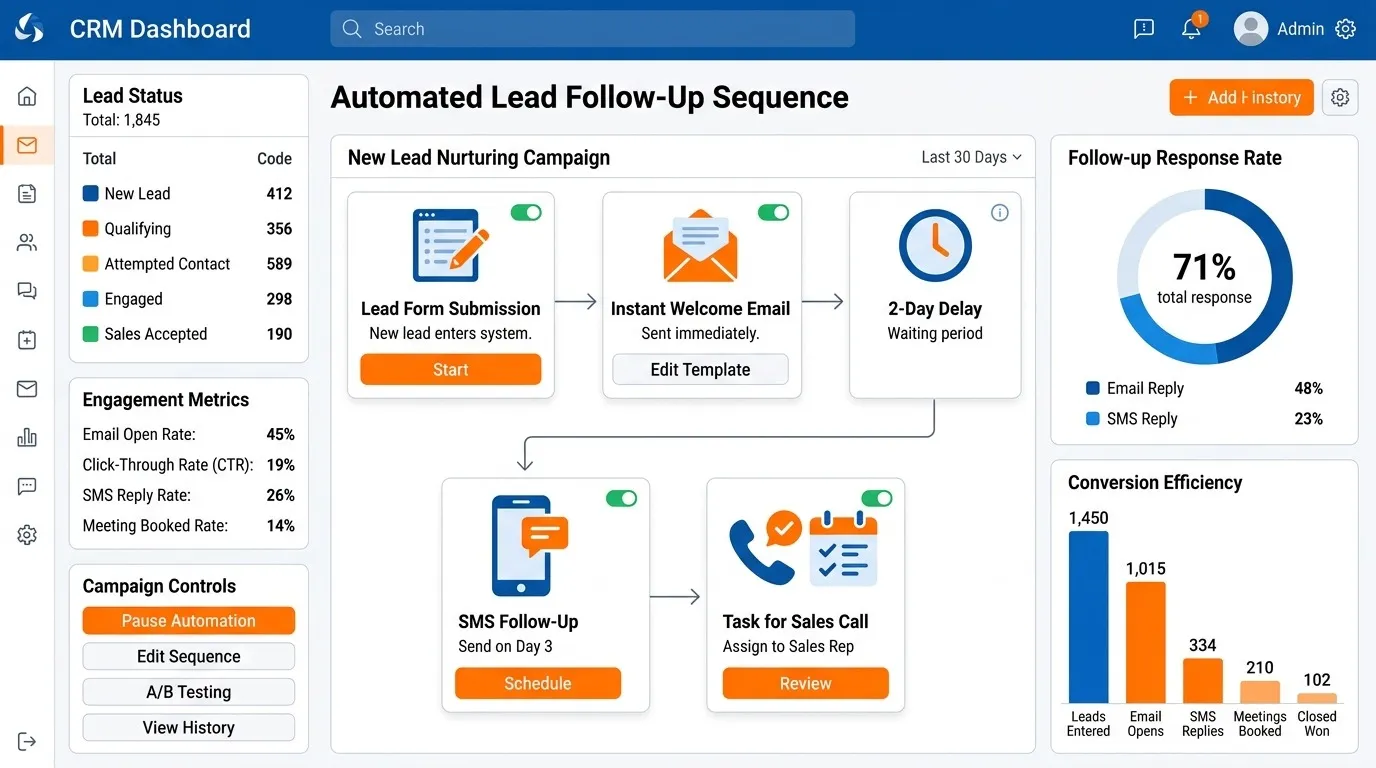
Front-load the spacing, then widen it. A common structure is touch one on day one, touch two on day three, touch three on day seven, and a final touch around day fourteen. Spacing follow-ups closer together early on catches people while the original conversation is still fresh; widening the gap later respects that someone who hasn't responded in two weeks probably needs more space, not more frequency.
Three to five touches is usually enough. Beyond that, response rates drop off sharply and the risk of feeling like spam increases. If a lead hasn't responded after five genuinely different, well-spaced messages, that's information — pushing harder rarely changes the outcome.
Match cadence to deal size and cycle length. A high-touch enterprise sale can sustain a longer, more spread-out sequence than a transactional small business sale, where a shorter, tighter follow-up window usually fits the buyer's decision timeline better.
Step 3: Write Follow-Ups That Don't Read Like a Sequence
The biggest tell that an email is part of an automated sequence isn't that it's automated — prospects generally don't mind that, as long as it's useful. The tell is that it doesn't add anything new. "Just following up" with no new information is the single most common (and least effective) follow-up email in existence.
Each message in the sequence should do one of the following:
- Add a new piece of information — a relevant case study, a specific answer to something they asked, a resource tied to what they said mattered to them.
- Ask a genuinely different question than the last message did, rather than repeating "just checking in."
- Lower the commitment being asked for — if message one asked for a call, message three might just ask a single yes/no question that's easier to answer.
- Acknowledge the silence directly and give them an easy out, which paradoxically often gets more replies than another polished pitch.
Automated doesn't have to mean generic. The sequence should be written once, carefully, by someone who understands the actual objections and questions that come up at this stage — not filled with placeholder enthusiasm that could apply to any product.
Step 4: Build In Exit Conditions Before You Turn It On
This is the step most commonly skipped, and it's the one that causes the most damage when it's missing. A follow-up sequence needs to stop automatically the moment any of the following happens:
- The lead replies, regardless of what they say
- The lead books a meeting or takes the desired next action
- The lead unsubscribes or explicitly asks not to be contacted
- The deal is marked closed, whether won or lost
- The lead is manually removed by a rep who's handling it directly
Missing exit conditions is the single most common cause of follow-up automation making a bad impression. A prospect who already replied and then keeps getting the next email in the sequence anyway reasonably concludes that nobody's actually paying attention — which undermines the exact thing the automation was supposed to demonstrate.
Test this specifically before rolling a sequence out broadly: reply to a test lead partway through the sequence and confirm it actually stops. This is a common enough failure point that it's worth verifying directly rather than assuming the configuration works as intended.
Step 5: Personalize Beyond the First Name
Basic mail-merge personalization — inserting a first name or company name — is table stakes and not enough on its own to make a sequence feel individual. More effective personalization usually comes from segmentation rather than per-email customization:
- Different sequences for different lead sources, since someone who requested a demo has different context than someone who downloaded a guide
- Different messaging based on the specific product or use case a lead expressed interest in
- Different tone and cadence for enterprise vs. small business leads, matching how each typically prefers to be sold to
This kind of segmentation is realistic to maintain — a handful of sequence variants — in a way that fully custom messaging for every lead isn't.
Step 6: Route Replies Back to a Real Person Immediately
Automated follow-up should end the moment a human enters the conversation. When a lead replies, that reply needs to route directly to the assigned rep with high visibility — not sit in a shared inbox where it might not be seen for a day.
This is where follow-up automation connects to lead routing: a reply to an automated sequence is functionally a hot inbound lead, and it deserves the same urgency as a brand-new one. Treating it with any less urgency defeats much of the purpose of running the sequence in the first place.
Common Mistakes That Make Automated Follow-Up Feel Spammy
Sending the same sequence regardless of context. A lead who just had a great demo and a lead who's never spoken to anyone at your company are in completely different situations, and a single generic sequence can't serve both well.
No variation between messages. If every email says some version of "just checking in," the sequence isn't adding value — it's just increasing the number of times someone is asked the same question.
Ignoring engagement signals. If a lead opens every email but never replies, that's different from a lead who hasn't opened any of them. Some CRM automation software can branch the sequence based on engagement — worth using if available, rather than treating every non-response the same way.
Continuing after a clear no. If a lead explicitly says they're not interested, the sequence should end immediately, not continue on its pre-set schedule out of inertia.
Never reviewing performance. Reply rates, meeting-booked rates, and unsubscribe rates should be checked periodically. A sequence with a rising unsubscribe rate is telling you something specific, and it's worth listening to before it affects your sender reputation more broadly.
Build your CRM now
How to Measure Whether It's Working
Three metrics matter more than the rest:
Reply rate. The most direct signal of whether the messaging itself is landing. A consistently low reply rate usually points to a messaging problem rather than a timing problem.
Meeting-booked or next-step rate. Replies are good, but the sequence's actual job is to move the deal forward, not just generate a response.
Unsubscribe or complaint rate. A rising trend here is an early warning sign worth acting on quickly, both because it signals the sequence isn't landing well and because it can affect deliverability for every other email you send.
Review these numbers monthly for a new sequence and adjust the messaging or cadence based on what you find — a sequence that performed well when it launched can quietly degrade over time if the messaging stops matching how prospects are actually responding.
Getting Started
If you don't have any follow-up automation in place yet, start with a single sequence targeting the most common gap: leads who go quiet after an initial conversation. Get that one working well — measured, adjusted, genuinely converting more leads than doing nothing — before building out sequences for the other scenarios covered in Step 1. This mirrors the broader approach worth taking with automation generally, covered in more depth in our guide to CRM automation for small business, even if you're not a small team: build one thing well, confirm it works, then expand.
For the full picture of how follow-up automation fits alongside routing, task creation, and the other workflows worth building, see the complete CRM automation guide.