CRM Automation for Small Business: What Should You Automate First?
A practical starting order for small business CRM automation — what to automate first, what to skip, and how to avoid overbuilding too early.
DevGlim Team
August 20, 2026
Looking to build this instead of buying it? See our Custom CRM Development service →
Small business owners tend to hear "CRM automation" and picture something built for a 200-person sales org — complex workflow builders, dedicated RevOps headcount, a six-month rollout. That's the wrong mental model. Automation matters more for small teams, not less, because there's no buffer. A five-person sales team can't absorb a missed follow-up the way a fifty-person team can quietly cover for one rep's dropped ball.
The real question for a small business isn't whether to automate. It's what to automate first, with limited time and no dedicated ops person to build it. This article covers exactly that: a practical starting order, based on what actually moves the needle at small-team scale, and what to deliberately leave manual until you're bigger. For the broader concept and terminology, see our complete guide to CRM automation.
Why Small Businesses Should Automate Differently Than Enterprises
Enterprise CRM automation usually gets built around scale problems: routing thousands of leads across dozens of territories, coordinating handoffs between large specialized teams, producing reports for stakeholders who never talk to a customer directly. None of that is what a small business is dealing with.
A small business's problems are usually about coverage, not volume. There's no one dedicated to instantly replying to inbound leads, no one whose full-time job is chasing deals that have gone quiet, and no one who has time to build ten interlocking workflows before any of them prove their worth. The right approach is a small number of simple workflows that cover the biggest gaps — not a scaled-down version of an enterprise automation stack.
That also changes how you should evaluate CRM automation software. Enterprise platforms are often priced and built around complexity you don't need yet. Look for tools with pre-built templates for the specific workflows below, rather than a blank workflow builder that assumes you already know what you're doing.
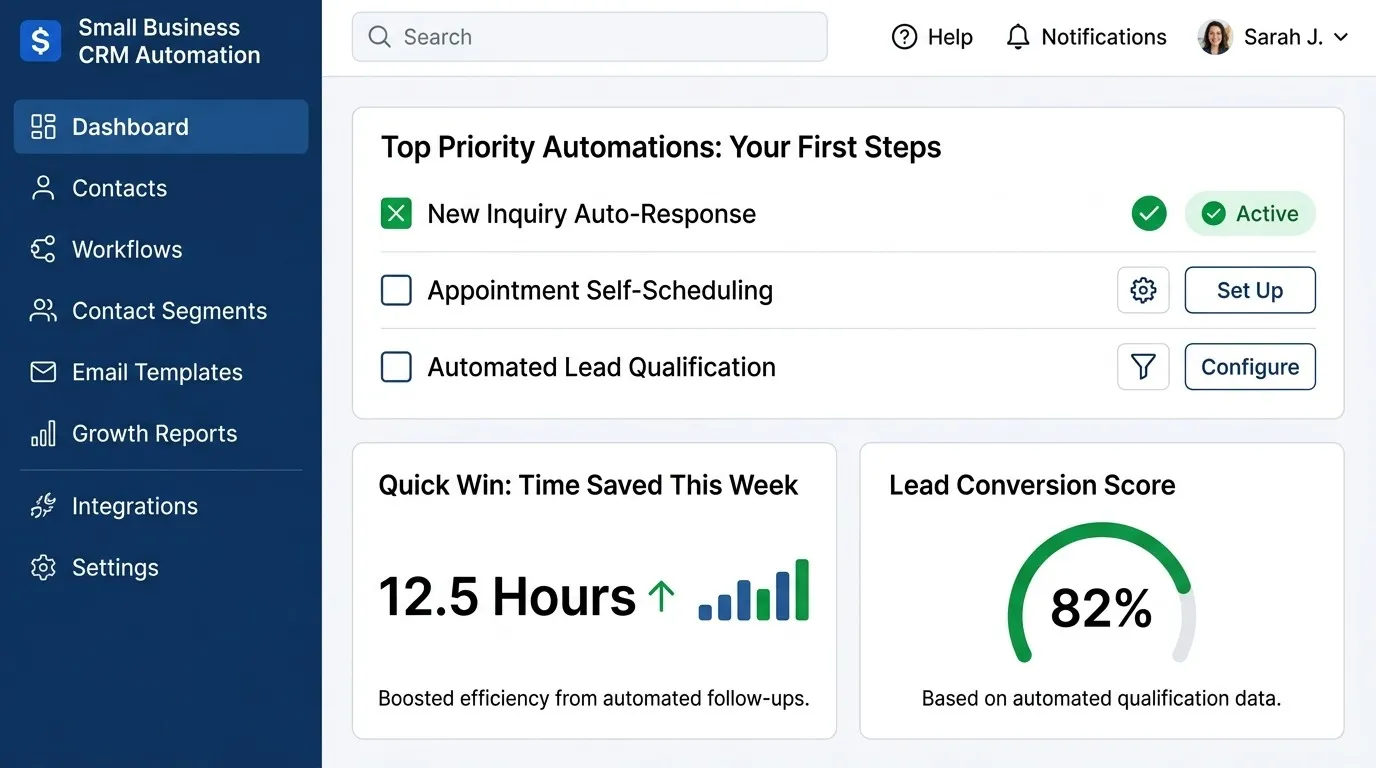
What to Automate First: A Priority Order
1. Instant Lead Notification and Routing
If you take one thing from this article, make it this: automate lead routing before anything else. When a small business has one or two people handling inbound inquiries, the CRM should notify them the second a lead comes in — not leave it sitting in an inbox until someone checks it between other tasks.
Even in a two-person sales operation, routing logic matters. Set simple rules: leads under a certain deal size go to one person, larger opportunities to another, or split by product line if that's a more natural division. The goal isn't sophistication — it's making sure no lead waits longer than a few minutes for a first response.
This is the single highest-leverage workflow for a small business, for the same reason it's the highest-leverage workflow at any company: response time is one of the strongest predictors of whether a lead converts, and it's entirely within your control.
2. A Basic Follow-Up Sequence for Leads That Go Quiet
The second most common failure point for small sales teams isn't the first contact — it's the second, third, and fourth. A rep talks to a promising lead, the lead says "let me think about it," and then life happens. Three other things come up that week, and the lead never gets followed up with.
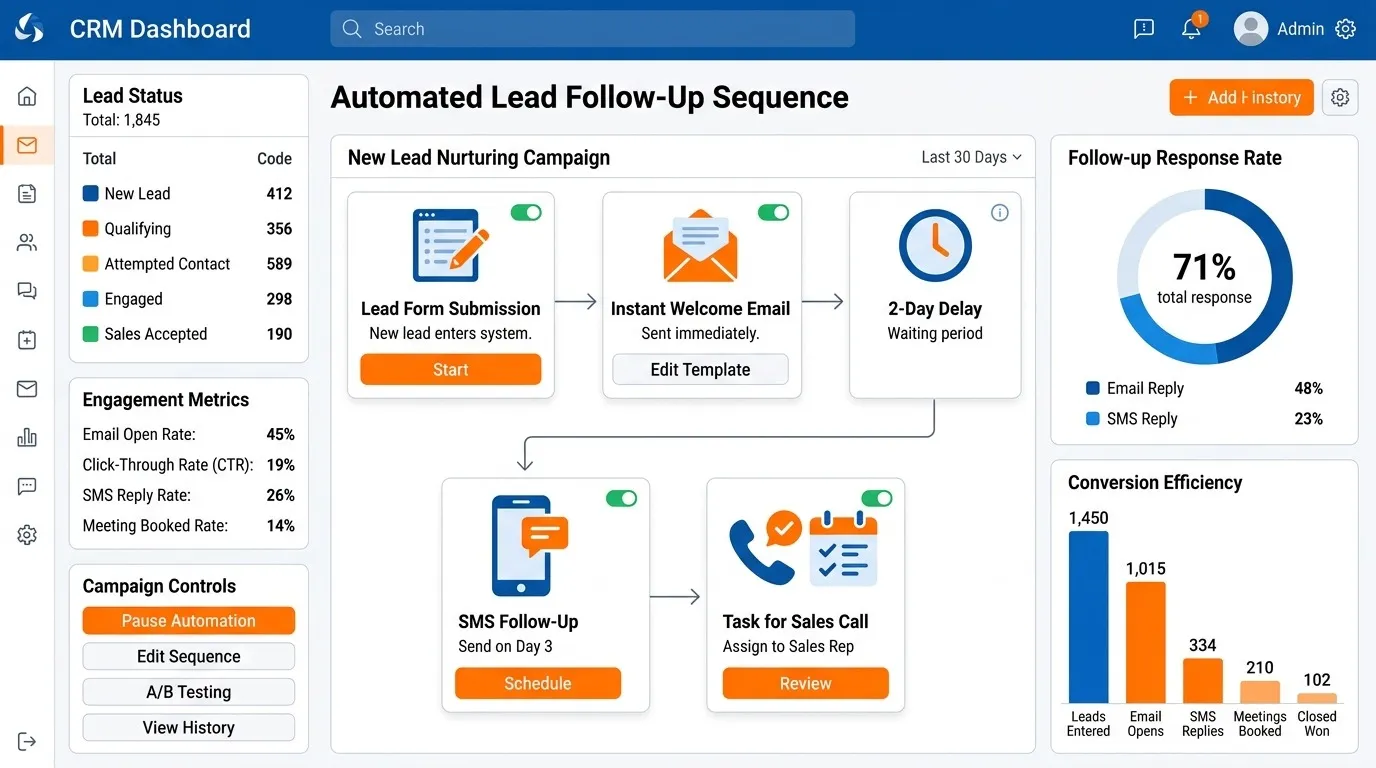
A simple automated sequence — three to five emails spaced over two weeks, stopped automatically the moment the lead replies — closes this gap without requiring anyone to remember. This doesn't need to be sophisticated. A short, direct sequence that sounds like it was written by a person, not a marketing department, will outperform a longer, more polished one for small business sales anyway.
3. Task Creation Tied to Deal Stages
Once leads are being routed and followed up with consistently, the next gap is usually mid-pipeline: deals that move to "proposal sent" and then just sit there because sending the actual follow-up depended on someone remembering to do it.
Set up automation so that moving a deal to a given stage creates the next task automatically — send the contract, schedule the onboarding call, follow up in three days. For a small team, one task per stage is enough. This is less about sophistication and more about making sure nothing depends purely on memory.
4. A Single Alert for Deals Going Stale
Small pipelines don't need elaborate reporting dashboards, but they do need one simple safeguard: an alert when a deal has sat in the same stage for too long. For most small businesses, this can be a single rule — flag anything untouched for more than two weeks — rather than a tiered system with different thresholds per stage.
This workflow exists to catch what individual attention sometimes misses. Even a diligent one-person sales operation can lose track of a deal that quietly stalled three weeks ago while newer leads took priority.
5. Automatic Logging of Calls and Emails
This one doesn't drive revenue directly, but it makes everything above it more reliable. If call outcomes and email activity have to be manually logged, they often just won't be — not out of negligence, but because a small team is moving fast and data entry is the first thing to get skipped.
Most CRM automation software built for small business now connects directly to email and phone systems and logs this activity automatically. It's worth setting up early, even though it's less visible than the workflows above, because clean data is what makes every other automated workflow trustworthy.
Build your CRM Now
What to Deliberately Leave Manual for Now
Not everything needs to be automated on day one, and small teams especially benefit from resisting the urge to build everything at once.
Lead scoring models. Sophisticated scoring requires enough historical data to know what actually predicts a good customer. With a small lead volume, that data usually doesn't exist yet — a rep's judgment will outperform an underbuilt scoring model.
Complex multi-branch workflows. Workflows with many conditional branches are harder to troubleshoot and more likely to behave unexpectedly. A small team without dedicated ops support should favor simple, linear workflows over elaborate decision trees.
Customer success handoff automation. If the same one or two people handle both sales and onboarding, automating the handoff between them doesn't solve a real problem yet. This becomes worth building once sales and success are handled by different people.
Renewal and upsell automation. Useful once you have a meaningful base of existing customers on a renewal cycle, but not a priority when you're still primarily focused on new customer acquisition.
The common thread: automate the workflows that fix a problem you actually have right now, not the ones that anticipate a problem you'll have once you're bigger. You can always add more later — a broader set of workflow ideas, once you're ready to expand past the basics, is covered in 10 CRM workflows every business should automate.
A Realistic Timeline for a Small Team
Because small businesses rarely have a dedicated person to build automation full-time, it helps to set expectations for how long this actually takes:
- Week 1: Set up lead routing and notifications. This is usually the fastest workflow to configure and the one with the most immediate, visible impact.
- Week 2: Build the follow-up sequence for quiet leads, using existing email templates rather than writing new copy from scratch.
- Week 3–4: Add stage-based task creation and the stale deal alert, testing both against real deals as they move through the pipeline.
- Ongoing: Turn on automatic activity logging as soon as your CRM and email/phone systems are connected — this is typically a one-time setup rather than something that needs active building.
This is deliberately conservative. Most small business CRM platforms include templates for all four of these workflows, which means the actual build time is often much shorter — the timeline above accounts for testing and adjustment, not just initial setup.
Common Mistakes Small Businesses Make With CRM Automation
Buying an enterprise platform for a five-person team. Enterprise tools often carry complexity and cost that doesn't match small-team needs. Look specifically for platforms marketed toward small business, which tend to prioritize fast setup and pre-built templates over open-ended flexibility.
Automating before the process is defined. If your sales process changes call to call, automating it just locks in the inconsistency. Spend a week using a simple, consistent process manually before automating it.
Building everything at once. A small team without dedicated ops support should build one workflow, let it run through a few real deals, and confirm it's working before adding the next one.
No one owns the automation after it's built. Even a simple workflow needs someone checking on it periodically. Assign ownership, even if that means it's the business owner checking in once a month.
Next Steps
For a small business, the return on CRM automation comes almost entirely from the first two or three workflows — lead routing and follow-up consistency do most of the heavy lifting. Everything past that is worth adding as you grow, but it isn't where the early value comes from, and trying to build it all at once usually just delays the workflows that would have helped immediately. Start with routing this week, add follow-up next, and expand from there once both are proven to work with real deals.
For the full framework — including how to choose CRM automation software and a step-by-step rollout process that applies at any company size — see the complete CRM automation guide.