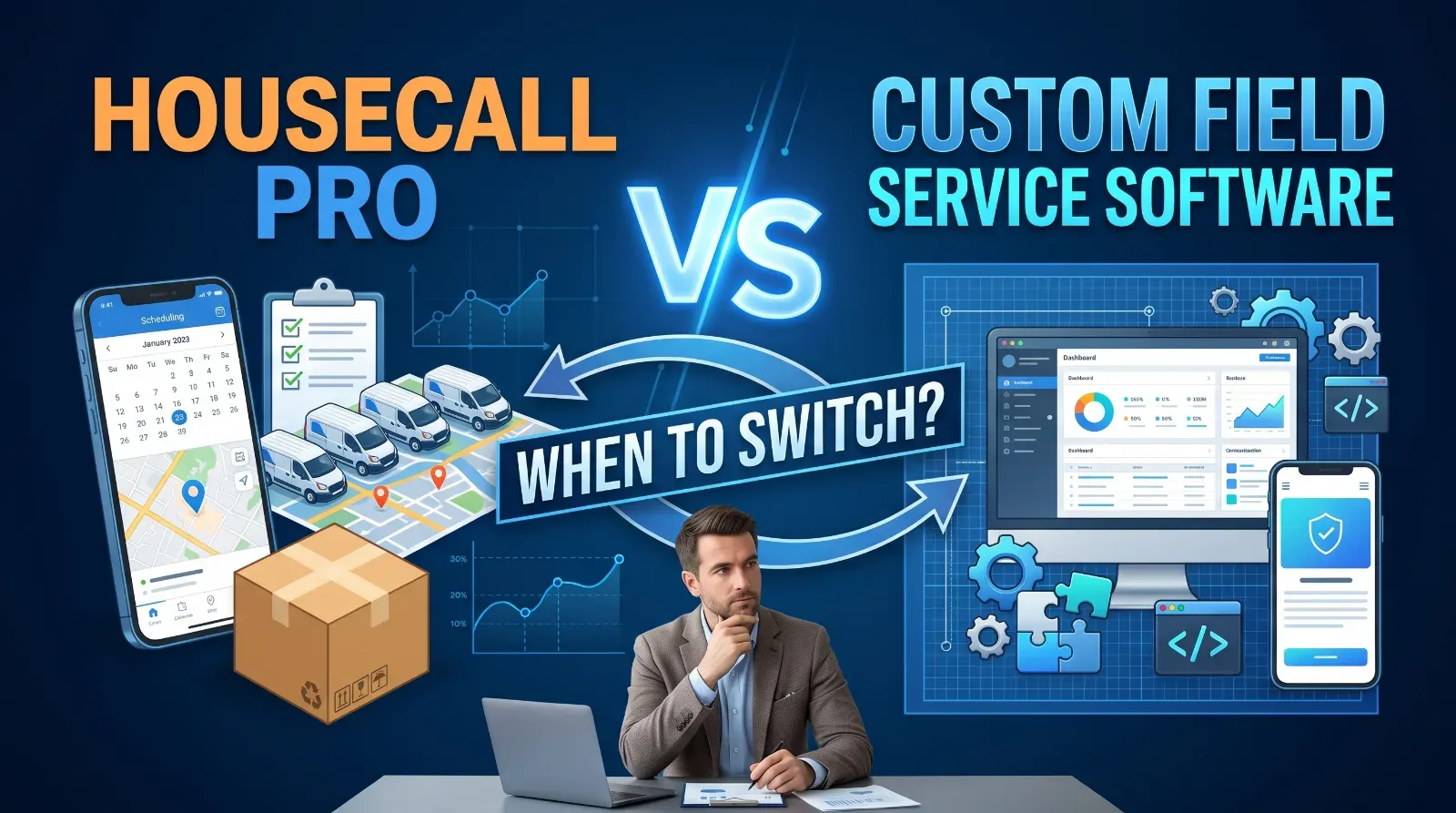
Housecall Pro vs Custom Field Service Software: When to Switch
Off-the-shelf field service tools suit many crews. Here is how to tell when a custom system would serve you better.
DevGlim Team
November 27, 2026
Looking to build this instead of buying it? See our Field Service Software for HVAC, Plumbing, Cleaning & Trades service →
Tools like Housecall Pro help small service businesses schedule jobs, send invoices and take payments. For many crews, that is exactly what they need. But as a business grows, some owners find themselves working around the tool instead of with it. This guide helps you judge whether that is happening to you.
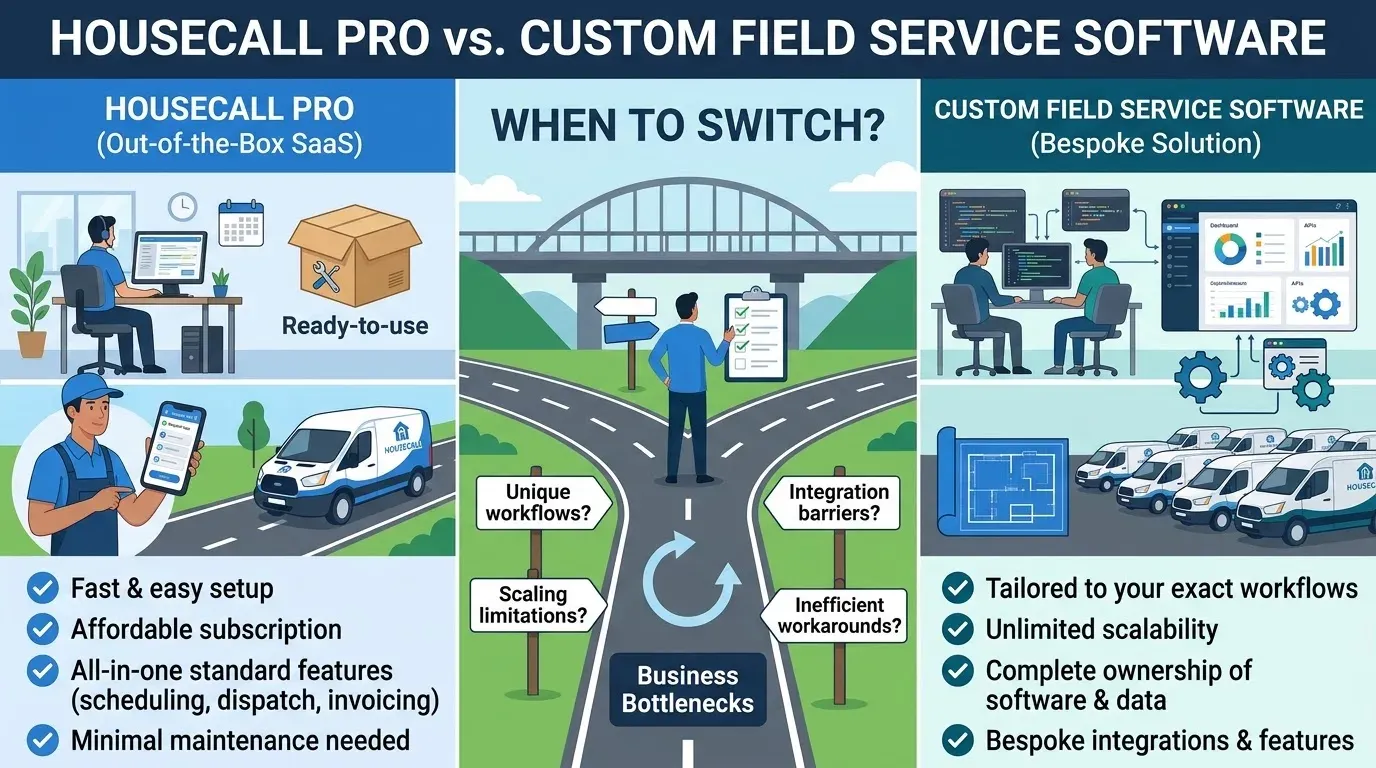
What off-the-shelf field service tools do well
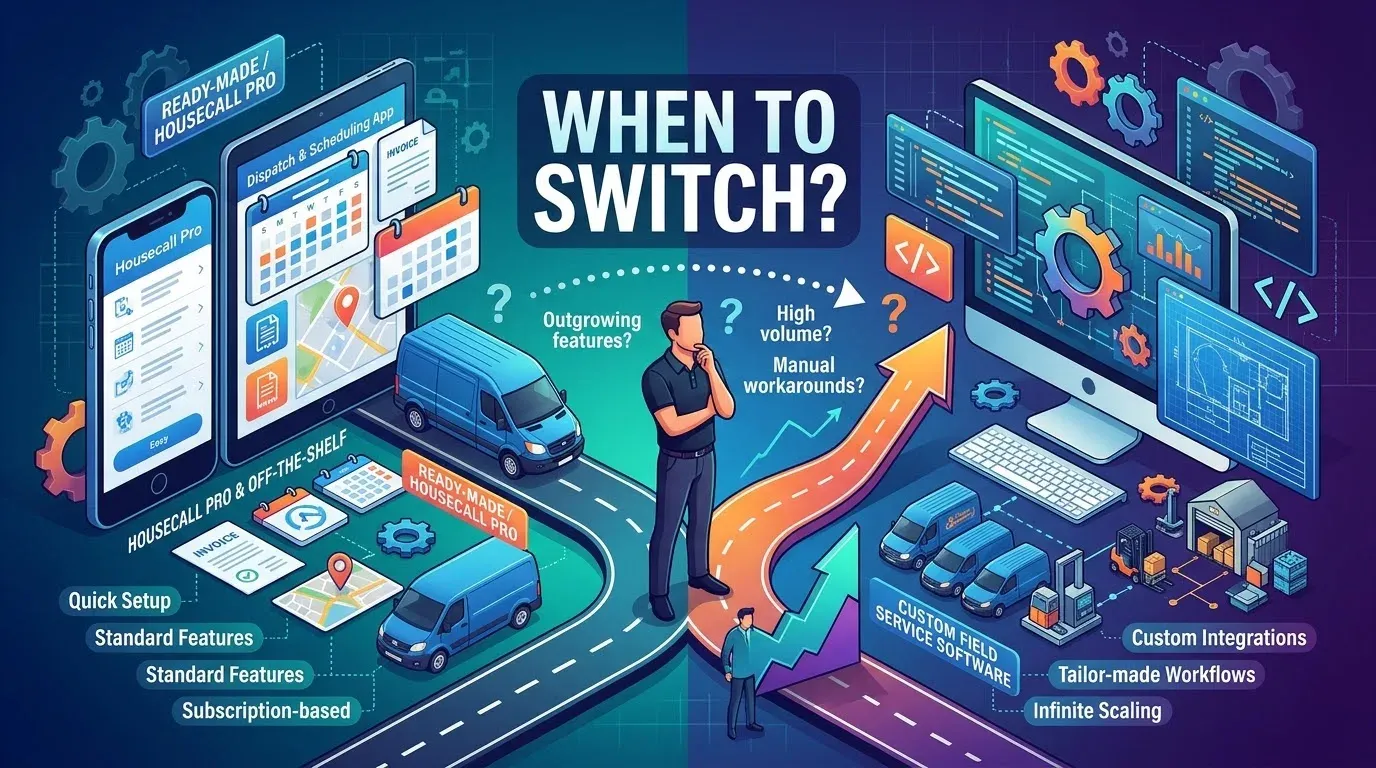
- Quick setup and a familiar interface.
- Scheduling, dispatch, quotes, invoices and payments in one place.
- A mobile app for technicians.
- Regular updates and vendor support.
- A predictable monthly fee that suits small teams.
If your workflow is standard, these strengths are hard to beat.
Signs you may be outgrowing it
- You export data to spreadsheets to get reports the tool cannot produce.
- Your pricing, approvals or job types do not fit the tool's structure.
- Costs rise with every new technician or feature add-on.
- You need integrations the platform does not support or limits.
- Technicians skip steps because the app does not match real jobs.
- You want a customer portal or workflow that is unique to your business.
What custom field service software offers
A custom system is built around your jobs, not the other way around. Typical advantages include:
- Workflows that match your process, such as multi-visit projects, inspections or approvals.
- A tailored technician app, with offline use, photos, forms and signatures. See What a Technician Mobile App Needs.
- Deep integrations with accounting, inventory and customer systems.
- Ownership, so you control features, data and roadmap.
- Cost that scales differently, since you are not paying per user forever.
The trade-offs
Custom software costs more upfront and needs maintenance. It also takes time to design and build, so it is not a quick fix. For many businesses, the right move is to stay on the packaged tool until the limits are clearly costing more than a build would.
How to decide
- List the workarounds your team uses today.
- Estimate what they cost in hours and errors each month.
- Compare the total cost over three to five years, including subscriptions, add-ons and growth.
- Consider a hybrid: keep the current tool for core tasks and add custom pieces where it falls short.
Our comparison in Jobber vs ServiceTitan vs Custom Field Service Software and the cost breakdown in Field Service Software Cost go deeper. If you are specifically considering a move away from another tool, read Jobber Alternatives: Signs You've Outgrown It. Trades with heavy scheduling needs may also like Custom HVAC and Plumbing Dispatch Software.
Conclusion
Switching is not about the brand of tool. It is about whether your workflow still fits it. If your team is spending more time working around the software than using it, it may be time to explore a tailored system, one step at a time.