Field Service Software Cost: Off-the-Shelf Subscription vs Custom Build
A monthly fee looks small until you multiply it. Here is how to compare subscription and custom field service software over three to five years.
DevGlim Team
November 17, 2026 · Updated November 19, 2026
Looking to build this instead of buying it? See our Field Service Software for HVAC, Plumbing, Cleaning & Trades service →
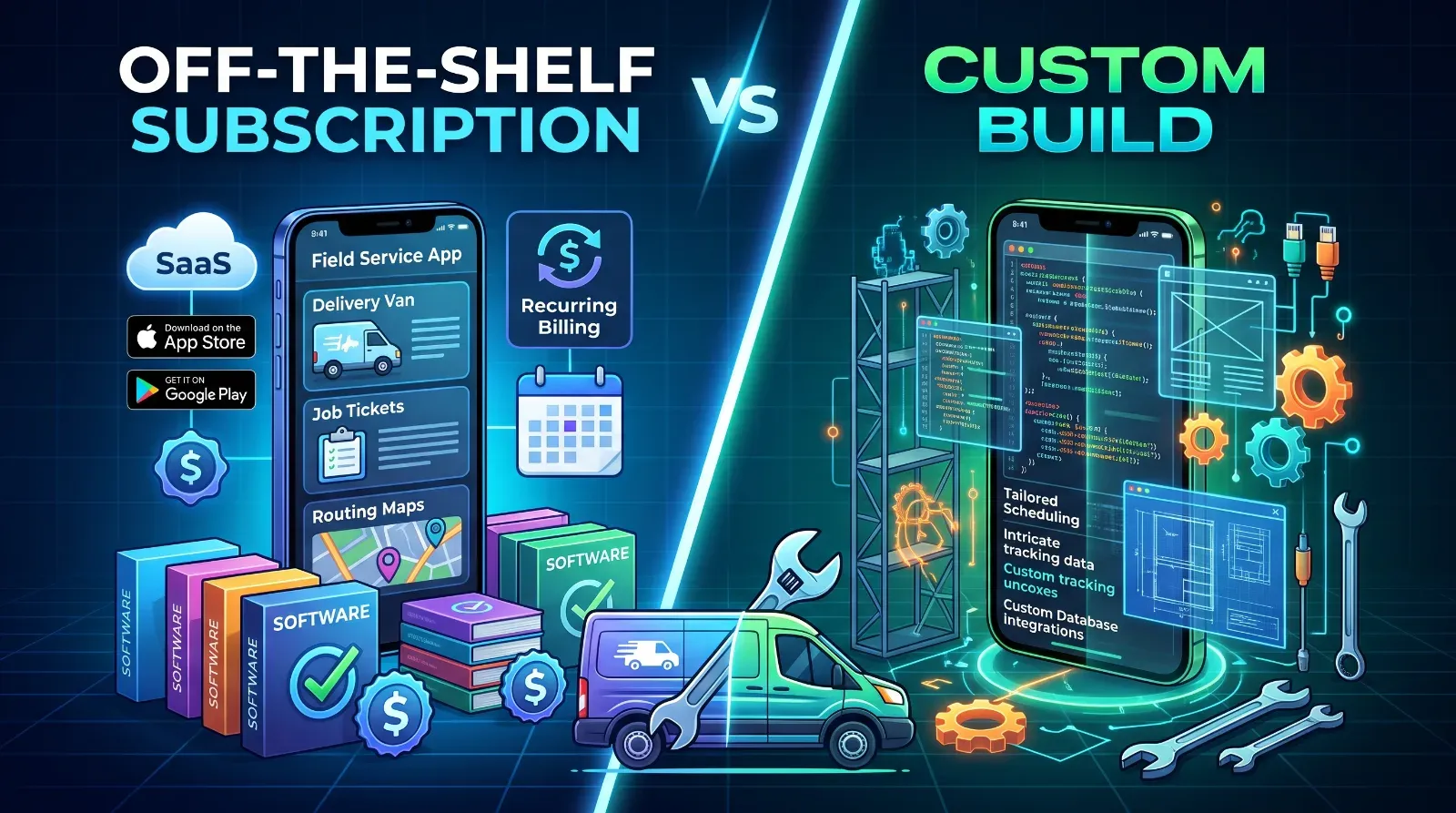
Most field service companies start with a subscription tool such as Jobber or ServiceTitan. Many are happy with it for years. Others reach a point where the monthly bill, the workarounds, or missing features make them ask whether a custom system would cost less.
The honest answer depends on your size and how standard your work is. Here is how to compare the two fairly.
How subscription pricing usually works
Subscription tools usually charge per user, per month, and often by plan tier. Costs can also grow through:
- Extra users as you hire technicians
- Add-ons such as payments, marketing, or advanced reporting
- Onboarding or implementation fees on larger platforms
- Price changes at renewal
Because plans and prices change, check each vendor's current pricing page and ask for a written quote for your team size before you compare. How custom software pricing works
Custom software has a different shape: a larger upfront cost to design and build, then lower ongoing costs. You pay for:
- Discovery and design: mapping how your jobs, quotes, schedules and invoices actually flow
- Development: the features you need, such as scheduling, a technician mobile app, invoicing and customer notifications
- Integrations: accounting software, payment providers, maps, messaging
- Hosting and maintenance: servers, updates, security, and support, usually a smaller recurring cost
The biggest cost driver is scope. A focused first version with scheduling, job tracking and invoicing is a very different project from a full platform.
The comparison that matters: total cost over three to five years
A monthly fee looks small until you multiply it. To compare fairly, build a simple table for a three to five year period:
- Subscription: monthly cost per user times the number of users you expect, plus add-ons, plus the cost of workarounds such as spreadsheets and manual steps.
- Custom: build cost, plus yearly hosting and maintenance, plus the cost of changes you request later.
Include growth. If you plan to double your technicians, the subscription cost grows with you, while a custom system's running cost usually grows much more slowly.
Costs people forget
- Workarounds: staff time spent fixing what the tool cannot do
- Lost data portability: how hard it is to export your history if you leave
- Training and switching: moving later costs more the longer you wait
Maintenance for custom: a custom app needs ongoing care, so budget for it When subscription software wins
If you have a small team, standard jobs and no unusual requirements, a subscription tool is usually the faster and cheaper choice. You get a working system quickly, and the vendor maintains it.
When custom starts to make sense
Custom is worth pricing when you have specialised workflows, need integrations the platform does not support, want to own your data and roadmap, or expect to pay for many users over many years.
Next step
Count your users today and in three years, list the workarounds your team uses, and get one written subscription quote plus one scoped custom estimate. Comparing those two numbers over five years is the clearest way to decide.