Custom Patient Portal Development: Features, Compliance and Cost
A patient portal handles sensitive data, so planning matters. Here are the features, compliance questions and cost drivers to know.
DevGlim Team
November 19, 2026
Looking to build this instead of buying it? See our Industry Management Systems service →
A patient portal gives patients secure online access to appointments, messages and information. Because it handles sensitive health data, planning matters. This is general information, not legal advice, so confirm your requirements with a compliance specialist.
What a patient portal does
It lets patients do routine tasks without calling the clinic, and lets staff reply faster with fewer phone calls and less paperwork.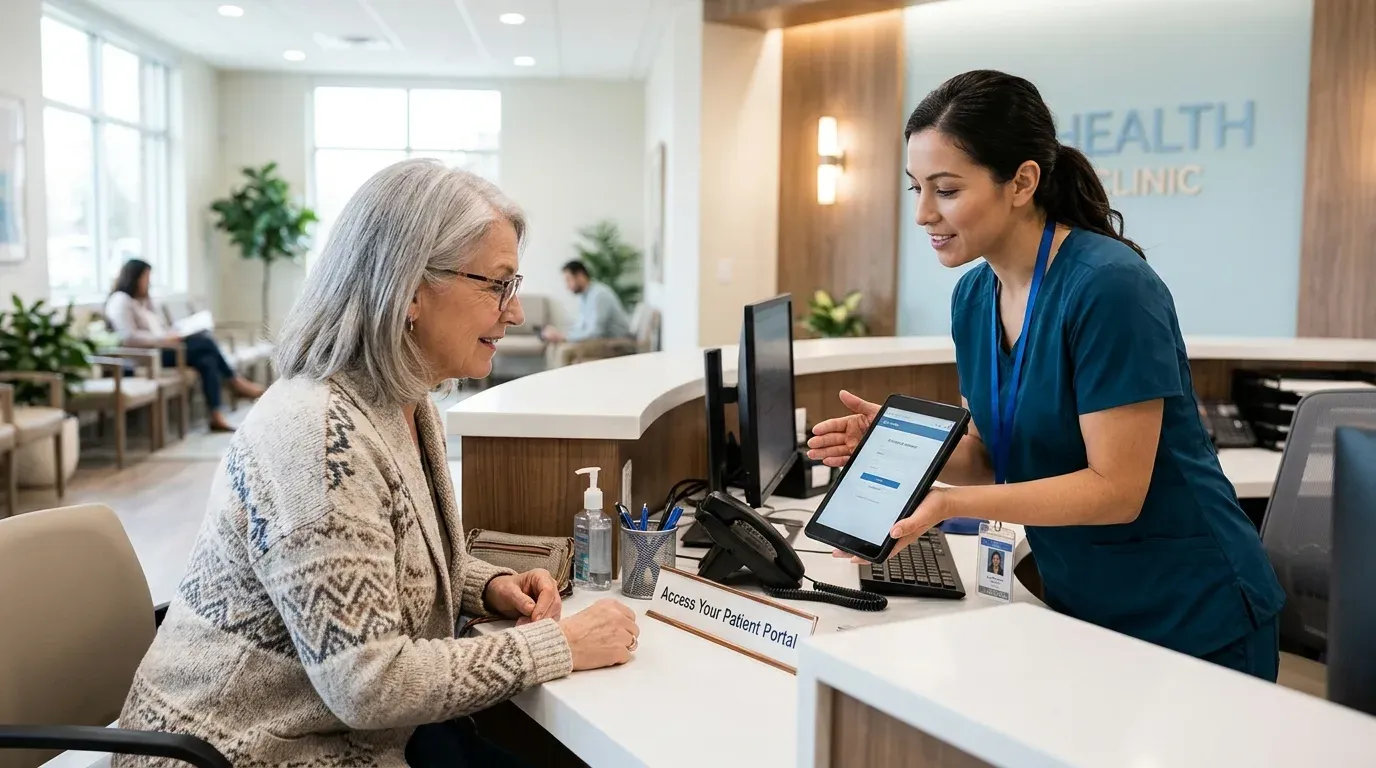 Core features
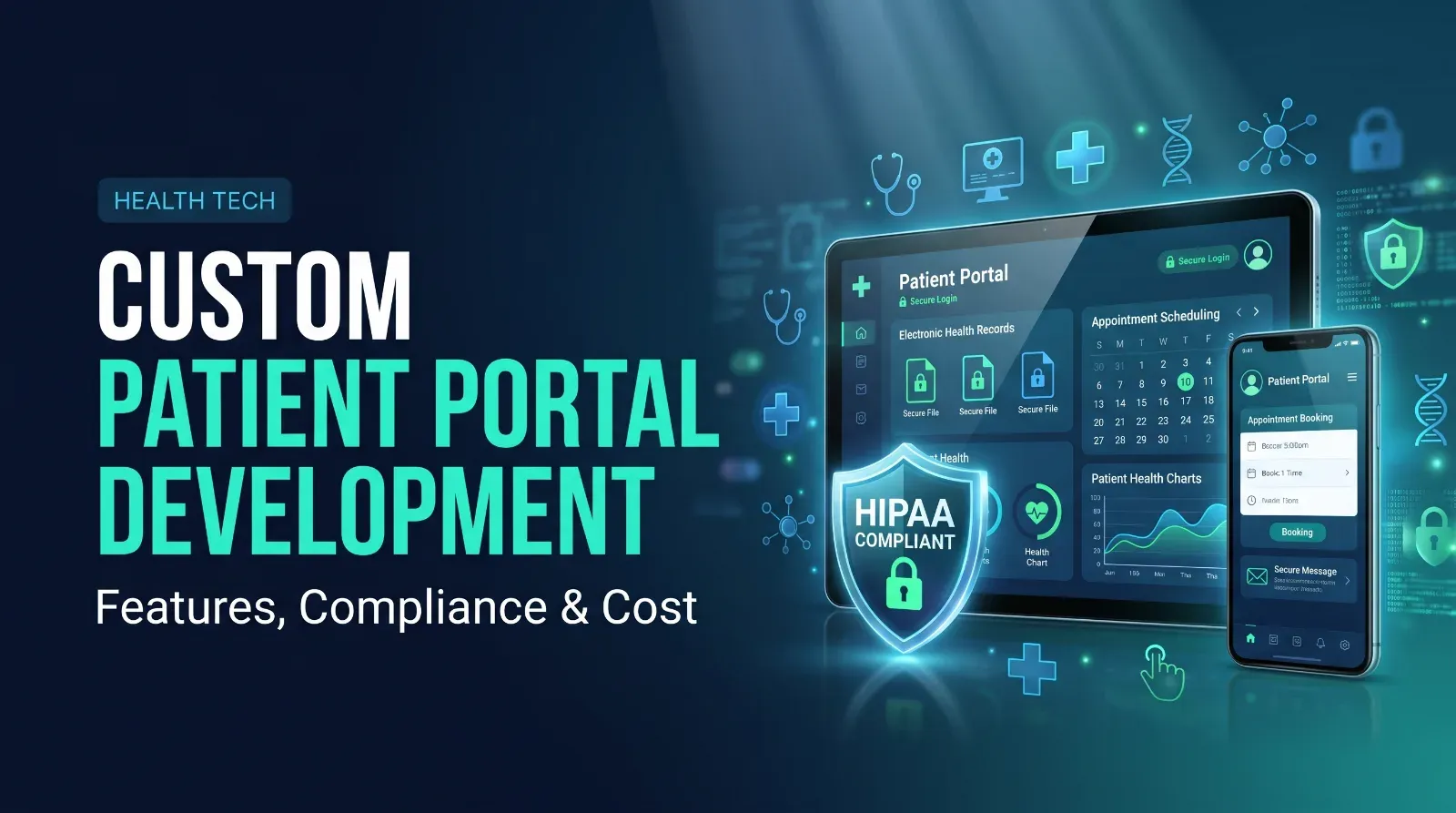
- Secure login and account recovery
- Appointment booking, changes and reminders
- Secure messaging with the care team
- Forms and intake paperwork completed online
- Access to visit summaries or documents, where permitted
- Billing and payment, through a compliant provider
Notifications by email or text without exposing private detailsPrivacy and compliance
Requirements depend on your country, your role and the data you handle. In the United States, for example, HIPAA may apply, and in Europe GDPR often does. Ask early about:
- How data is encrypted in storage and in transit
- Who can see what, with role-based access
- Audit logs of who viewed or changed records
- Hosting location and agreements with providers
- Data retention, backup and breach procedures
Treat compliance as part of the design, not an afterthought.
Integration with existing systems
Most portals must connect to a practice management or records system. Integration is often the hardest and least predictable part, so confirm what interfaces your current system supports.

What drives the cost
- Number of features and user roles
- Integrations with existing systems
- Security and compliance work, including testing
- Mobile access and accessibility
- Hosting, support and ongoing updates
Build or buy
Existing portals are often included with practice software and may be enough. Consider custom when you need features they do not offer, a specific patient experience, or tighter control over data and integrations.
Next step
Write down the five requests patients make most often. If your current portal cannot handle them securely, define those as version one.