Multi-Location Inventory Management: How to Sync Stock Across Stores and Warehouses
Selling from more than one location makes stock harder to track. Here is how to keep numbers accurate everywhere.
DevGlim Team
November 25, 2026
Looking to build this instead of buying it? See our Custom Retail Inventory Management Software service →
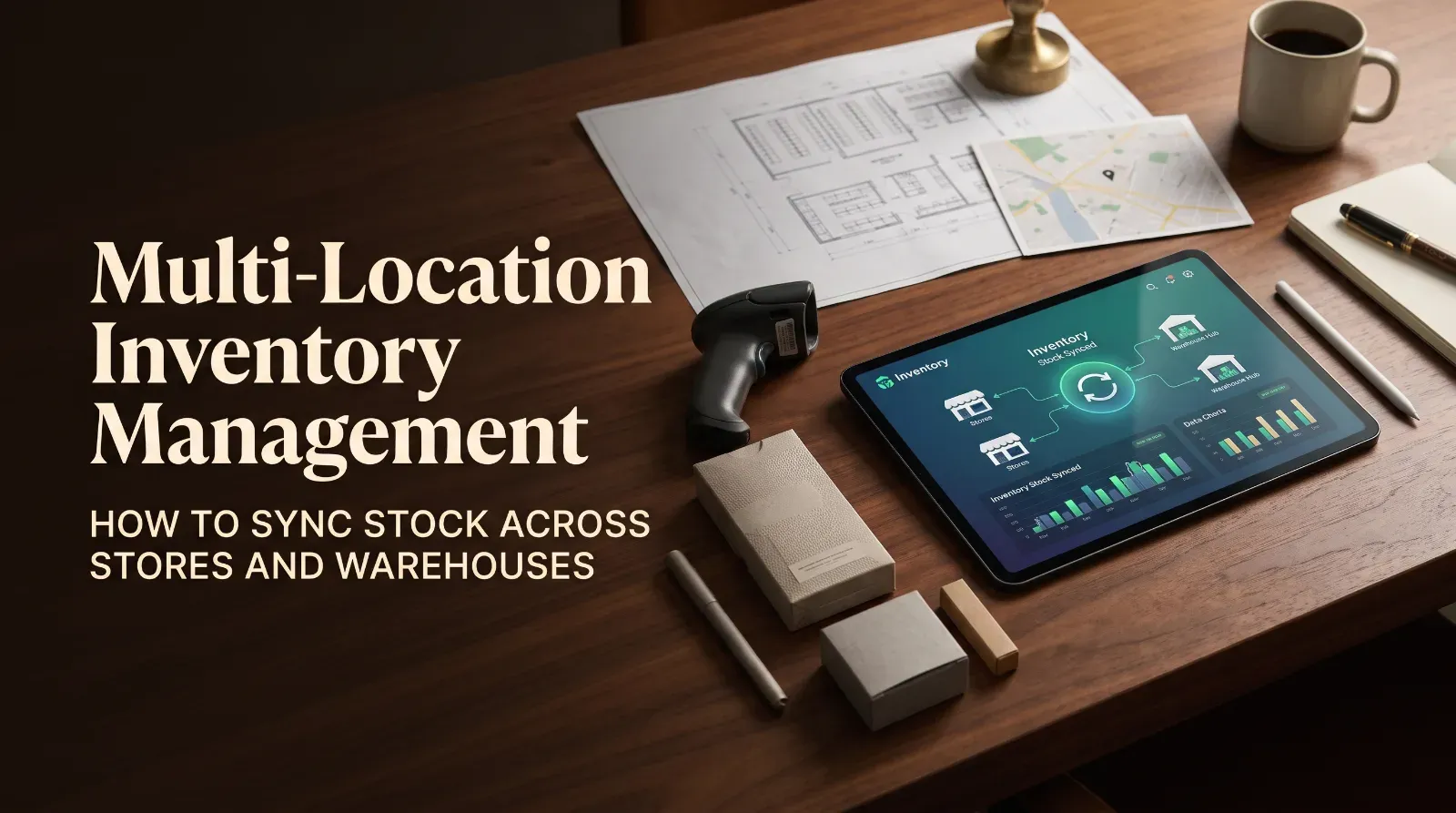
One shop and one storeroom are easy to manage. Add a second store, a warehouse or an online channel, and stock numbers start to disagree. Items oversell, shelves sit empty while another site is overstocked and nobody trusts the counts. Multi-location inventory management fixes this with one shared view of stock.

The problems it solves
- Overselling: an item sells online that is not actually available.
- Dead stock in one place and stockouts in another.
- Slow, manual transfers between locations.
- Inaccurate counts because updates arrive late or not at all.
- No clear picture of total inventory value.
What a good system includes
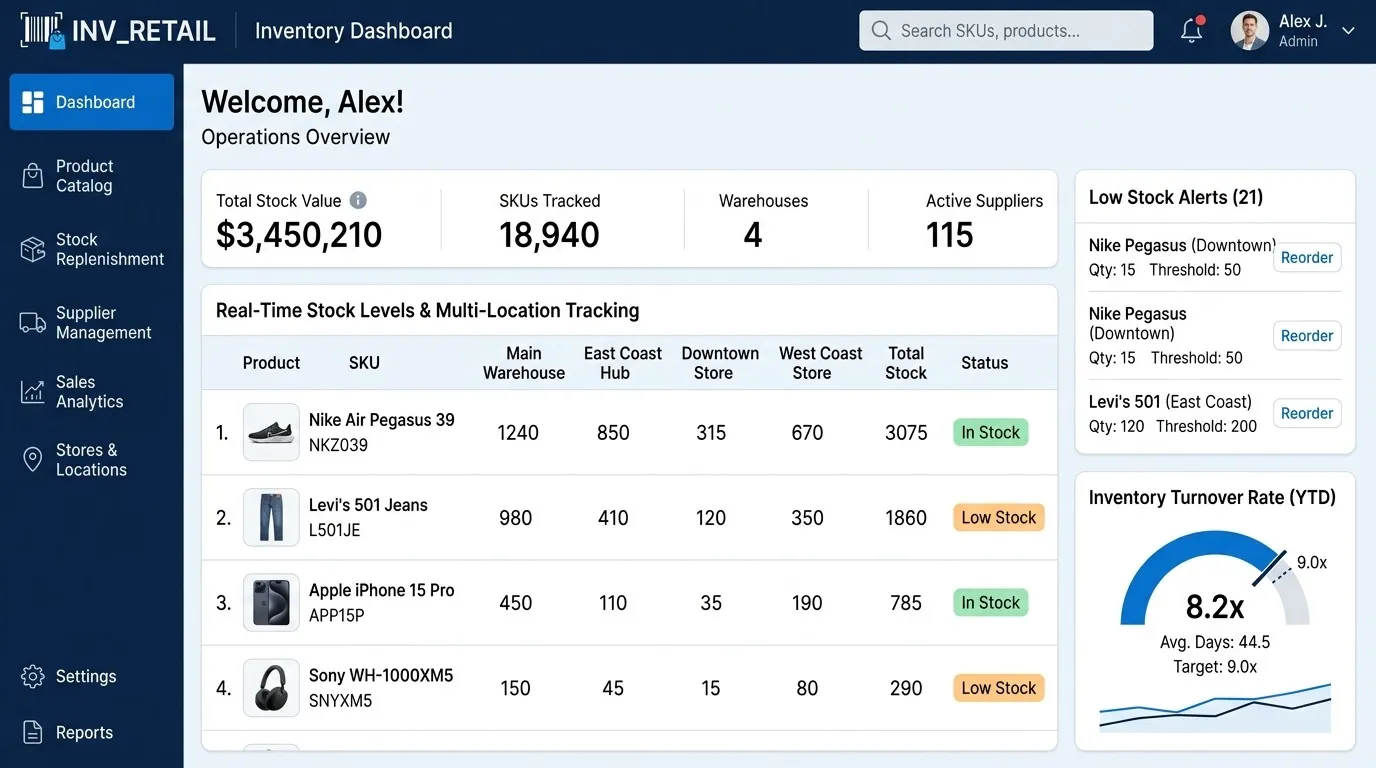
- A single inventory record per product, with quantity by location.
- Real-time or near real-time updates when items are sold, received, returned or adjusted.
- Transfers between locations, with status such as requested, in transit and received.
- Reorder points and suggestions per location.
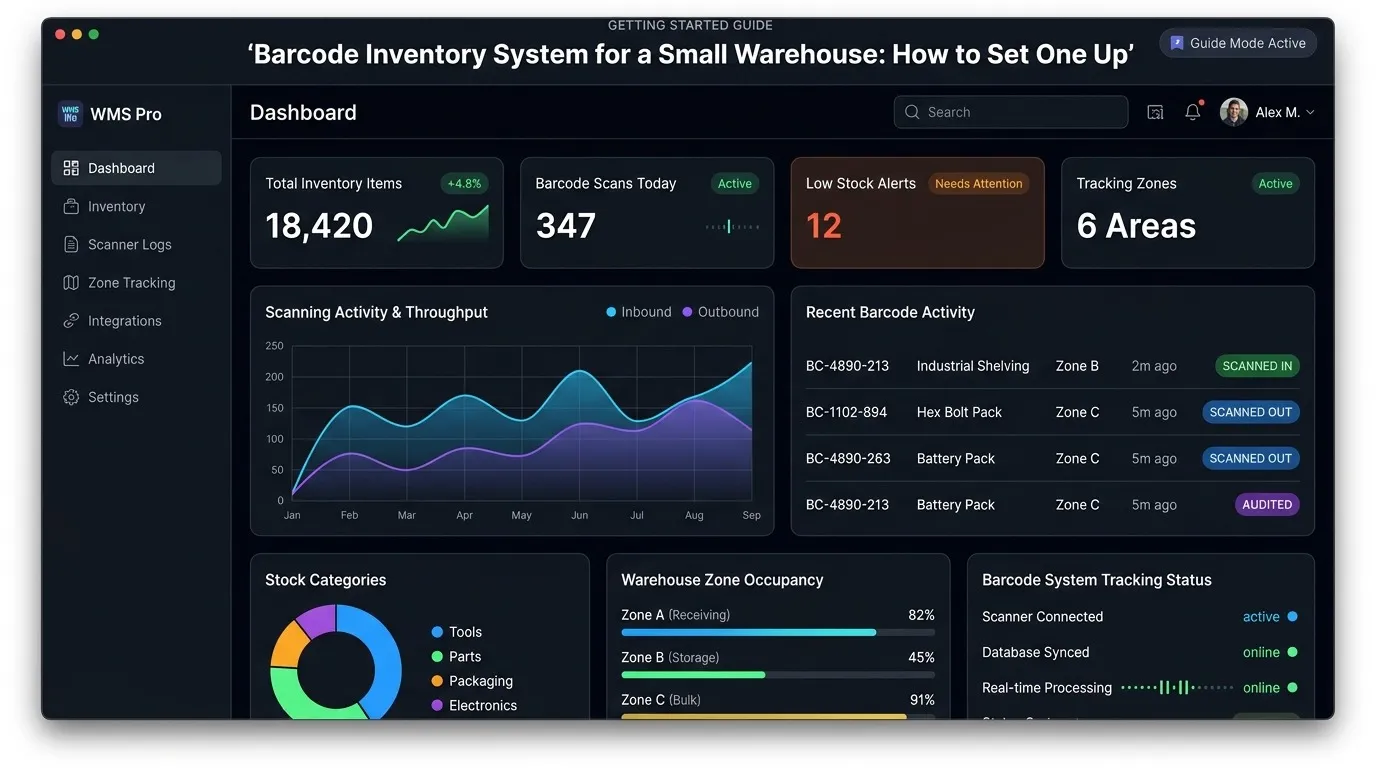
- Barcode scanning for receiving, picking and counting. See Barcode Inventory System for a Small Warehouse.
- Reserved stock for orders that are paid but not yet shipped.
- Reporting by location, product and period.
Sales channels and syncing
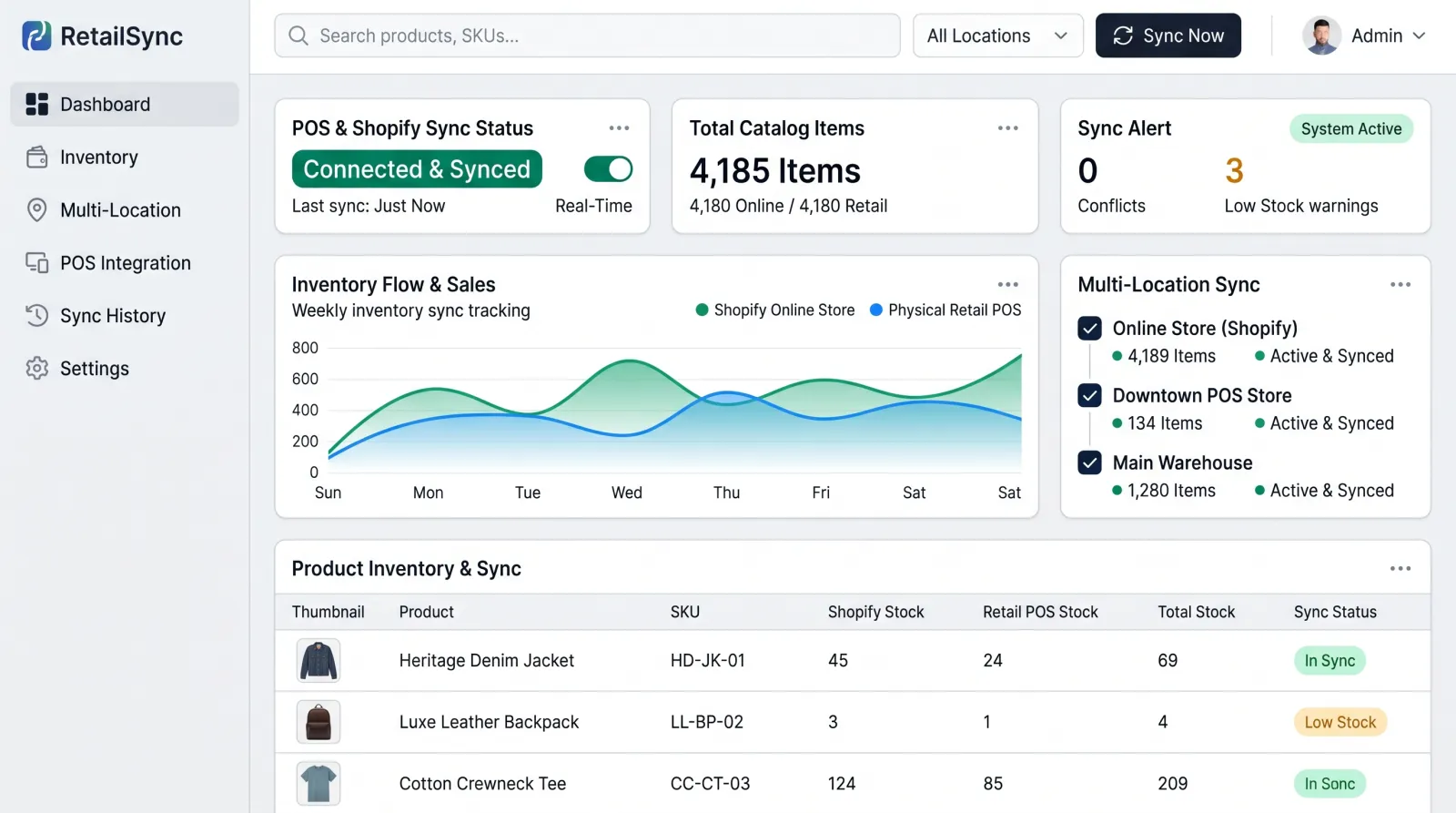
The hardest part is often connecting channels. A sale in your store, on your website and on a marketplace should all update the same stock. If you use Shopify alongside a physical store, our guide to syncing inventory between Shopify and your physical store shows what to check.
Practical steps to improve accuracy
- Decide the source of truth. One system owns stock numbers. Other tools read from it.
- Standardize product codes across all locations.
- Scan, do not type, wherever possible.
- Run regular cycle counts on fast-moving items instead of one annual count.
- Record every movement, including damage, returns and transfers.
- Set safety stock for items that sell quickly.
Off-the-shelf or custom?
Packaged inventory tools handle many multi-location setups well. Consider custom software when you need unusual rules, such as store-specific pricing, bundles, supplier-specific ordering or tight integration with accounting and shipping. Our guide to a Retail Inventory Management System covers features, integrations and return on investment.
Measure the benefit
Track stockouts, overstock levels, count accuracy, transfer time and hours spent on manual updates before and after. These numbers show whether your system is paying off.

Conclusion
Multi-location inventory works when every sale and movement updates one shared record. Choose a source of truth, scan consistently and connect your channels. Then your team can spend less time guessing and more time selling.