Custom HVAC and Plumbing Dispatch Software: Features, Scheduling and Cost
HVAC and plumbing dispatch is full of emergencies and changing plans. Here is what custom dispatch software includes and what it costs.
DevGlim Team
November 23, 2026
Looking to build this instead of buying it? See our Field Service Software for HVAC, Plumbing, Cleaning & Trades service →
Dispatching HVAC and plumbing teams is harder than it looks. Emergencies interrupt planned work, technicians have different skills, and parts availability changes the day. This guide covers what custom dispatch software typically includes and what drives the cost.
Why dispatch is harder in HVAC and plumbing
- Emergency calls can arrive at any hour and jump the queue
- Technicians hold different certifications and specialties
- Seasonal peaks, such as the first cold snap, flood the schedule
- Jobs often need follow-up visits or parts that arrive later
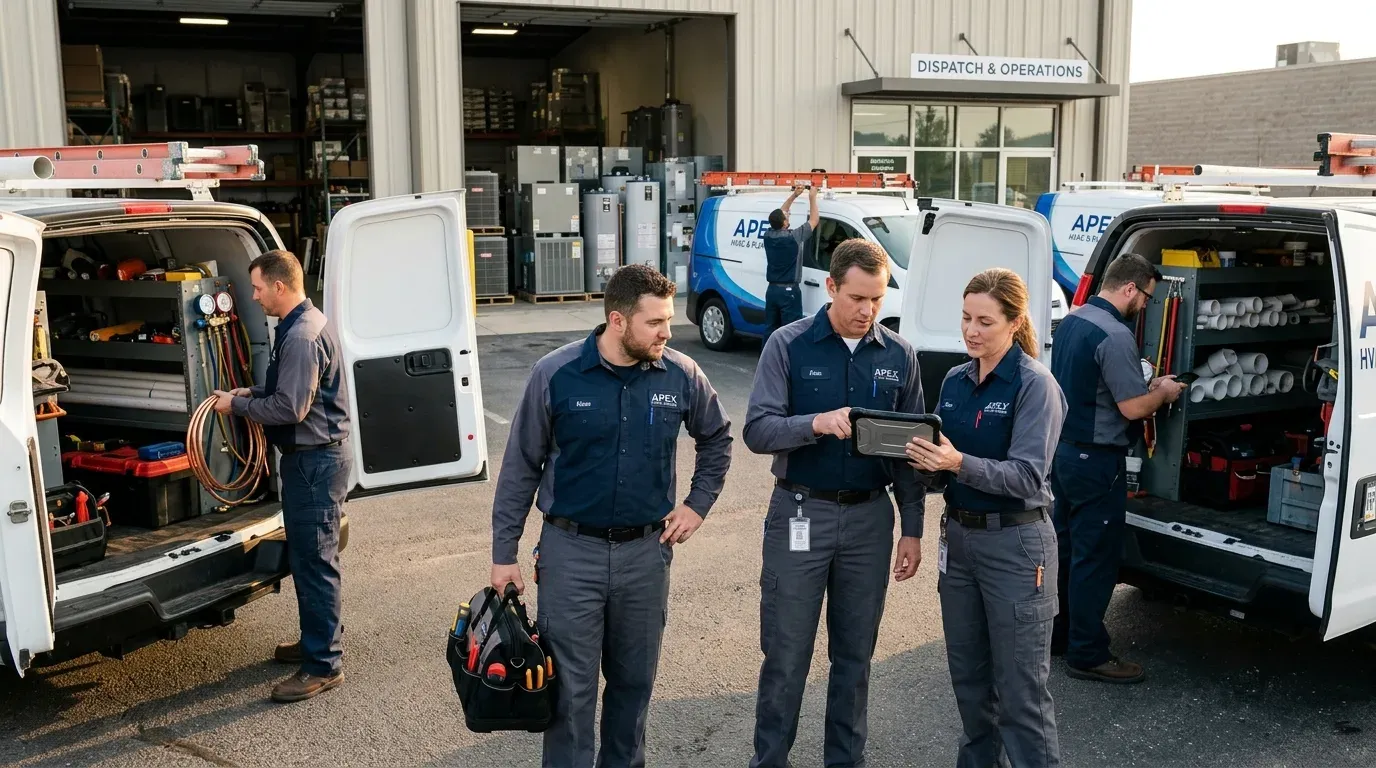
Core features
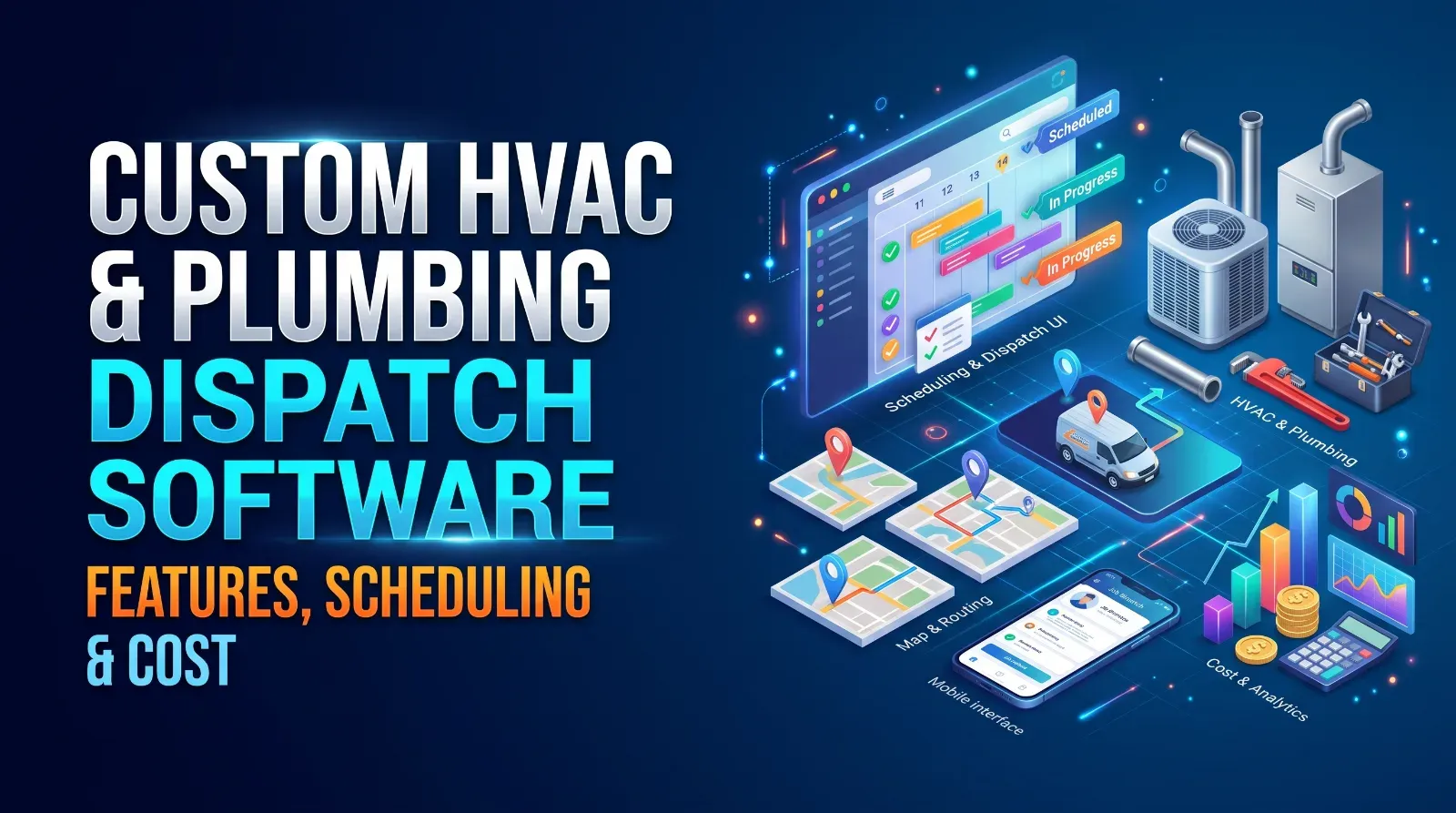
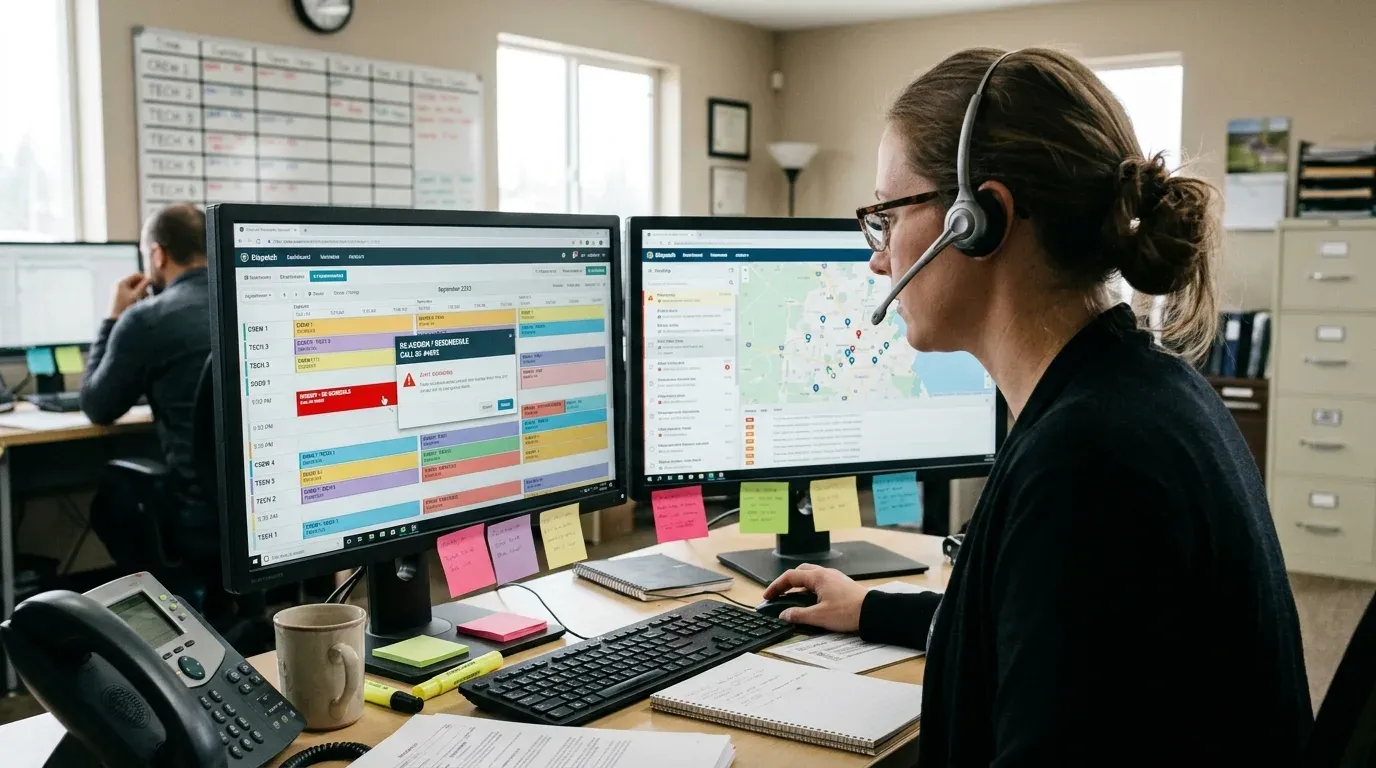
- Smart scheduling: match jobs to technicians by skill, location and availability
- Drag-and-drop calendar: change plans quickly as the day shifts
- Route planning: cut drive time between jobs
- Customer notifications: arrival windows by text or email
- Technician app: job details, photos, notes and sign-off
- Quotes and invoices: created on site and linked to accounting
Emergency and after-hours calls
Decide how urgent calls are flagged, who is on call, and how the schedule reshuffles when one arrives. Software can suggest the nearest qualified technician and notify affected customers automatically.
Integrations
Most teams need a link to accounting software, a payment provider, a mapping service and sometimes a parts supplier. Each integration adds work, so list the essential ones for version one.
What drives the cost
- Number of features and user roles
- Mobile app platforms and offline support
- Integrations
- Migration of existing customers and jobs
- Hosting, support and maintenance after launch
Ask for a phased estimate: scheduling and technician app first, extras later.
Build or stay with a subscription tool
Subscription tools suit most small teams. Consider custom when your scheduling rules are unusual, you need tight integrations, or you pay for many users over many years. Compare total cost over three to five years.
Next step
Write down your dispatch rules in plain language, including how you handle emergencies. If a standard tool cannot follow those rules, that is your case for custom.