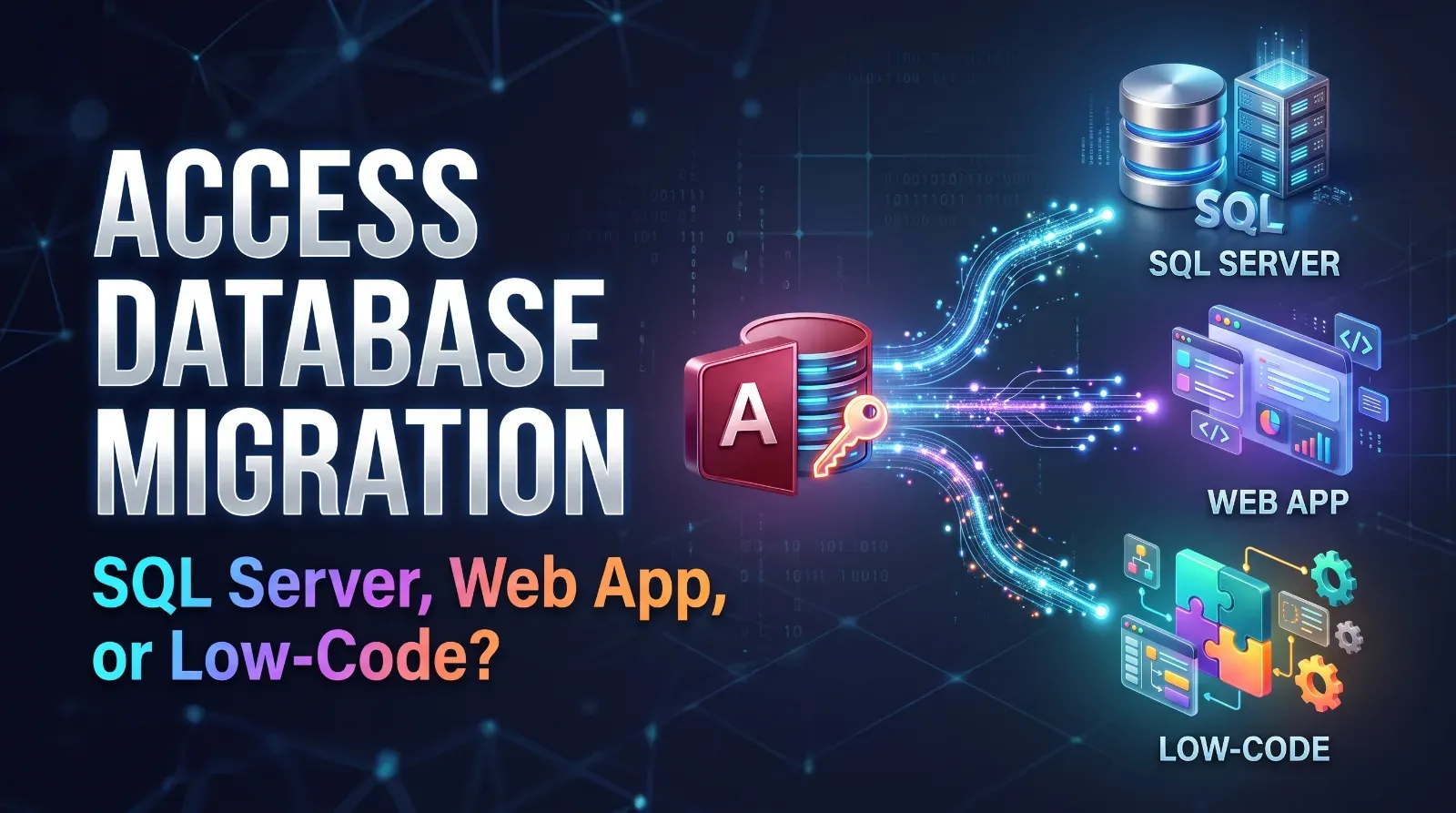
Access Database Migration: SQL Server, Web App or Low-Code?
Moving off Access can mean three different things. Here is how upsizing, a custom web app and low-code compare, and how to choose.
DevGlim Team
November 23, 2026
Looking to build this instead of buying it? See our Replace Spreadsheets & Access Databases with a Web App service →
Microsoft Access has served many small businesses well. But as teams grow, the limits show up: few simultaneous users, desktop-only access and fragile files. If you are planning to move on, there are three common paths. Each fits different situations.
Why teams leave Access
- More than a few people need to use it at once
- Staff need access from home, the field or a phone
- The database file is corrupted or slow
- Only one person knows how it works
- Security and backup are weak
Path 1: Keep Access, move data to SQL Server
You keep your forms and reports but store the data in a more robust database. This is the cheapest and fastest option and fixes many stability issues. It does not solve remote access, and you still depend on an aging desktop tool.
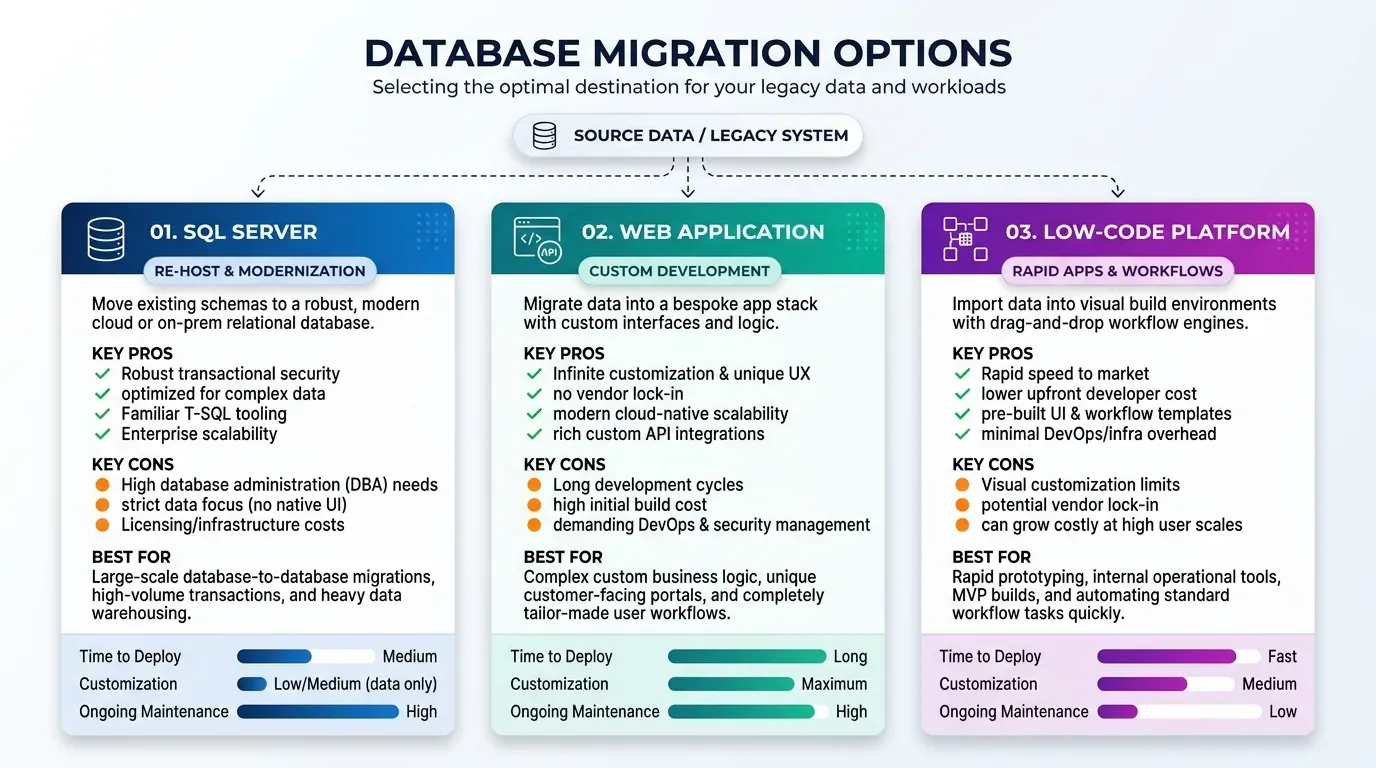
Path 2: Rebuild as a web app
A custom web app gives you browser access, user roles, an audit trail and integrations. It costs more and takes longer, but it is the most flexible and removes the desktop dependency. It fits when the database drives daily operations.
Path 3: Low-code platform
Low-code tools let you rebuild forms and workflows faster than custom code. They suit simpler needs and smaller budgets. Check licensing costs as users grow and how easily you could export your data later.
How to choose
- If the main issue is stability, start with Path 1.
- If you need remote access and growth, consider Path 2.
- If the process is simple and speed matters most, look at Path 3.
Whatever you pick, plan parallel running before switching.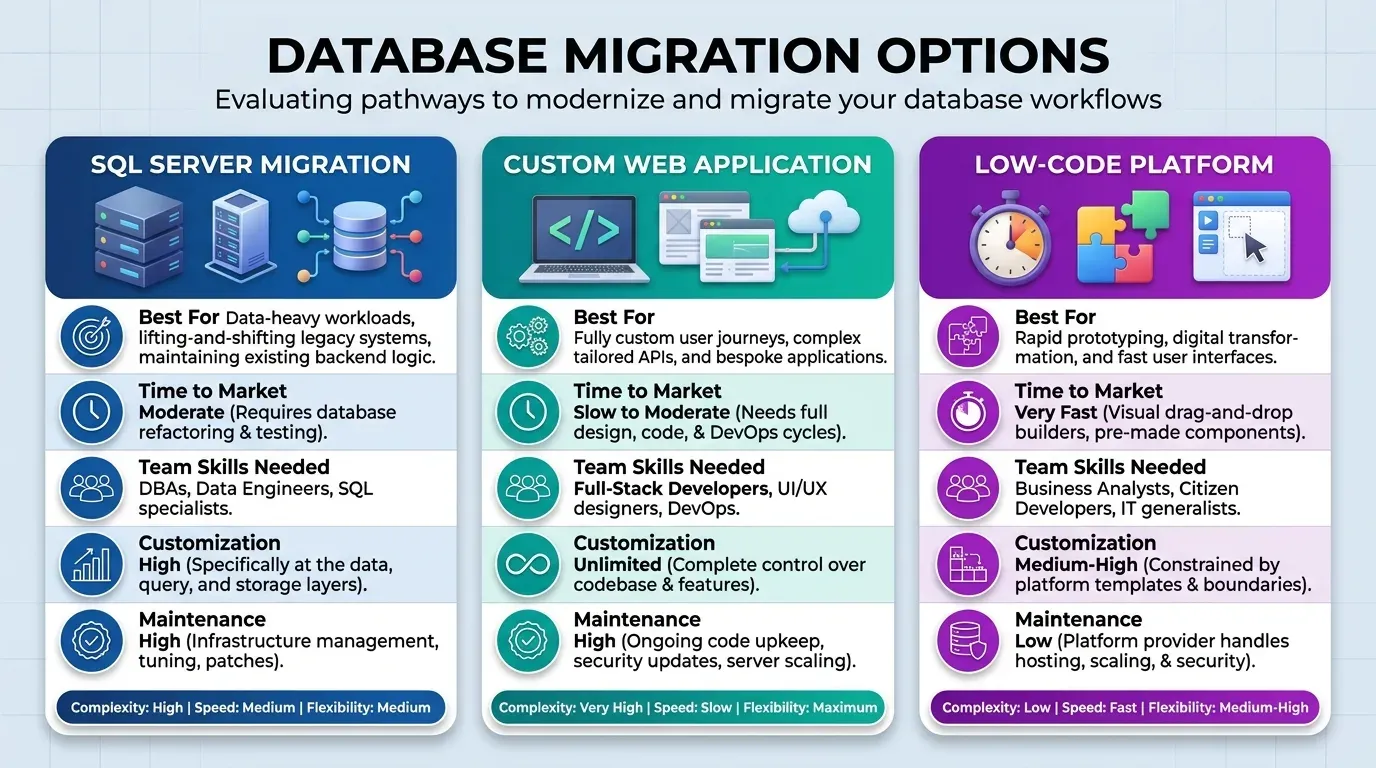 Before you migrate anything
- Back up the current database
- List every form, report and query people actually use
- Clean duplicate and inconsistent data
- Decide what you will retire instead of rebuild
Next step
Ask your team which three Access features they use daily. Those three decide the path.