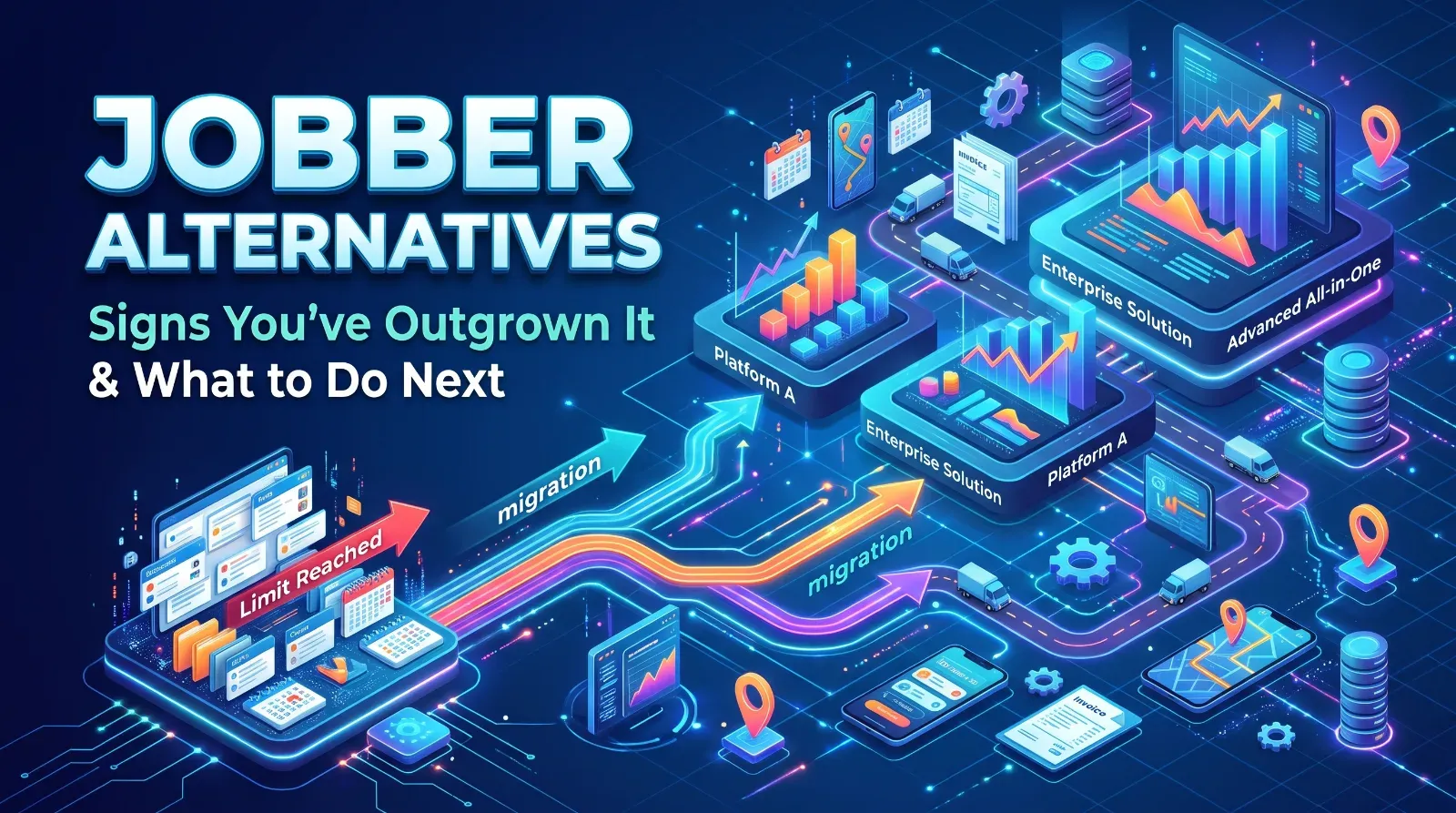
Jobber Alternatives: Signs You've Outgrown It and What to Do Next
Jobber suits many small crews, but some teams outgrow any off-the-shelf tool. Here are the signs, your options and how to switch safely.
DevGlim Team
November 24, 2026
Looking to build this instead of buying it? See our Field Service Software for HVAC, Plumbing, Cleaning & Trades service →
Jobber is a popular choice for small field service crews, and for many it works well for years. But every off-the-shelf tool has limits. This guide covers the signs that you may be outgrowing yours, and the options you have. The points apply to any subscription field service tool.
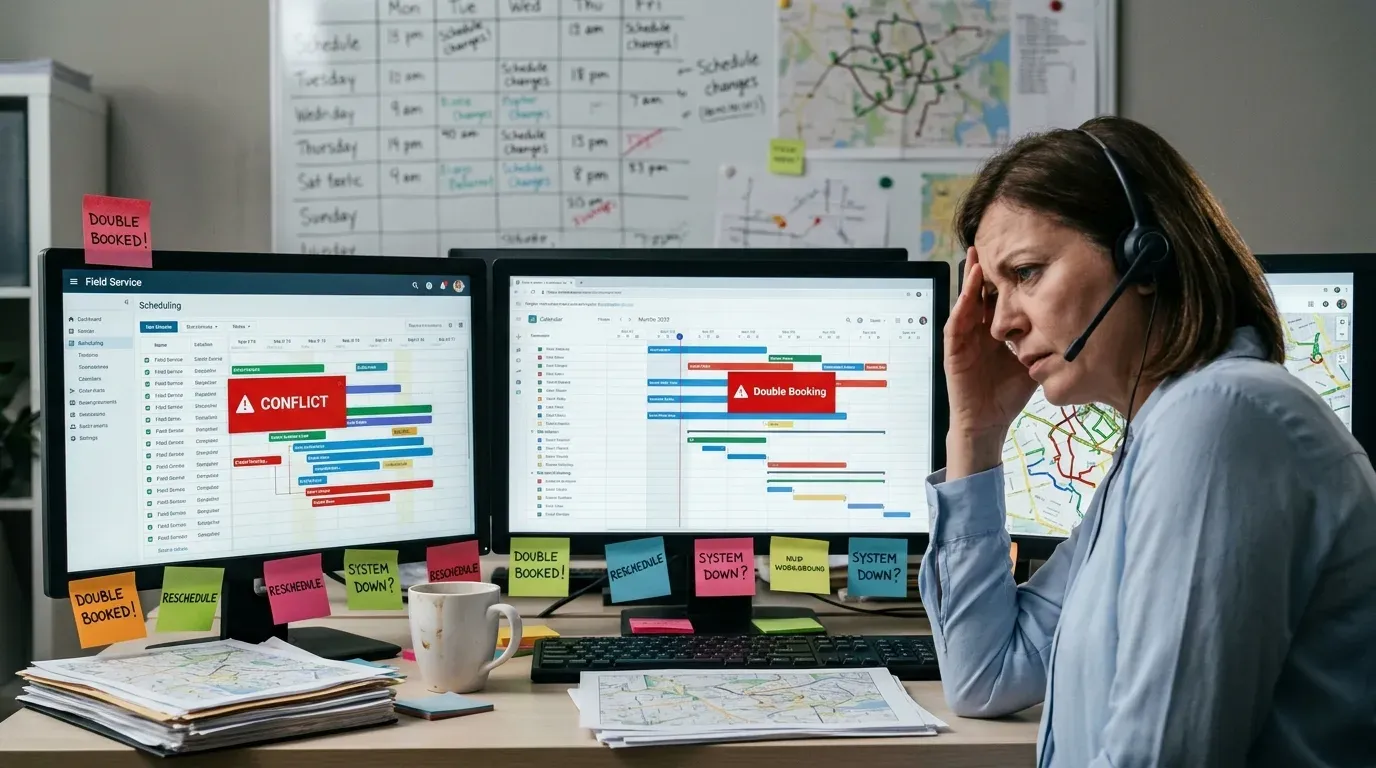
Signs you have outgrown your field service tool
- Your team uses spreadsheets or paper alongside the tool to fill gaps
- You pay for several add-ons and the bill keeps climbing
- You need a workflow the tool cannot support, such as special approvals or multi-step jobs
- Reporting does not answer the questions you actually ask
- Integrations with your accounting or other systems need manual work
- Technicians complain about slow or awkward screens in the field
One or two of these is normal. If most apply, it is time to look at options.
Option 1: Stay and fix the workflow
Before switching, check whether the problem is the tool or the setup. Better templates, cleaner customer data, or a different plan tier can solve more than you expect. Ask the vendor what is possible, and get the answer in writing.
Option 2: Move to a different or larger platform
Larger platforms offer deeper features such as advanced scheduling, reporting and inventory. They usually cost more and take longer to set up. Ask for a quote based on your real team size and a pilot with your own jobs before committing.
Option 3: Build custom software
Custom software fits when your process is specific to your business, you want to own your data, or you expect to pay for many users over many years. It costs more upfront and needs maintenance, so compare total cost over three to five years, not just the monthly fee.

How to switch without disrupting jobs
- Export your customers, jobs and price lists first, and check the data is clean.
- Run the new system alongside the old one for at least one full billing cycle.
- Move one team or service line first.
- Train technicians before the switch, not after.
- Keep the old system in read-only mode for reference.
Next step
List the five biggest workarounds your team uses today. If a different plan or tool removes them, switch. If they remain on every platform you test, price a custom build.