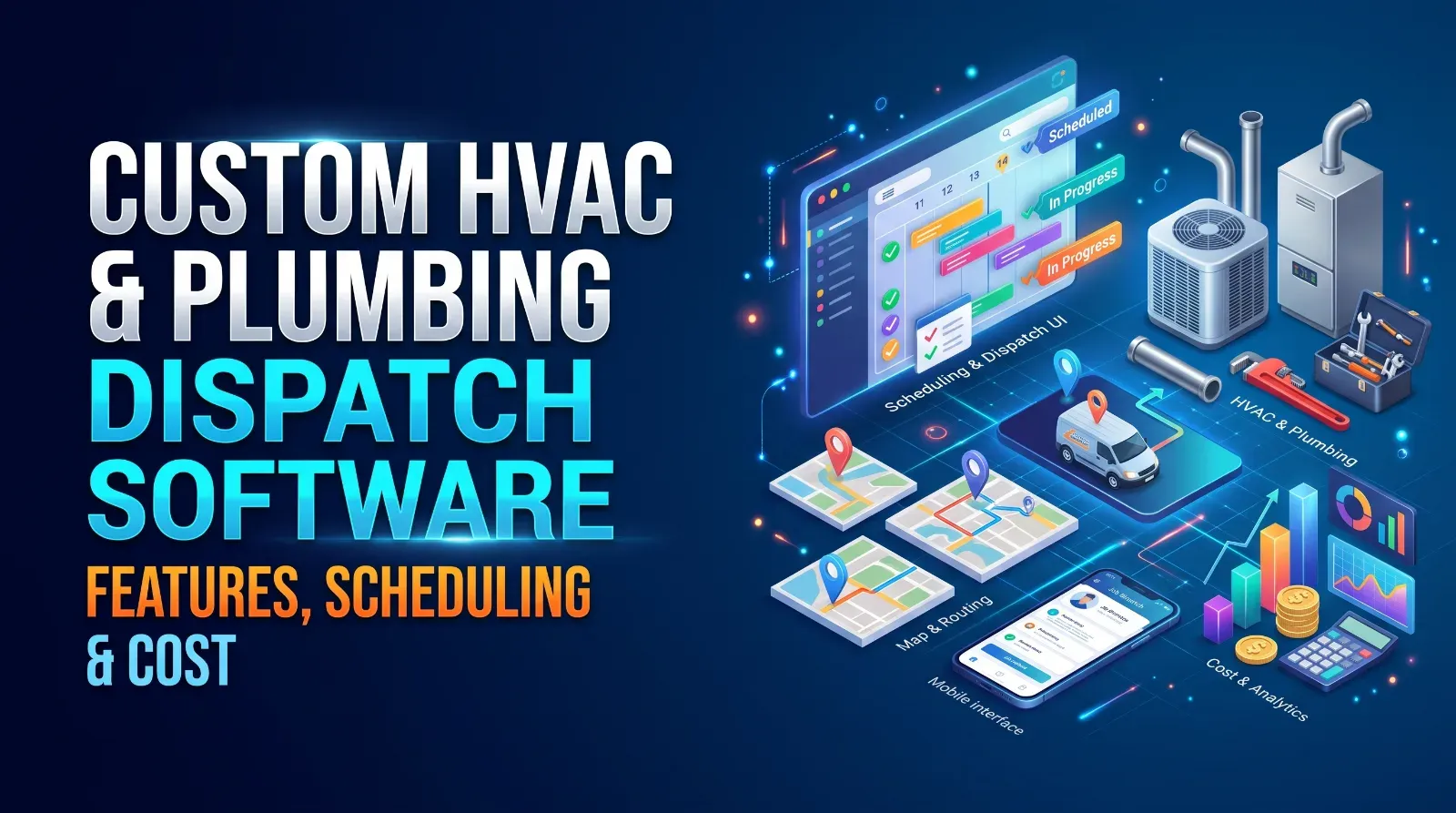
What a Technician Mobile App Needs: Offline Mode, Photos, Signatures and Payments
Technicians work in basements, attics and dead zones. Here are the features a field technician app needs and what affects the cost.
DevGlim Team
November 24, 2026
Looking to build this instead of buying it? See our Field Service Software for HVAC, Plumbing, Cleaning & Trades service →
A technician app lives or dies in the field, where signal is weak, hands are dirty and time is short. If it is slow or confusing, technicians go back to paper. Here are the features that matter most.
Offline mode comes first
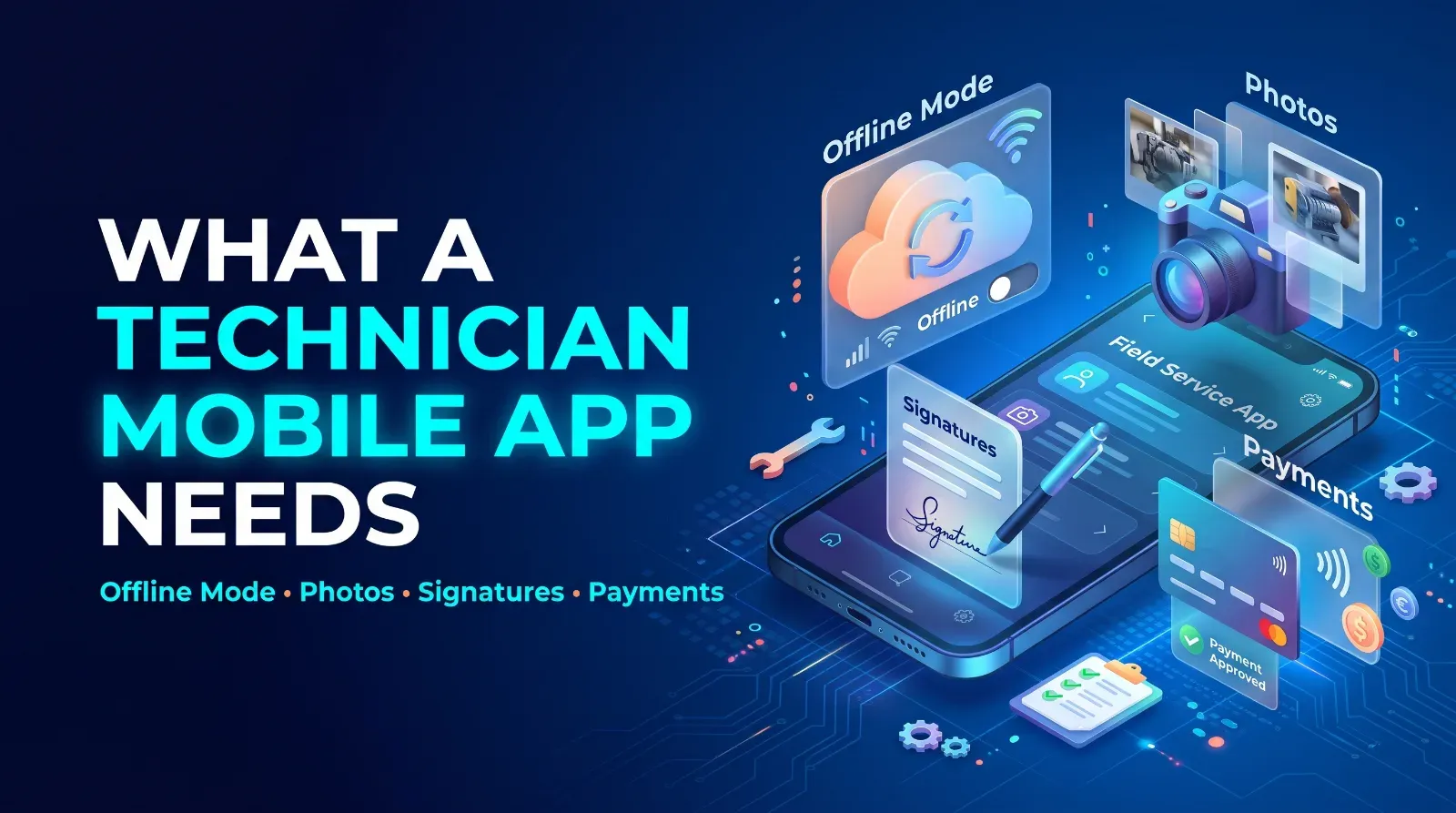
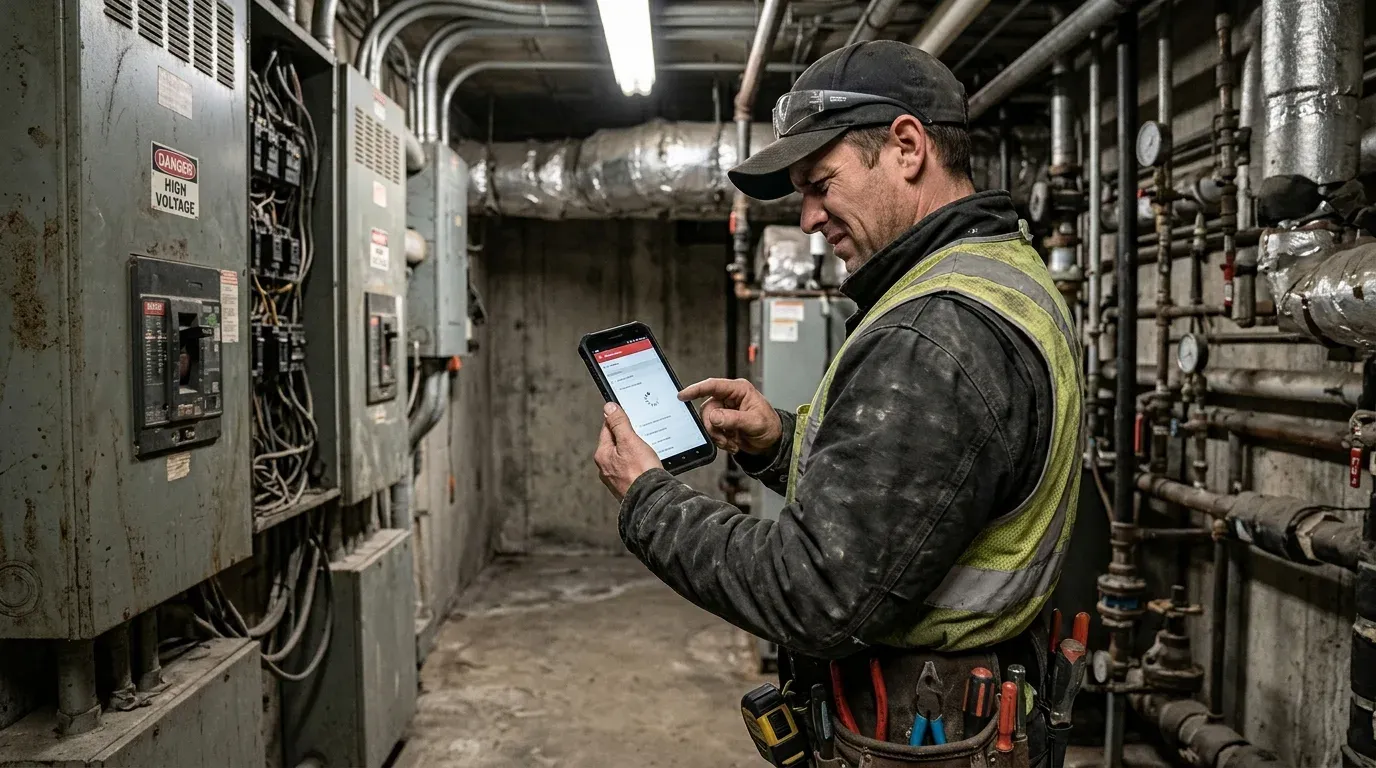
Technicians often work in basements, crawl spaces and rural areas. The app should let them open jobs, record work and capture data with no signal, then sync automatically when the connection returns. Ask any developer how conflicts are handled when two people edit the same job.
Job details and history
Before arriving, the technician should see the address, contact, job notes, equipment history and previous visits. Fewer phone calls to the office means faster jobs.
Photos, notes and checklists
Photos protect you in disputes and help the next technician. Good apps let technicians:
- Take before and after photos attached to the job
- Add voice or typed notes quickly
- Follow a checklist so no step is skipped
- Record parts used and time spent
Signatures and sign-off
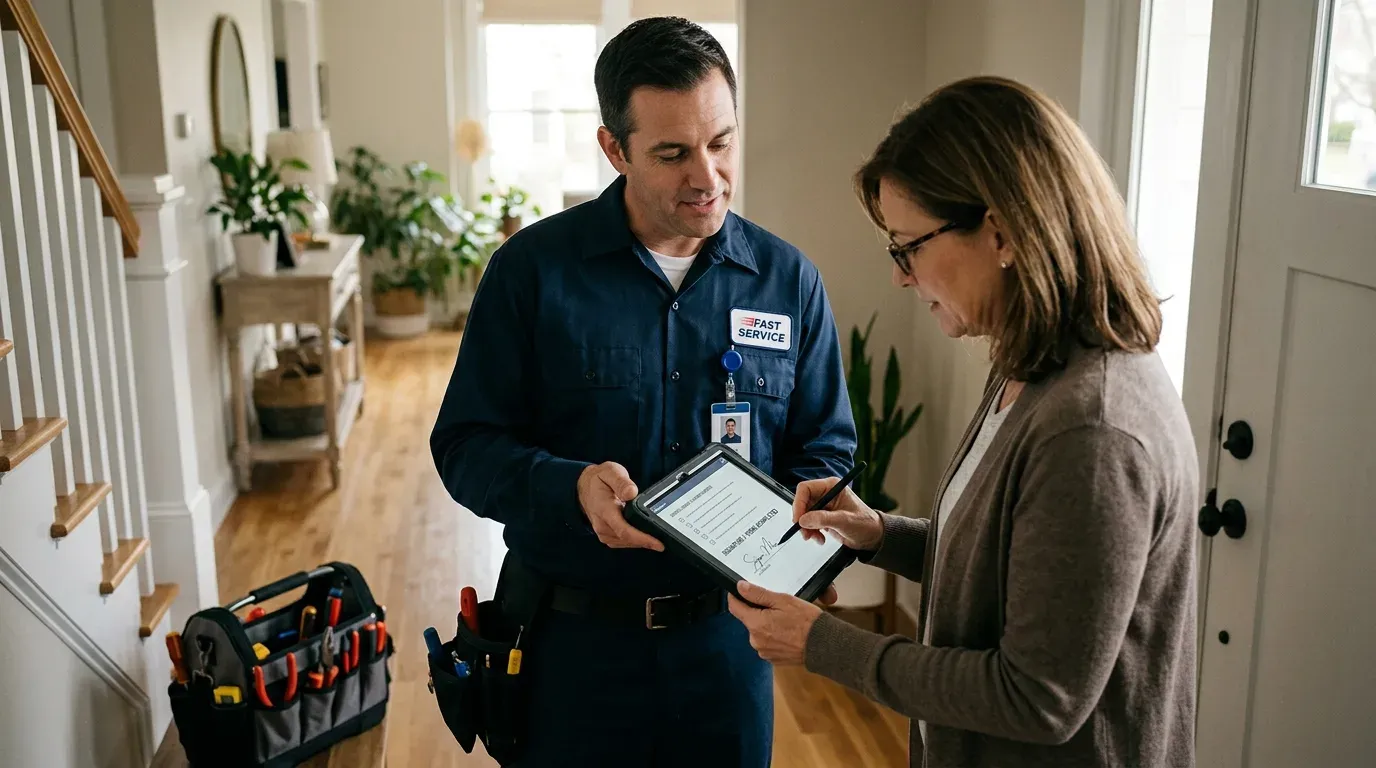
A signature on the device confirms the work was done and shortens the path to invoicing. Make it work with gloves or a stylus, and let the customer receive a copy by email or text.
Payments and invoicing
Letting technicians create an invoice and take payment on site shortens the time to get paid. Payments must go through a secure, compliant payment provider. Do not build payment handling yourself.
What affects the build cost
- Platforms: iOS, Android or both, or a web app that works on phones
- Offline sync: this is often the hardest part to build well
- Integrations: accounting, payment and scheduling systems
- Device features: camera, GPS, barcode scanning
- Admin side: the back office tools that manage the app
A phased plan helps: launch with jobs, photos and signatures, then add payments and advanced features.
Next step
Ask three technicians what slows them down most on a job. Their answers are a better feature list than any competitor's brochure.