Warehouse Management System: Custom WMS vs Off-the-Shelf Software
A warehouse management system controls receiving, storage and shipping. Here is when off-the-shelf is enough and when to build.
DevGlim Team
November 28, 2026
Looking to build this instead of buying it? See our Logistics, Dispatch & Courier Software Development service →
A warehouse that runs on memory, paper and spreadsheets works until volume grows. Then picking errors rise, stock counts drift and shipping slows down. A warehouse management system (WMS) brings control to the flow of goods. The question is whether to buy one or build one.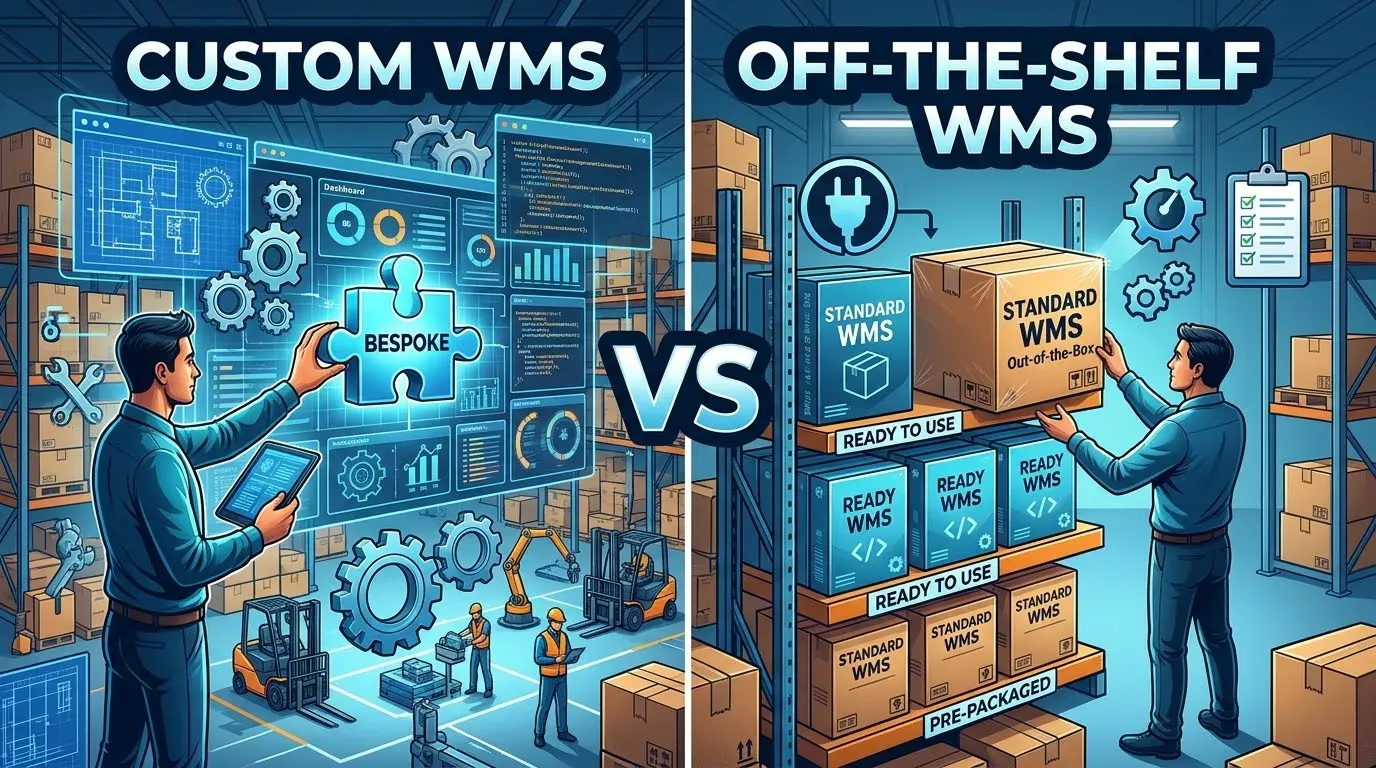
What a WMS does
- Receiving: record incoming goods and check them against purchase orders.
- Putaway: decide where items are stored and track locations.
- Inventory tracking: know what is where, in real time, using barcodes or scanners.
- Picking and packing: guide staff along efficient paths and verify each item.
- Shipping: generate labels, track shipments and update orders.
- Reporting: stock accuracy, order speed, returns and productivity.
If you are just starting out, our guide on a Barcode Inventory System for a Small Warehouse is a good first step.
When off-the-shelf software is enough
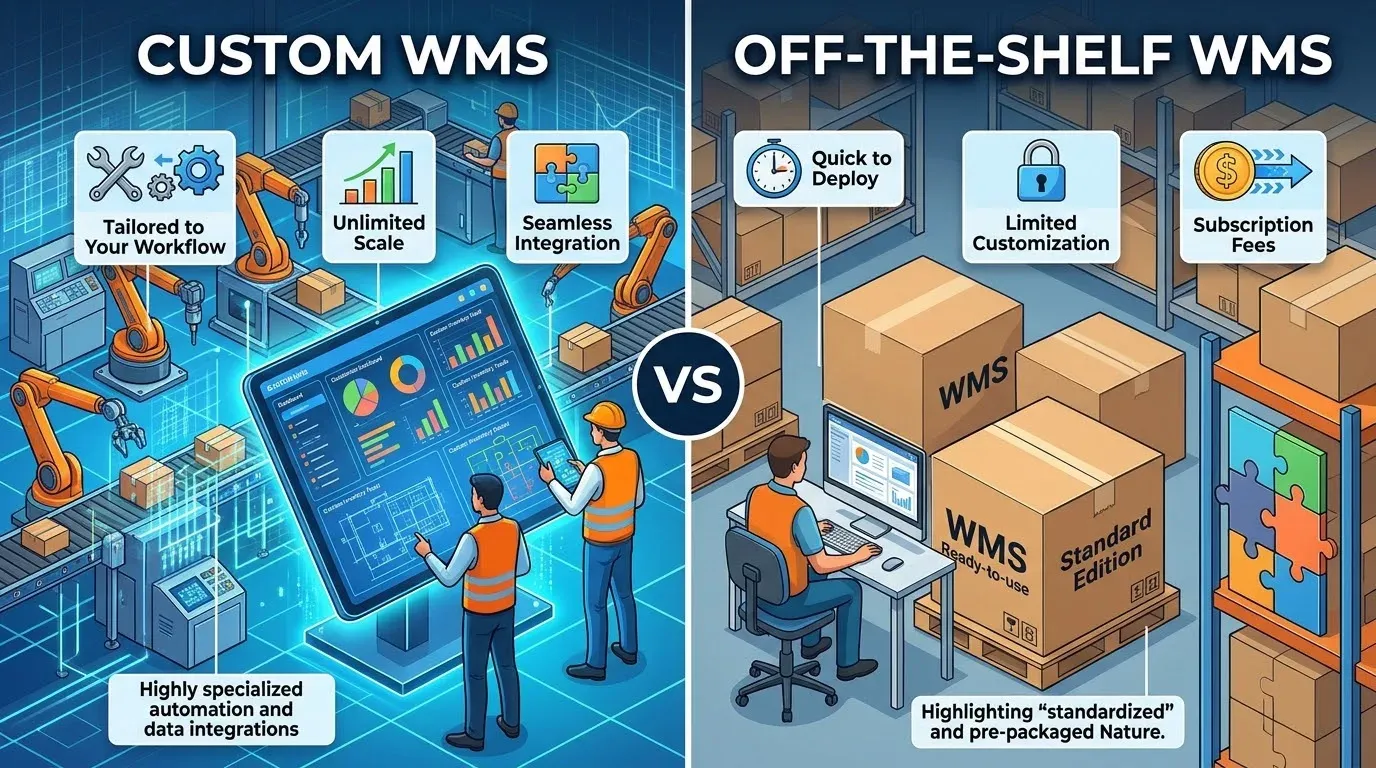
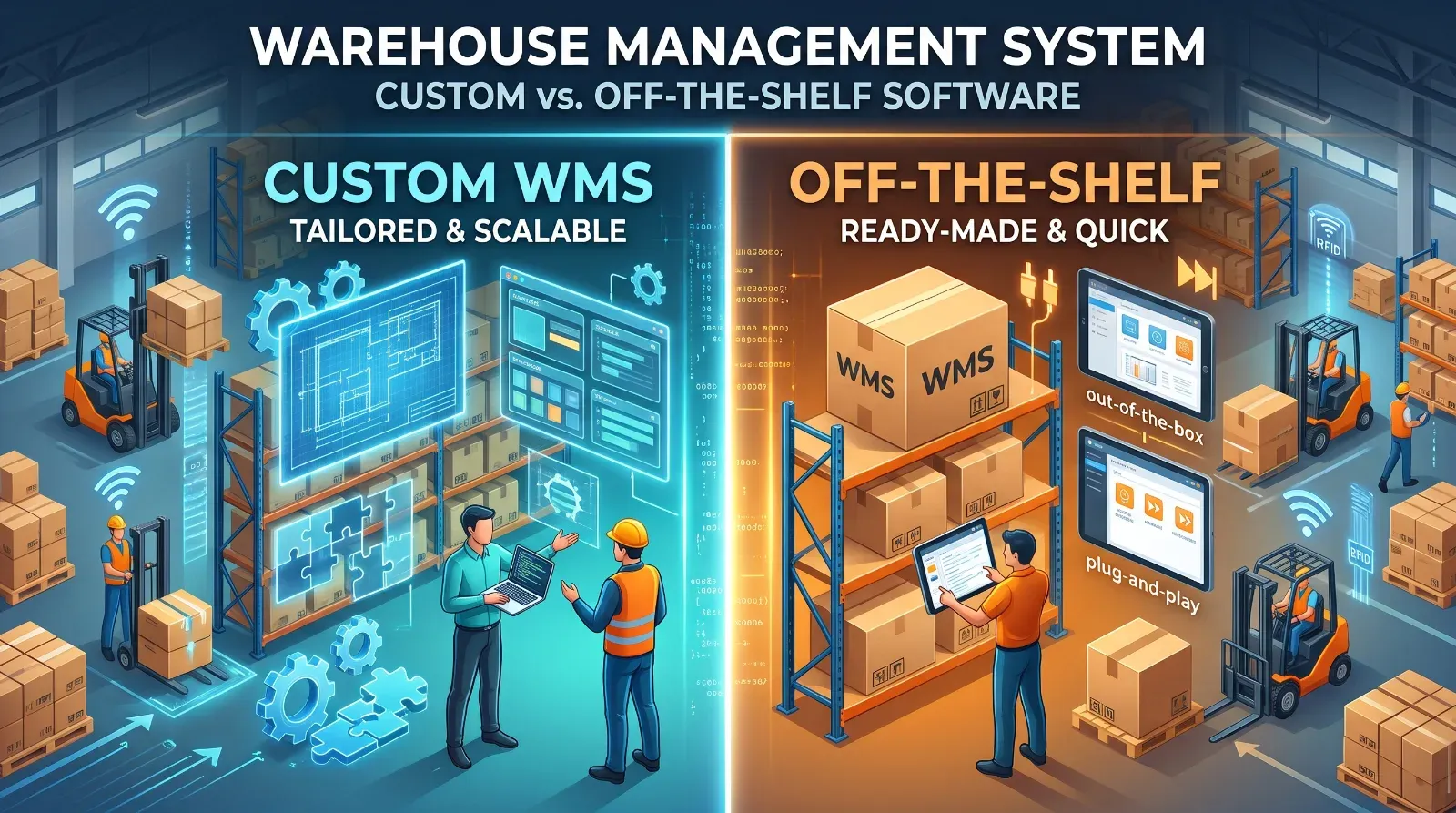
Packaged warehouse software works well when your process is standard: receive, store, pick and ship. It is faster to start, has proven features and is supported by the vendor. For many small and mid-sized operations, this is the right answer.
When a custom WMS makes sense
Consider a tailored system when:
- Your workflow is unusual, such as special handling, kitting, batch tracking or multi-step quality checks.
- You must connect tightly to several systems such as ecommerce, ERP, carriers and customers' own portals.
- Per-user or per-location subscription fees keep rising with your growth.
- You need screens and handheld apps designed around how your team really works.
- You want to own the system as a competitive asset.
What to compare
- Fit: how much of your process works without workarounds?
- Integrations: does it connect to your sales channels, accounting and carriers?
- Total cost: include licenses, setup, customization, training and support over several years.
- Scalability: can it handle more orders, locations and users?
- Ownership and risk: who controls changes and data?
The questions in Signs Your Business Has Outgrown Off-the-Shelf Software help you judge fit honestly.
A phased approach
You do not have to build everything at once. Start with the highest-value pieces, such as barcode receiving, accurate stock locations and pick lists. Add routing, analytics and integrations after the basics work. See Custom Logistics Software: Features, Cost and When to Build for how a phased plan looks, and Retail Inventory Management System if you also sell through stores.
Conclusion
Buy when your process is standard and speed matters. Build when your workflow, integrations or long-term costs make a packaged tool a poor fit. Either way, map your real process first, because the best WMS is the one your team will actually use.