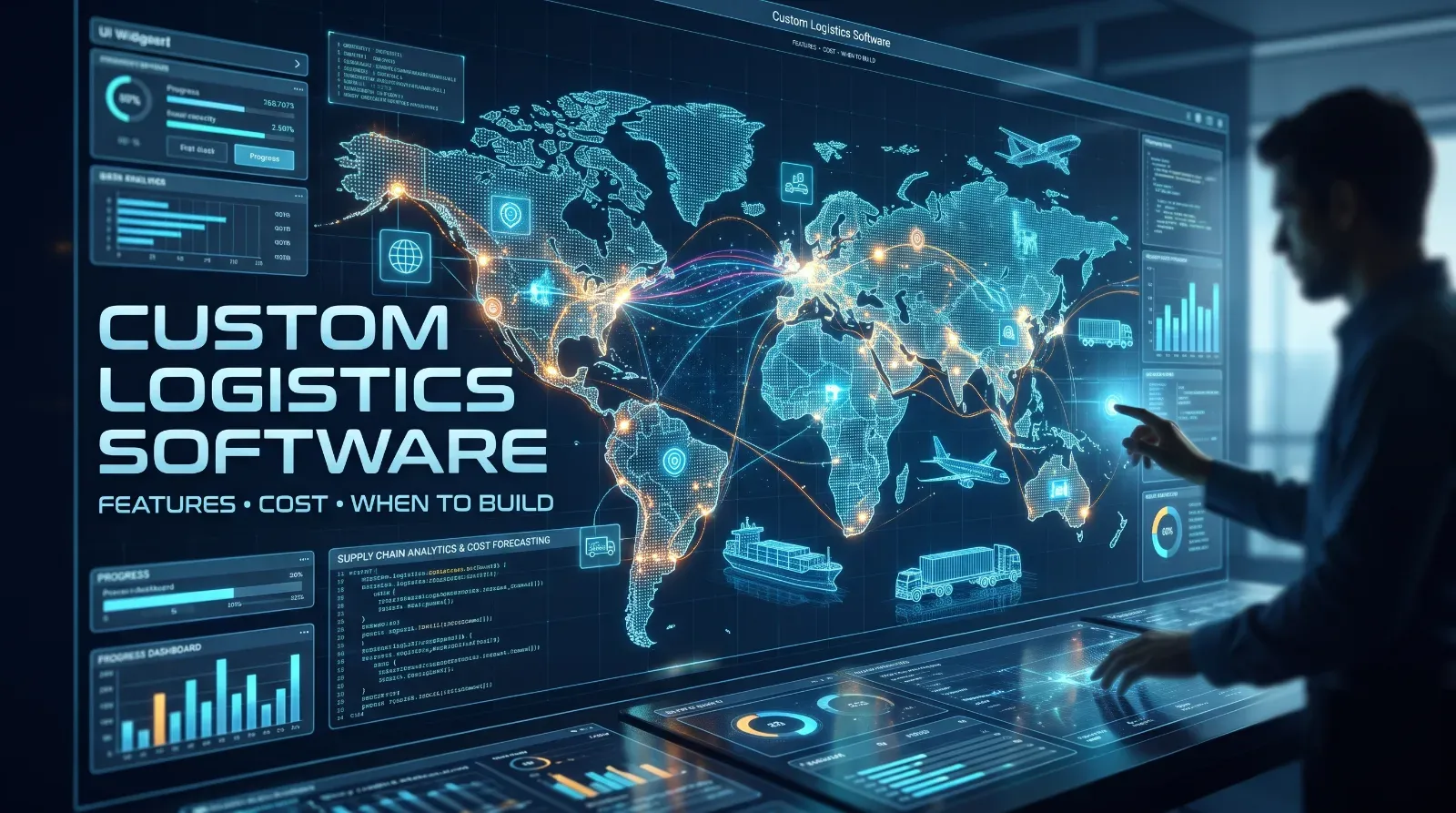
Custom Logistics Software: Features, Cost and When to Build
Off-the-shelf tools cover the basics, but many operators outgrow them. Here is what custom logistics software includes and when building makes sense.
DevGlim Team
November 17, 2026 · Updated November 19, 2026
Looking to build this instead of buying it? See our Logistics, Dispatch & Courier Software Development service →
Logistics companies run on coordination: orders, drivers, vehicles, routes, customers and invoices all have to line up. Off-the-shelf tools cover the basics, but many operators hit limits when their process does not fit a standard template.
This guide explains what custom logistics software typically includes, what affects the cost, and how to decide whether to build.
What custom logistics software can include
The right feature set depends on your operation. Common modules are:
- Order and shipment management: capturing orders, tracking status, handling exceptions
- Dispatch and scheduling: assigning drivers and vehicles, adjusting plans as things change
- Route planning: planning stops with your real constraints, such as time windows and vehicle capacity
- Tracking and visibility: live status for your team and, where useful, your customers
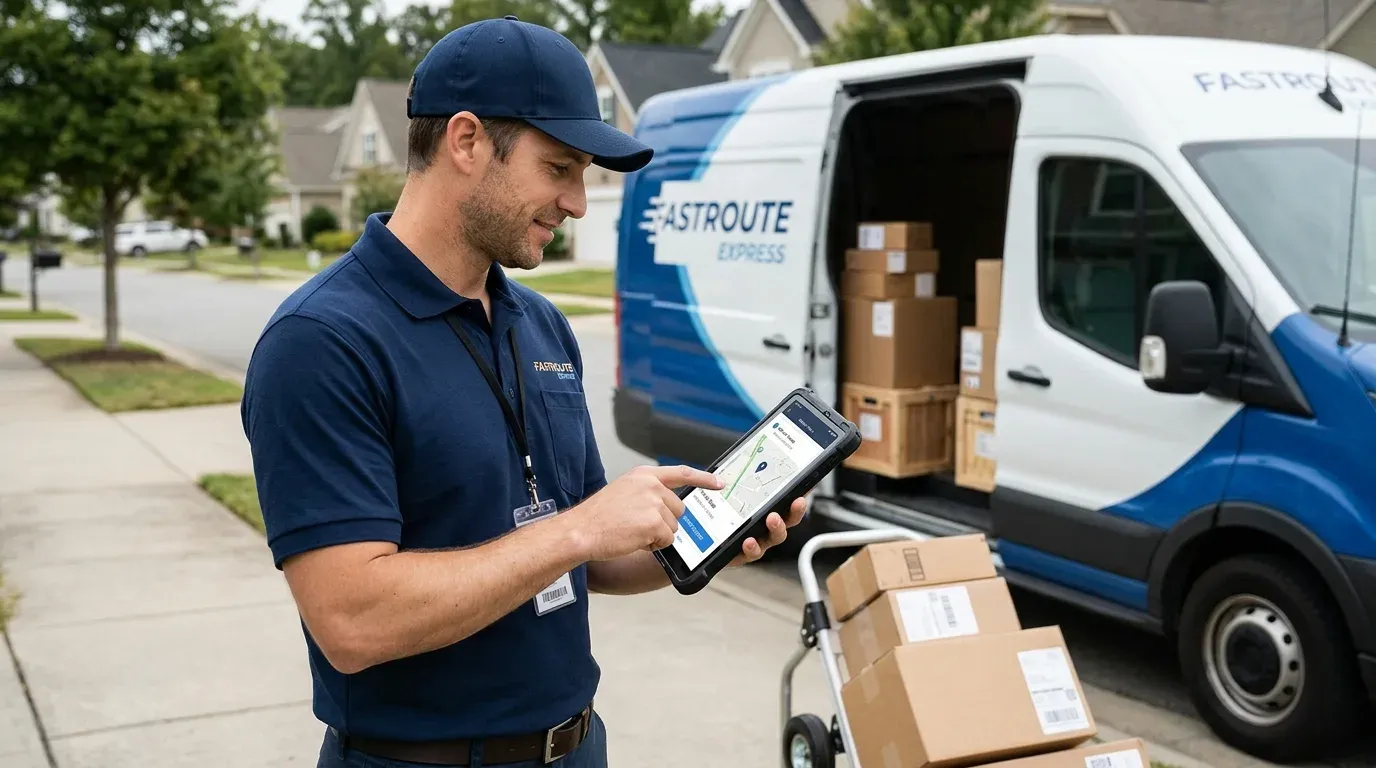
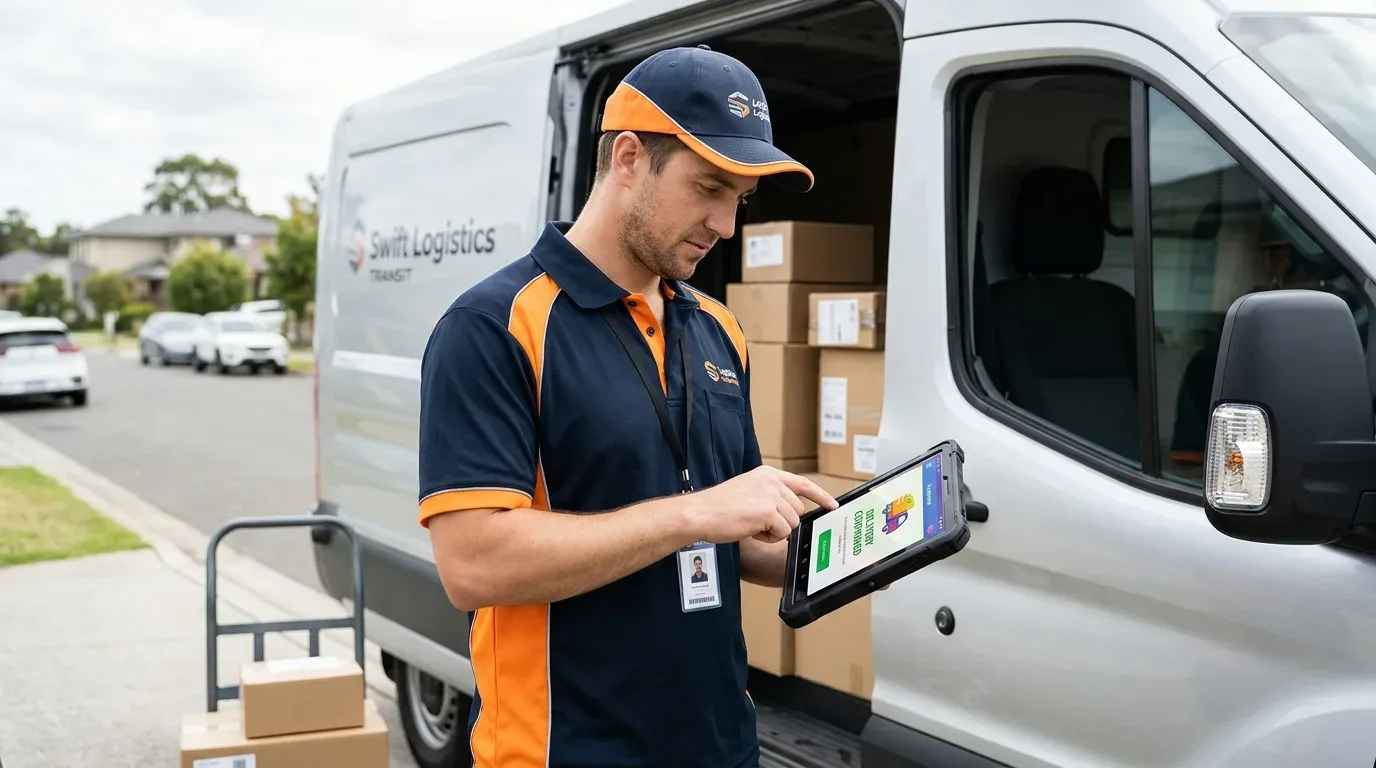
- Driver mobile app: job details, proof of delivery, photos and signatures
- Warehouse or inventory links: stock levels connected to orders
- Billing and reporting: invoices, driver payments, and operational reports
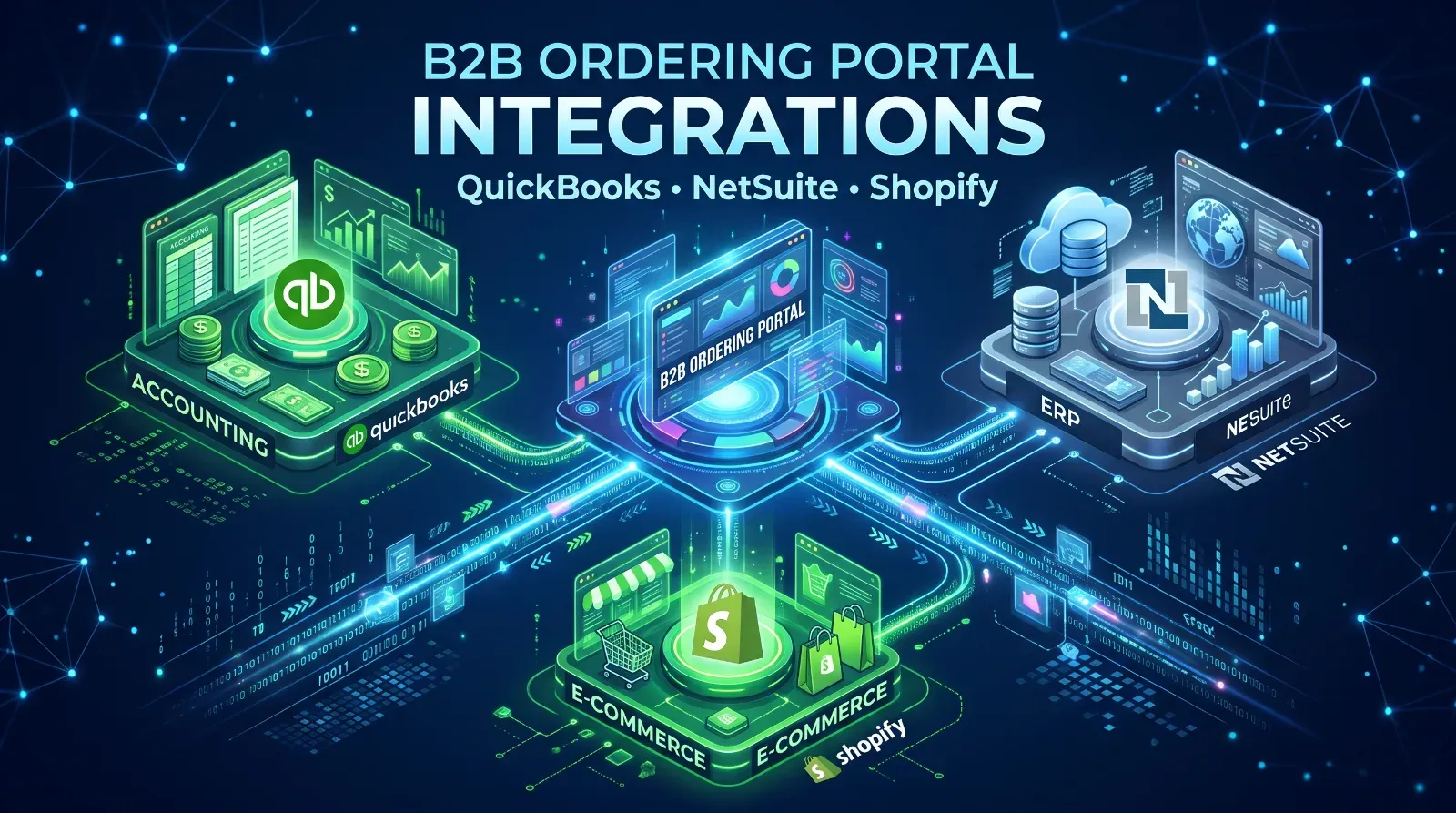
- Integrations: accounting software, telematics, customer systems, maps
You rarely need all of these at once. Most successful projects start with the one or two areas that cost the most time today.What drives the cost
- Number of modules: every module adds design and testing work
- Integrations: connecting to other systems is often the least predictable part
- Mobile apps: a driver app adds a separate build, especially if it must work offline
- Users and roles: dispatchers, drivers, customers and managers need different views
- Data migration: moving existing orders and customers takes planning
- Compliance and security needs: these vary by region and customer contracts
Because scope varies so much, ask for a phased estimate: a first release with core workflows, then priced extensions.Build or buy?
Buying makes sense when your process is standard, your team is small, and an existing tool covers most of what you do. You will launch faster and spend less upfront.
Building makes sense when your workflow is a competitive advantage, you pay for several tools that do not talk to each other, or customers expect features that off-the-shelf software cannot provide.
A middle path also exists: keep a standard tool for the generic parts, such as accounting, and build custom software only for the part that is unique to you.
How to start without overspending
- Map your current process from order to invoice and mark where time or money is lost.
- Pick the single biggest bottleneck as the first release.
- Decide what "success" means, for example fewer manual steps or faster dispatch.
- Plan for a short parallel-running period before you switch.
- Budget for maintenance, not just the build.
Next step
Write down the three steps in your delivery process that waste the most time. If a standard tool solves them, buy it. If you keep working around the tool, that is the case for custom.