How to Choose Event Management Software: Solving Chaotic Event Planning
How custom event management software solves scattered attendee lists, manual check-ins, and disconnected vendor coordination.
DevGlim Team
September 11, 2026
Looking to build this instead of buying it? See our Industry Management Systems service →
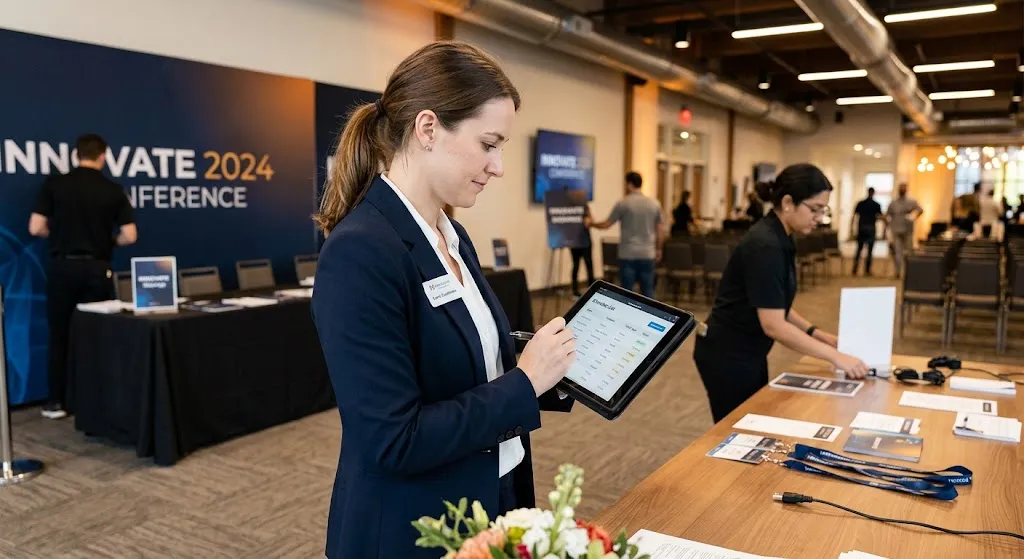
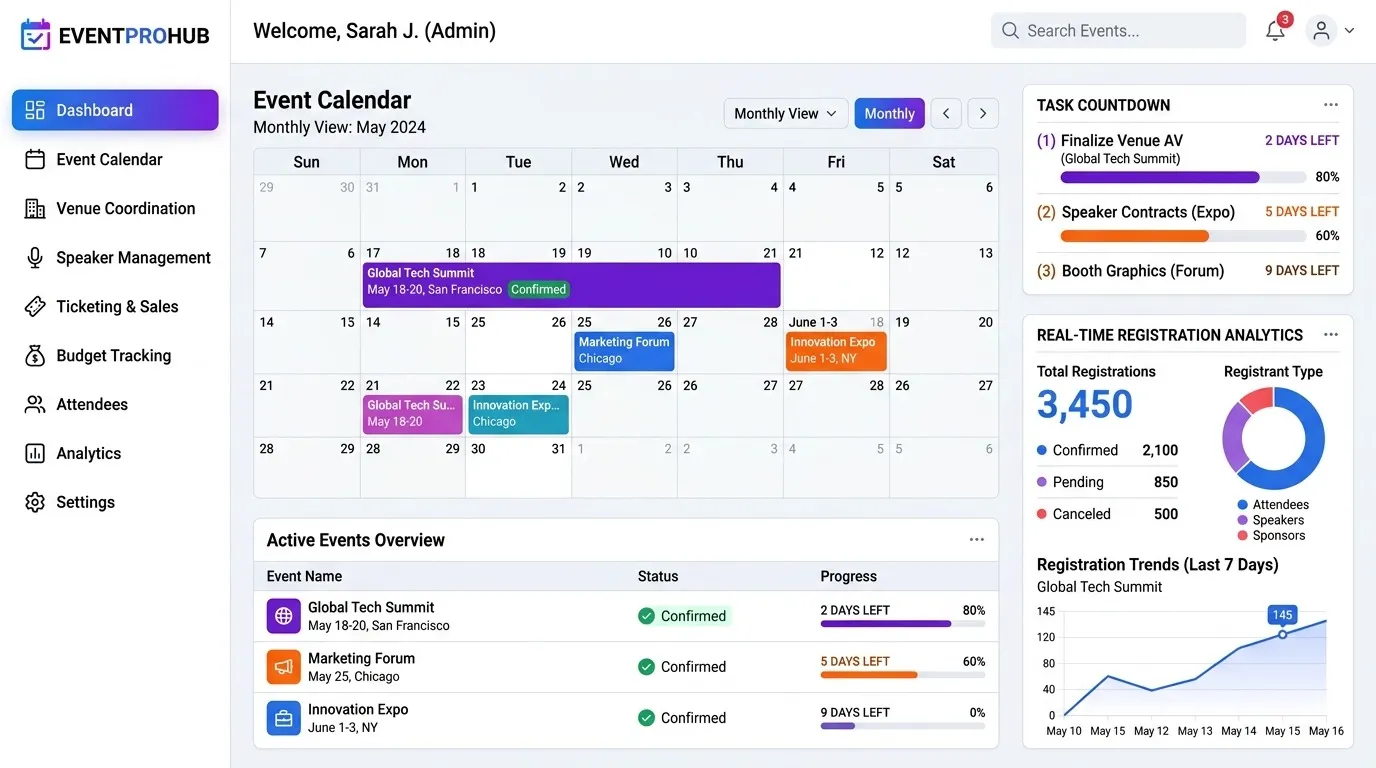
Planning an event without centralized software usually means juggling spreadsheets for attendees, separate tools for ticketing, and manual check-in lists at the door. Event management SaaS platforms solve this by unifying registration, communication, and on-site logistics into one connected system.
A Real-World Example: From Spreadsheets to One Dashboard
Consider a mid-sized conference organizer previously managing attendee registration through a spreadsheet, ticketing through a separate platform, and check-in via a printed list at the door. Staff had to manually cross-reference all three during check-in, causing long lines and errors. After implementing centralized event manager tools that combined registration, ticketing, and QR-code check-in into one system, check-in time per attendee dropped significantly, since staff worked from a single synced database instead of three disconnected sources.
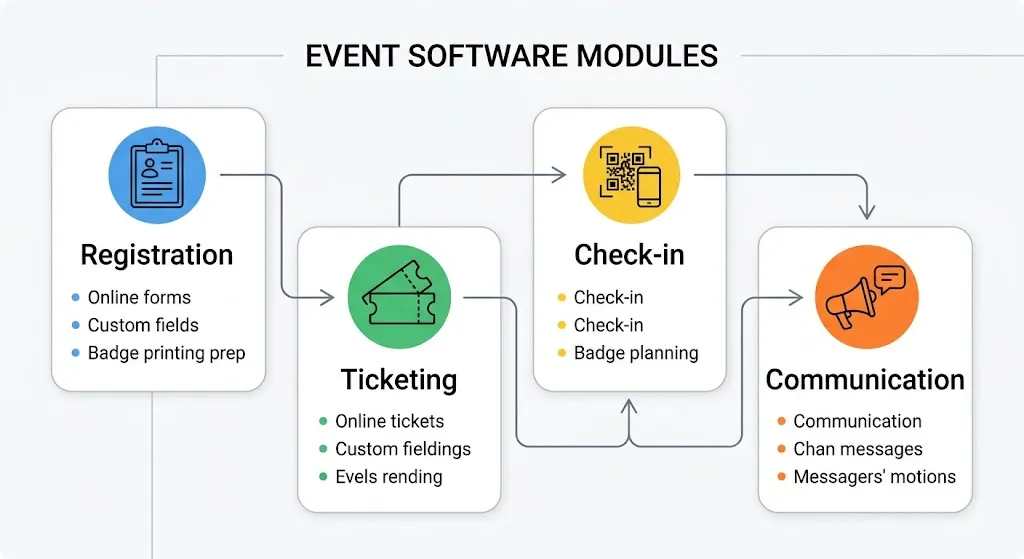
What to Look for in Event Management Software
1. Centralized Attendee Management
All registration, ticket types, and attendee data should live in one place, accessible to the whole team in real time.
2. Automated Communication
Confirmation emails, reminders, and post-event follow-ups should trigger automatically based on registration status, not require manual sending.
3. On-Site Check-In Tools
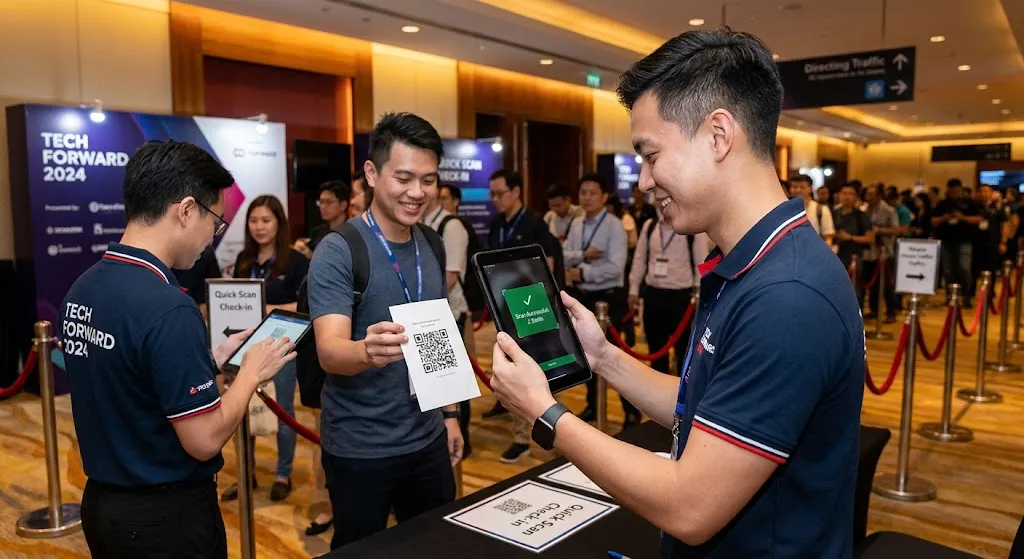
QR code or badge-based check-in dramatically speeds up entry compared to manually checking names against a printed list.
4. CRM Integration
CRM event management software that syncs attendee data with your existing CRM means leads and follow-ups from the event flow directly into your sales pipeline, rather than sitting in a separate spreadsheet afterward.
5. Reporting and Analytics
Post-event reporting on attendance, engagement, and ticket sales helps justify budget and improve the next event.
Off-the-Shelf vs. Custom Event Software
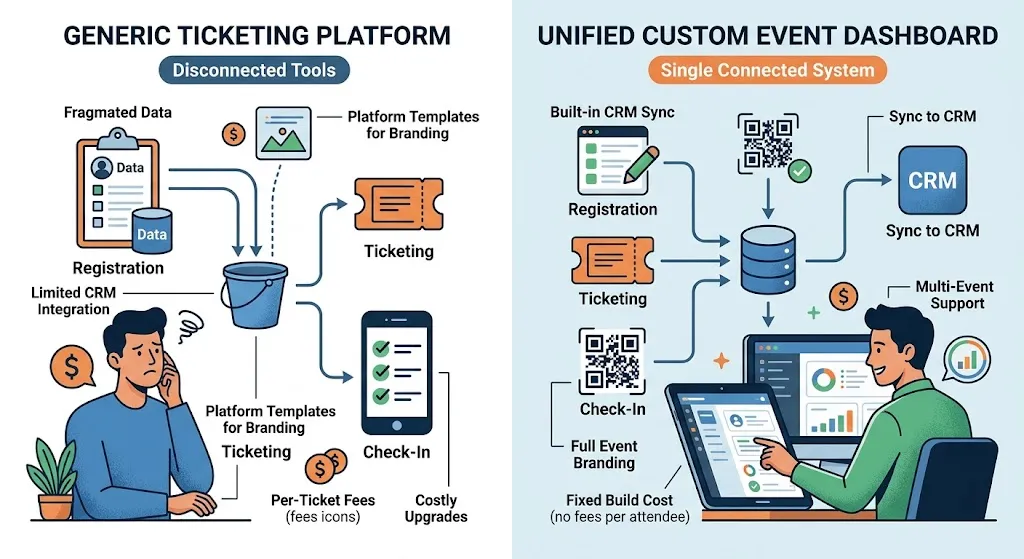
Feature Off-the-Shelf Tools Custom Event Software CRM integration Often limited or unsupported Built to sync with your existing CRM branding Limited to platform templates Fully matches your event branding pricing Per-ticket or per-attendee fees One-time build, no per-attendee scaling costs Multi-event support Often a costly upgrade tier Built in from the start if needed Our CRM automation guide covers how post-event lead follow-up can be automated once attendee data syncs into your CRM.
Frequently Asked Questions
Is custom event software worth it for a single annual event?
It depends on scale—organizations running recurring events (conferences, training sessions) typically see more value than one-off small gatherings, where off-the-shelf tools may suffice.
Can event software integrate with existing ticketing platforms?
Yes—custom systems are often built to sync with or extend existing ticketing tools rather than fully replacing them.
How does event software help with lead follow-up?
By syncing attendee and engagement data directly into a CRM, sales teams can follow up with qualified leads immediately after the event instead of manually exporting spreadsheets.
What's the biggest mistake in choosing event software?
Picking a tool based on ticketing features alone without considering check-in speed and CRM integration—both directly affect attendee experience and post-event ROI.
Final Thoughts
Event chaos usually isn't a planning failure—it's a systems failure, with data scattered across disconnected tools. Centralizing registration, check-in, and CRM sync into one platform removes that friction for organizers and attendees alike.
Ready to Build Custom Event Management Software?
DevGlim builds custom event platforms tailored to how your organization runs events. See our SaaS development services or get in touch to discuss your requirements.