How Long Does It Take to Build a Custom CRM? A Phase-by-Phase Timeline
A realistic, phase-by-phase view of how long a custom CRM takes to build, what stretches the schedule and how to get a usable first version sooner.
DevGlim Team
October 23, 2026
Looking to build this instead of buying it? See our Custom CRM Development service →
"How long will it take?" is usually the second question after "how much will it cost?", and the two are tied together. A custom CRM is not one fixed product, so any honest answer starts with scope. This guide breaks a typical project into phases, explains what each one involves and shows where schedules usually slip, so you can sanity-check any estimate you receive.
The short answer
A focused first version, covering contacts, companies, a sales pipeline, tasks, basic reporting and one or two integrations, is commonly planned in the range of a few months rather than a few weeks. A CRM that replaces several existing tools, migrates years of history and connects to accounting, telephony and marketing systems takes longer. The fastest reliable route is almost always a smaller first release followed by planned iterations.
Treat any figure, including ours, as an estimate until discovery is done. The phases below are what the estimate is made of.
Phase 1: Discovery and requirements
Discovery turns "we need a CRM" into a list of records, stages, permissions, reports and integrations. It usually includes interviews with sales, support and management, a review of current spreadsheets or tools, and a written scope with acceptance criteria.
Skipping this phase does not save time. It moves the questions into the build, where answering them is more expensive. If you have never written a requirements document, our guide on how to write a software requirements document shows what a developer needs from you.
Phase 2: Workflow and interface design
Designers map the main screens: record views, pipeline boards, task lists and dashboards. Clickable prototypes let the sales team try the flow before code is written. This is the cheapest point to discover that a stage is missing or a field belongs on a different screen.
Phase 3: Core build
The core build covers the data model, authentication and roles, record management, pipeline stages, activity logging, search and the first reports. Work is normally delivered in short iterations with a demo at the end of each, so the team sees progress and can correct course early.
Phase 4: Integrations
Integrations are where timelines most often grow. Each connected system, such as an email provider, phone system, accounting package, website forms or a marketing platform, needs authentication, field mapping, error handling and a decision about which system owns each piece of data. A well-documented API is quick to connect; an older system without one can take longer than the CRM screens themselves.
Phase 5: Data migration
Moving existing records is rarely a single import. Data has to be exported, cleaned, deduplicated, mapped to new fields and test-imported more than once. Ownership, activity history and attachments are the parts that usually need the most care. Plan at least one full rehearsal before the real cutover.
Phase 6: Testing, training and rollout
Testing covers permissions, automation rules, integrations and reports with realistic data. Training is short if the design phase involved real users. Many teams roll out to one group first, fix what they find, then switch everyone over.
What makes a CRM project take longer
- Unclear ownership. Nobody on the client side can make decisions quickly, so questions wait.
- Scope added mid-build. New modules arrive after the plan is agreed without anything being moved out.
- Undocumented integrations. A legacy system needs reverse-engineering before it can be connected.
- Messy source data. Duplicate contacts and inconsistent fields multiply migration work.
- Too many custom reports in version one. Reports are easier to define once people are using the system.
How to get a usable CRM sooner
- Pick the one workflow that hurts most today, usually lead capture to closed deal, and build that first.
- Limit version one to the integrations you cannot work without.
- Migrate active records first and archive older history separately if needed.
- Agree a single decision-maker and a weekly review slot.
- Schedule improvements after launch instead of trying to anticipate every need upfront.
Build, buy or extend?
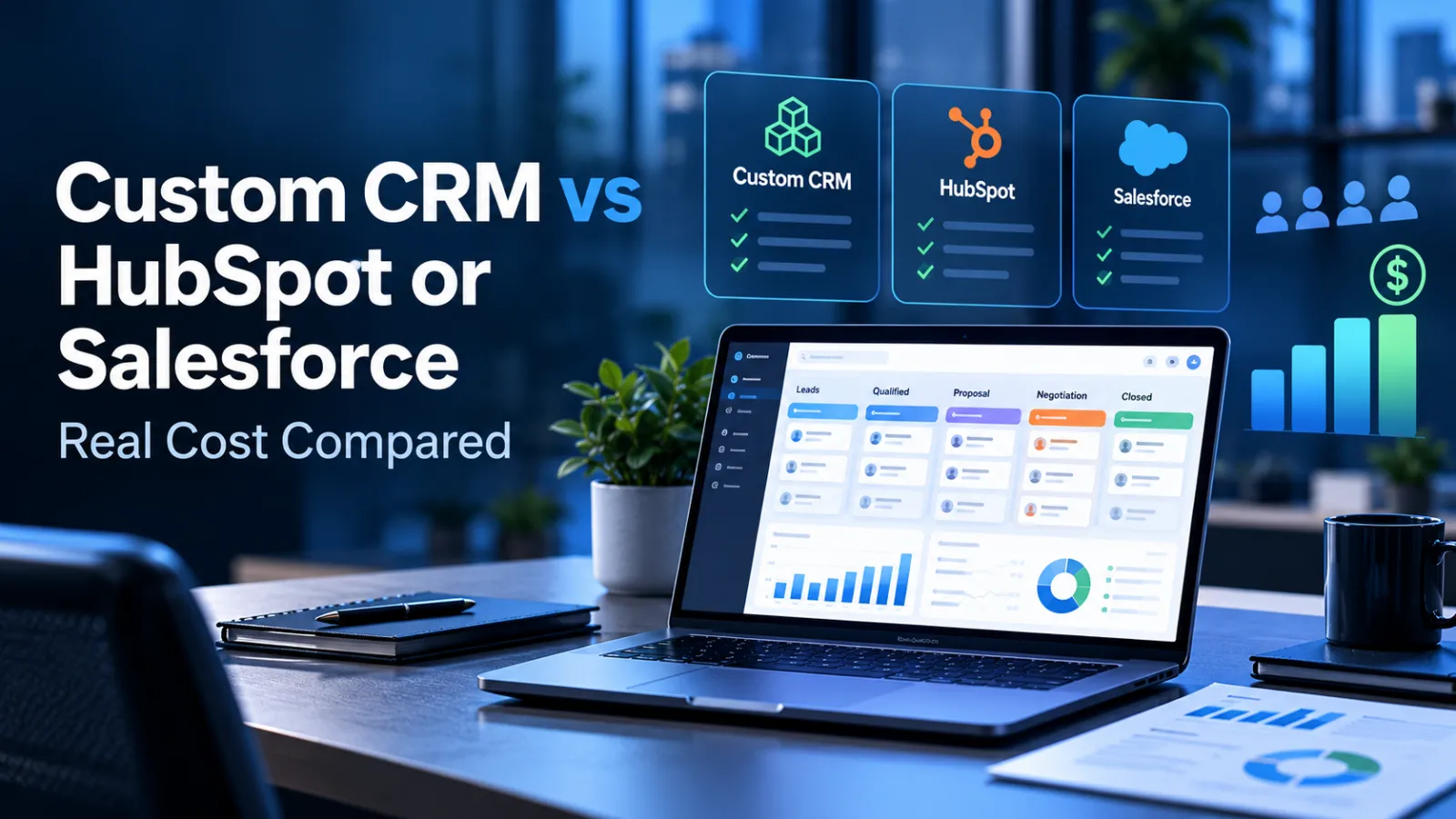
If an off-the-shelf CRM covers most of your process, configuring it will almost always be faster than building. A custom CRM earns its timeline when your workflow is a competitive advantage, per-seat costs are climbing, or you are already stitching several tools together. Our comparison of custom CRM vs HubSpot or Salesforce covers that decision in more detail.
If you would like a timeline based on your actual scope, DevGlim's custom CRM team can run a short discovery and give you a phased plan.