
AI Document Processing for Business: OCR, Data Extraction and Review Workflows
AI can read invoices, forms and contracts and pull out the data you need. Here is how it works and where humans stay in the loop.
DevGlim Team
November 27, 2026
Looking to build this instead of buying it? See our AI Workflow Automation service →
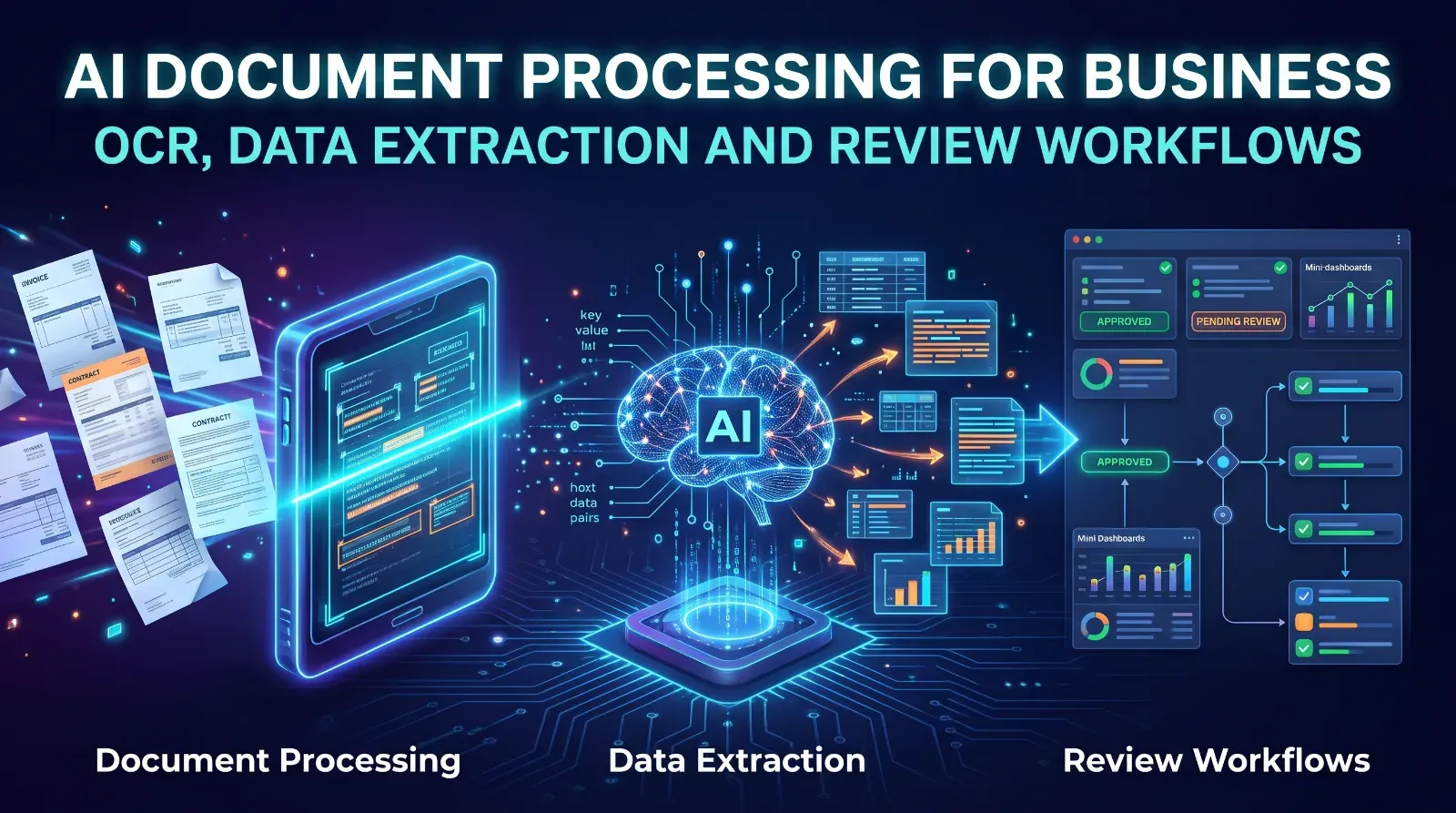
Every business receives documents: invoices, purchase orders, application forms, contracts and reports. Someone usually reads them and types the details into another system. AI document processing automates much of that work by reading documents and extracting the information you need.
How it works
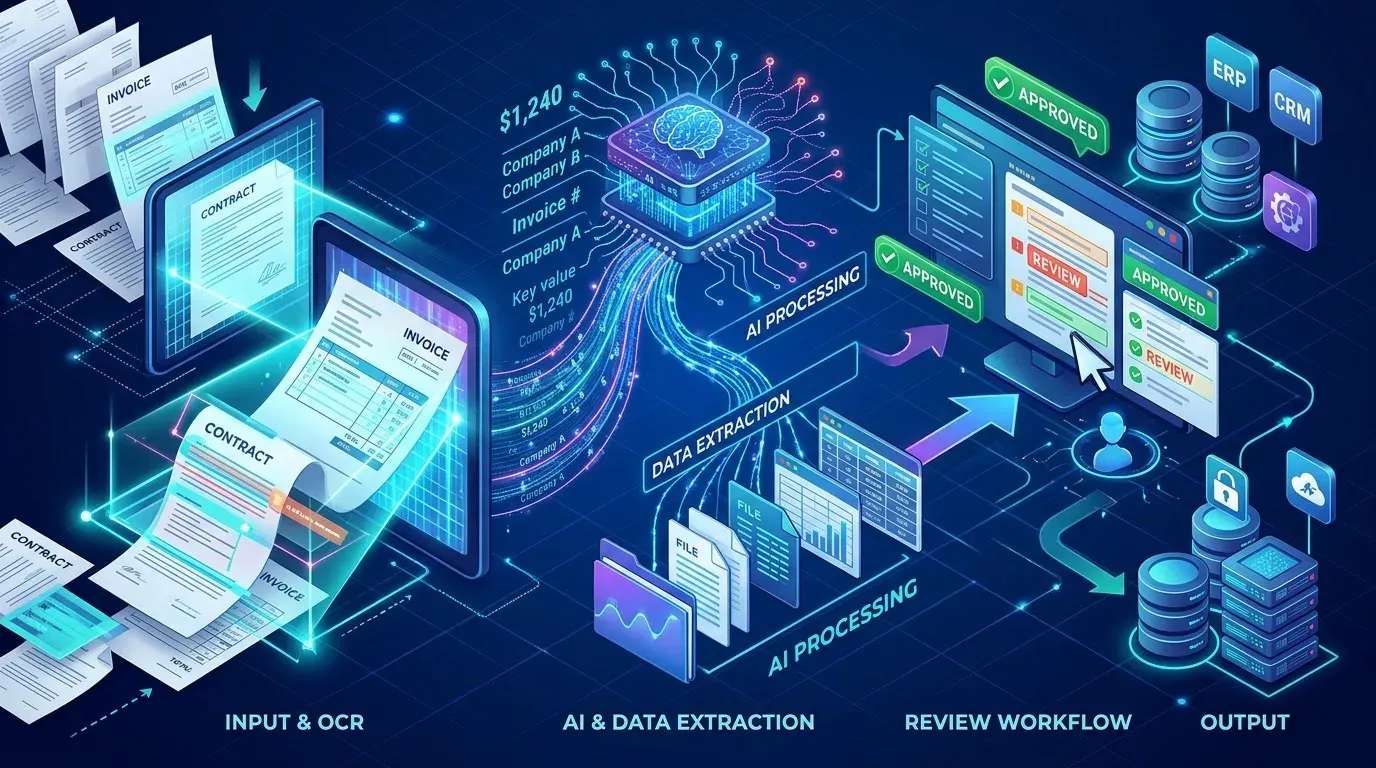
- Capture. Documents arrive by email, upload, scan or a connected system.
- Text recognition. OCR (optical character recognition) turns scanned images and PDFs into text.
- Understanding and extraction. AI models identify the fields you care about, such as vendor, date, totals, line items or contract terms.
- Validation. Rules check the data: do the totals add up, does the vendor exist, is the date plausible?
- Human review. Unclear or high-risk documents go to a person for a quick check.
- Delivery. Approved data flows into your accounting, CRM or database.
Common use cases
- Invoices and bills: extract supplier, amounts and line items for approval. See How to Automate Invoice Processing With AI.
- Customer forms and onboarding: capture details from applications and IDs.
- Contracts: pull out dates, parties, renewal terms and obligations.
- Property and legal documents: extract key fields for records and workflows, as shown in Real Estate Property Data Extraction.
- Orders and delivery notes: match them against purchase orders and stock.
Accuracy: set honest expectations
AI extraction is powerful but not perfect. Accuracy depends on document quality, layout variety and how clearly the fields are defined. Poor scans, handwriting and unusual formats are harder. Because of this, good systems measure accuracy on your own documents and route uncertain cases to people rather than guessing.
Keep humans in the loop
A review step is not a failure of automation. It is what makes automation safe. A sensible design flags low-confidence fields, lets reviewers fix them quickly and learns from the corrections. Over time, the share of documents that need review often falls.
Security and privacy
Documents often contain sensitive data. Decide where files are stored, who can see them, how long they are kept and whether any data leaves your environment. Choose tools and architectures that match your legal and contractual obligations.
How to start
- Pick one document type with clear volume and clear cost, such as supplier invoices.
- Collect 50 to 100 real examples, including messy ones.
- Define the fields, the validation rules and who approves exceptions.
- Run a pilot, measure accuracy and time saved, then expand.
For a wider view of where this fits, read AI Workflow Automation for Businesses. If you want to search across documents and answer questions from them, see RAG Applications for Business.
Conclusion
AI document processing reduces manual typing, speeds up approvals and improves data consistency. Start with one document type, measure real results and keep a human review step where mistakes would be costly.