Moving From QuickBooks to an ERP: Signs It Is Time and How to Migrate
QuickBooks is excellent accounting software. When inventory, orders and operations live in spreadsheets around it, an ERP may be the next step.
DevGlim Team
October 26, 2026
Looking to build this instead of buying it? See our Custom ERP System Development service →
QuickBooks runs the books for a huge number of small businesses, and for many it is all they will ever need. Problems start when the business grows around it: inventory in one spreadsheet, orders in another, production plans on a whiteboard, and someone re-typing it all into the accounts at month end. This guide covers the signs that it is time to move to an ERP and a practical way to migrate without disrupting the business.
Signs you have outgrown QuickBooks
- Inventory lives outside the accounts. Stock counts, locations or batch numbers are tracked in spreadsheets.
- Month-end takes longer every quarter because data has to be gathered and reconciled from several places.
- Several tools are stitched together with exports, imports and manual re-entry.
- You cannot answer basic questions quickly, such as true margin per product or per customer.
- Multiple entities, warehouses or currencies make reporting painful.
- Manufacturing or assembly needs bills of materials, work orders and costing.
One or two of these can often be solved with an add-on. Several together usually mean the business needs one system of record for operations.
What an ERP adds
An ERP connects finance with the operational processes that feed it: purchasing, inventory, sales orders, production, fulfilment and reporting. The point is not more features; it is that a sale, a stock movement and the accounting entry come from the same transaction, so nobody re-keys them.
Your options
- Keep QuickBooks and add operational tools that sync with it. Cheapest, but integrations multiply.
- Move to a packaged ERP such as NetSuite, Odoo, Dynamics or Acumatica. Broad coverage; configuration and licences to manage.
- Keep QuickBooks for accounting and build a custom operations system around it. Useful when your operations are unusual but your accounting is standard.
- A fully custom ERP, when no product fits and the workflow is a competitive advantage.
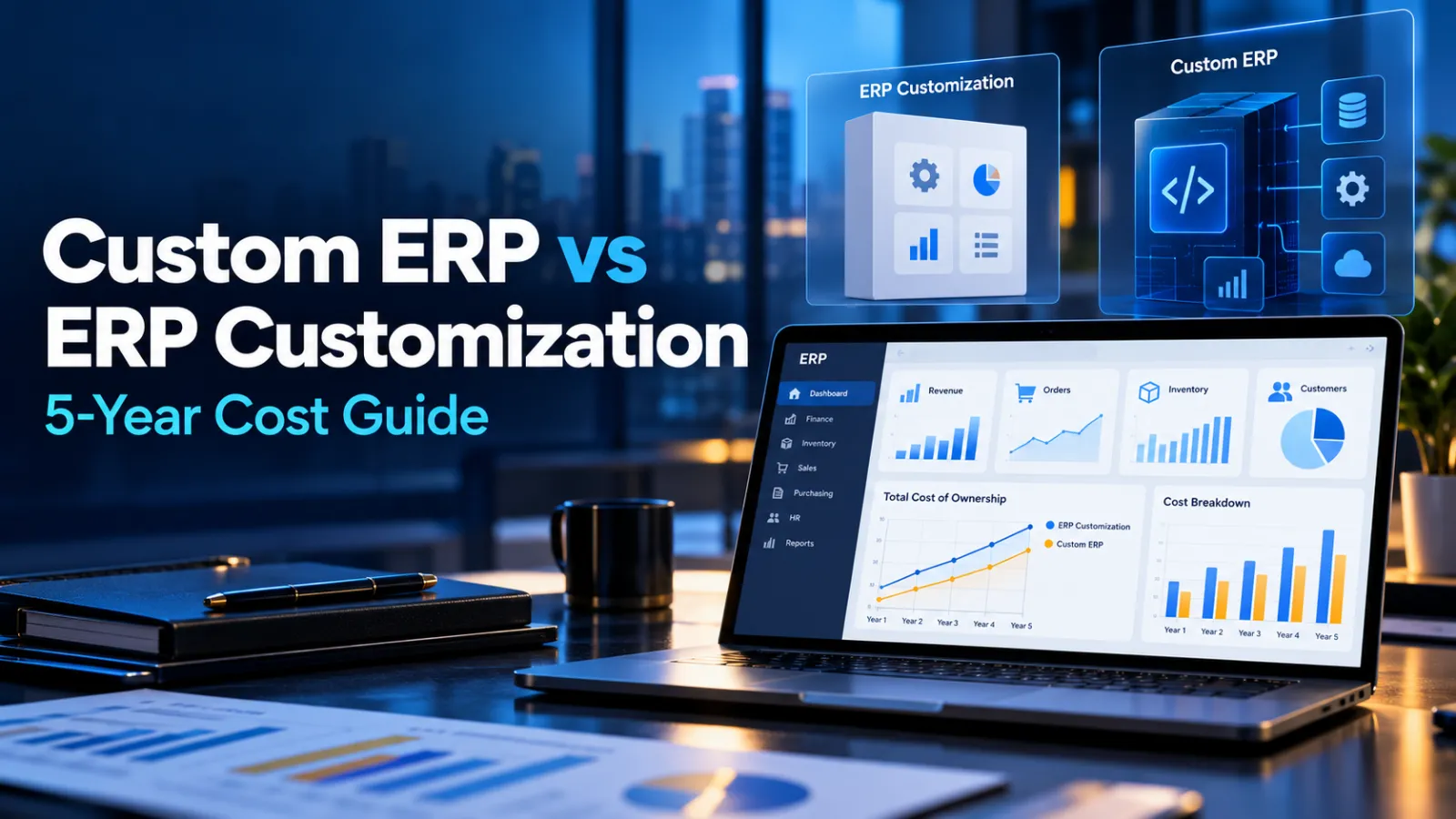
Our article on custom ERP vs ERP customization compares the long-term costs.
A migration plan in seven steps
- Map your processes from quote to cash and purchase to pay, including the spreadsheets.
- Decide what history to bring. Many businesses migrate opening balances, open transactions and a limited period of history, and keep QuickBooks read-only for older records.
- Clean master data: customers, suppliers, products and the chart of accounts. Remove duplicates and inactive records.
- Configure and connect the ERP to e-commerce, banking, payroll and shipping systems.
- Run a trial migration and reconcile balances against QuickBooks.
- Train users on real scenarios, not generic demos.
- Cut over at a period end, ideally month or quarter end, with your accountant involved.
Common mistakes
- Choosing software before mapping processes.
- Migrating every historical transaction "just in case".
- Leaving the accountant out until go-live.
- Recreating old spreadsheet workarounds inside the new system.
Use the ERP cost calculator for a first budget range, and read our custom ERP system guide for modules and build-vs-buy. DevGlim's ERP team can help you plan the move.