Dental Practice Website Must-Haves: What Turns Visitors Into Booked Patients
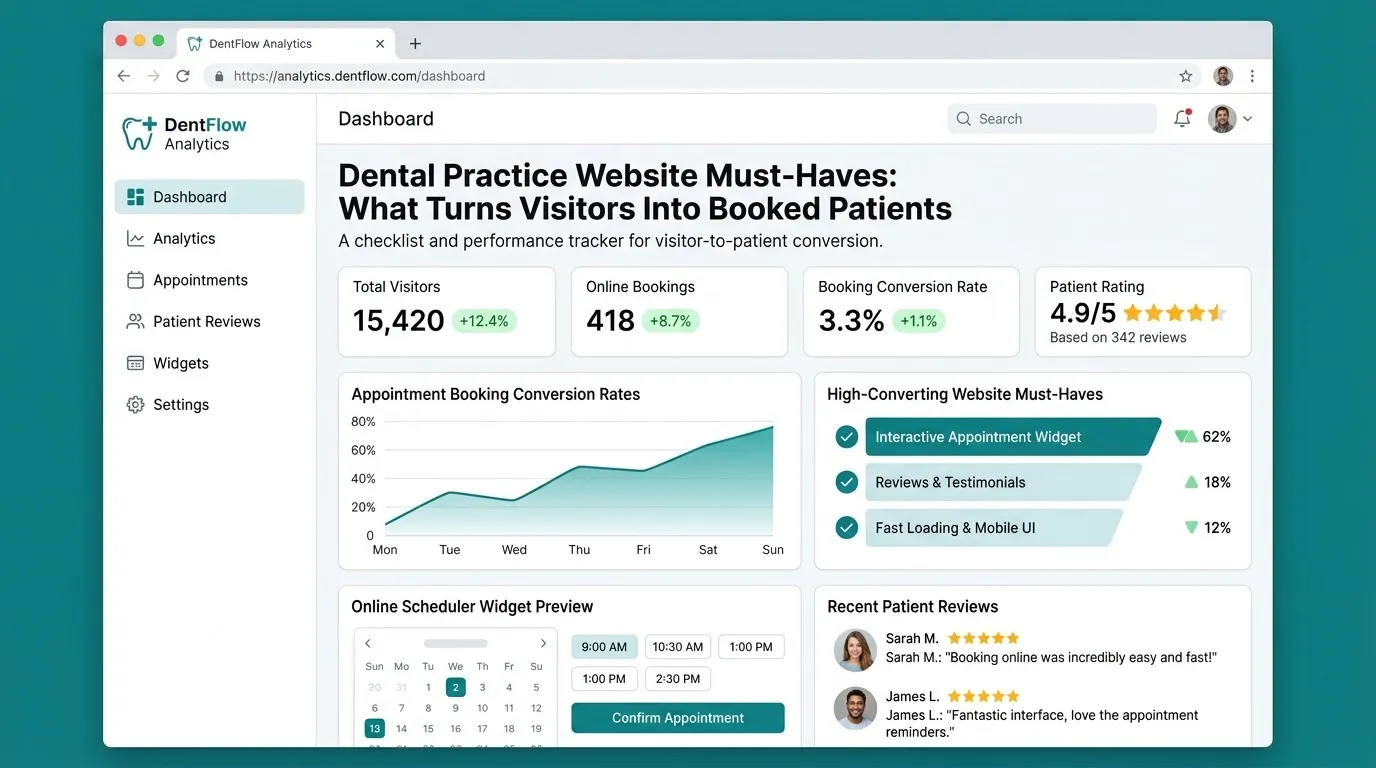
Patients choose a dentist in minutes on their phone. Here are the website elements that help them pick your practice and book.
DevGlim Team
October 26, 2026
Looking to build this instead of buying it? See our Healthcare Website Design & Development Services service →
Most new dental patients find a practice by searching on their phone, comparing a few options and booking with the one that answers their questions fastest. Your website does not need to be elaborate. It needs to make those answers and the next step obvious.
1. Booking that works on a phone
Put a clear "Book an appointment" button at the top of every page. Online booking connected to your practice management system is ideal; a short request form and a tap-to-call number are the minimum. Keep forms short and avoid asking for health details at first contact (see our guide to HIPAA-compliant website forms).
2. Insurance and payment information
"Do you take my insurance?" is one of the first questions patients ask. List accepted plans, whether you are in or out of network, and payment or membership options. A clear answer here prevents many abandoned visits.
3. A page for each service
Separate pages for cleanings, implants, Invisalign or aligners, emergency dentistry, pediatric care and cosmetic treatments help patients find exactly what they need and give search engines specific pages to rank. Explain what to expect, recovery and common questions in plain language.
4. Local SEO basics
- Consistent name, address and phone number across the site and your Google Business Profile.
- A location page per office, with map, hours, parking and accessibility details.
- Structured data for the practice and its locations.
- Genuine patient reviews, displayed in line with platform rules and privacy obligations.
5. Trust signals
Real photos of your team and office, dentist bios with qualifications, and clear information about sterilization and safety reassure anxious patients. Stock photos of perfect smiles do much less.
6. Emergency information
Patients with tooth pain search urgently. A visible emergency section with same-day availability and after-hours instructions can win those patients.
7. Speed and accessibility
A slow site loses mobile visitors. Compress images, avoid heavy sliders and test on a mid-range phone. Follow accessibility guidelines (WCAG): good contrast, readable text, keyboard navigation and descriptive links help every visitor and reduce legal risk.
8. Measure what matters
Track bookings, calls and form submissions by page, without sending health information to advertising tools. Review monthly which services and locations bring patients.
Use the healthcare website cost calculator for a budget range, and read how to choose a medical website design company. DevGlim designs healthcare websites built around patient bookings.