Clinical Diagnostics Website Design: Patients, Clinicians and Partners
How diagnostics providers can organize complex test, preparation, referral and location information for patients, clinicians and partners.
DevGlim Team
September 21, 2026

Looking to build this instead of buying it? See our Healthcare Website Design & Development Services service →
Clinical diagnostics websites carry unusually dense information. Patients may be anxious and looking for preparation instructions. Clinicians need referral details and test information. Commercial or research partners may be evaluating capability, quality systems and logistics. A single generic path cannot serve all three well.
Organize the site by task as well as audience
Start with the questions each group needs answered. Patients commonly need locations, opening hours, booking instructions, preparation requirements and how results are delivered. Clinicians need test directories, specimen requirements, turnaround guidance and referral steps. Partners need capabilities, accreditations, logistics and a qualified contact path.
Navigation labels should use the language visitors recognize. Internal department names and unexplained acronyms make already complex journeys harder.
Planning a healthcare website? Estimate the likely investment, timeline and complexity based on your audiences, locations, content and integrations. Open the full-page tool.
Free tool · about 3 minutes
Healthcare Website Cost Calculator
You will get:
- An indicative project investment and timeline
- A complexity level based on your scope
- The capabilities and decisions most likely to drive the project
No sign-up needed to see your result. This is an indicative estimate based on the information provided. Final pricing depends on features, integrations, design complexity and project requirements.
Treat the test directory as structured content
When a provider offers many tests, consistent fields make information easier to search and maintain: test name and aliases, purpose, specimen, preparation, expected timing and who to contact. Clear governance matters as much as interface design—each page needs an owner and review date.
Make preparation information easy to find and understand
Preparation requirements should appear near booking and location information, not only inside a downloadable PDF. Use short sections, plain language and prominent warnings where clinically reviewed content requires them. Downloads can remain available for printing, but the core information should be accessible on the page.
Separate marketing pages from clinical systems
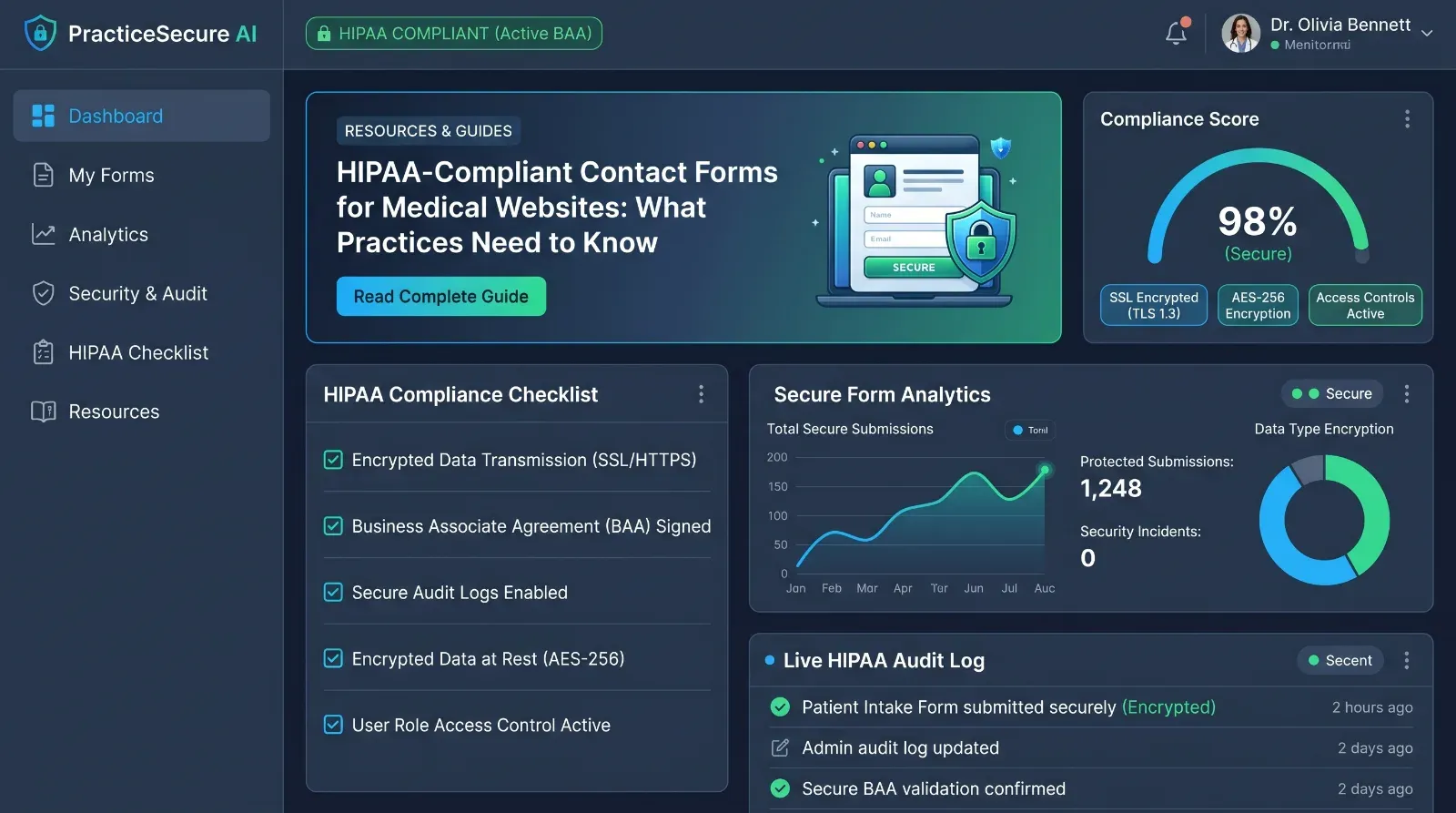
Results portals, referral systems and forms that handle sensitive data need their own security and compliance assessment. A marketing website can link to an approved portal without pretending to provide the same controls. Document which system receives each form submission and avoid exposing sensitive information to unapproved analytics, chat or email workflows.
Design location pages for real visits
A useful diagnostics location page includes address, map context, hours, services available, accessibility details, appointment rules, parking or transit information and a direct phone number. Create location pages because the information is genuinely distinct, not to manufacture duplicate geographic SEO pages.
Test accessibility and urgent journeys
Check keyboard operation, focus order, headings, contrast, form errors, zoom and screen-reader labels. Then test urgent tasks on a small screen: finding a location, checking preparation and contacting support. Accessibility improvements often reduce friction for every user.
Plan the build around scope and measurable outcomes
DevGlim’s healthcare website design and development process maps audiences, content ownership, integrations and conversion events before implementation. Use the healthcare website cost calculator to create an initial scope, then book a strategy call for a review of your directory, referral and location journeys.