
Build vs Buy a Real Estate CRM: Cost, Fit and Ownership
A decision framework for brokerages, investors and property teams comparing existing CRM products, configured platforms and custom development.
DevGlim Team
September 22, 2026
Looking to build this instead of buying it? See our A Custom Real Estate CRM Built Around Your Exact Workflow service →
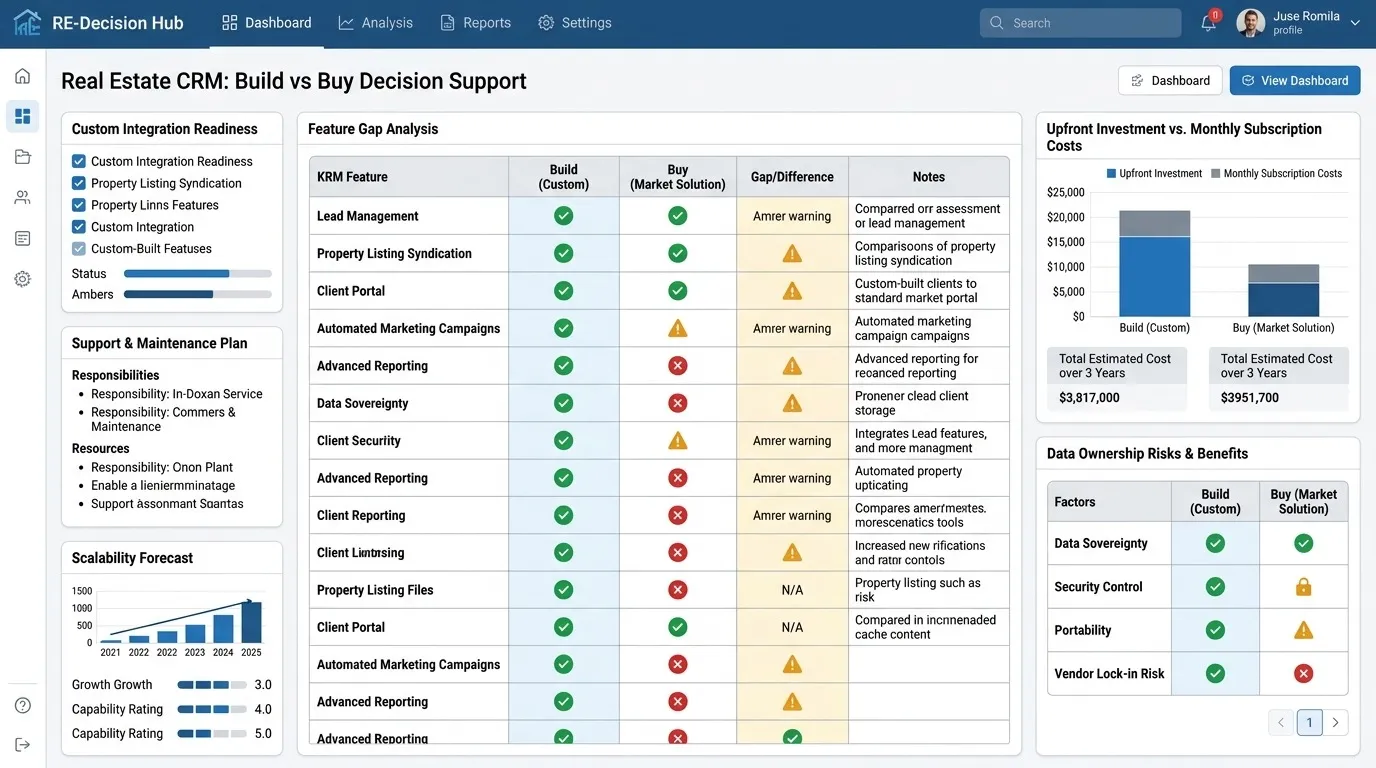
The build-versus-buy decision is not a contest between generic software and a perfect custom system. Real organisations choose among established products, configurable platforms, integrations, partial custom components and full custom development.
The right answer is the least complex approach that reliably supports the operation and its expected change.
Three realistic choices
Buy an established CRM
Best when workflows are common, rapid adoption matters and the team can accept the product’s data model and roadmap. This normally has the lowest upfront cost and the clearest path to launch.
Configure and integrate a platform
Best when a platform covers the core need but requires fields, pipelines, reports and a limited number of reliable connections. This avoids rebuilding standard capabilities while addressing specific gaps.
Build a custom CRM
Best when workflow fit, integrations, ownership, scale or differentiated functionality create enough value to justify product development and ongoing maintenance.
Planning a custom real estate CRM? Estimate the scope, likely investment and major complexity drivers. Open the full-page tool.
Free tool · about 4 minutes
Real Estate CRM Cost Calculator
You will get:
- An indicative project investment and timeline
- A complexity level and likely CRM components
- The requirements driving the estimate
No sign-up needed to see your result. This is an indicative estimate based on the information provided. Final pricing depends on features, integrations, design complexity and project requirements.
Use workflow fit as the first filter
Write down how a lead becomes an outcome. Include people, properties, communication, appointments, offers, documents, approvals, responsibilities and exception paths. Demonstrate that workflow in shortlisted products.
If a product supports the normal and difficult cases with modest configuration, buying is usually rational. If critical logic remains outside the system or depends on repeated reconciliation, compare a hybrid or custom approach.
Compare total cost, not licence versus build quote
A useful total-cost comparison can include:
- Subscriptions, usage, storage and per-seat growth
- Implementation and data migration
- Extensions, integration platforms and specialist support
- Internal administration and training
- Custom discovery, design, development and testing
- Hosting, monitoring, security updates and support
- Cost of manual work, failed handoffs and unreliable reporting
Do not treat every manual task as a recoverable financial saving. Identify which delays or errors genuinely affect capacity, conversion, customer experience or risk.
Consider time and organisational readiness
Existing software can be adopted much faster than a responsible custom build. Custom development needs an internal decision-maker, access to subject-matter experts, timely review, migration ownership and a plan for training and support.
If the process is still changing weekly, product development may encode assumptions too early. Use a simpler tool until the operation is stable enough to describe.
Evaluate integrations before choosing the architecture
A CRM may need to connect website forms, portals, property-data providers, calendars, email, messaging, telephony, e-signature, storage, accounting or analytics. For each connection, verify:
- Whether an appropriate API or export exists
- Which fields and actions are allowed
- Rate limits, webhooks and failure behavior
- Data and commercial licence terms
- Consent, opt-out and regional communication requirements
- Who monitors and repairs the integration
Ownership is a responsibility as well as an advantage
Owning custom software can provide control over source code, data structures, deployment and roadmap. It also means someone must fund and manage hosting, observability, security maintenance, backups, dependencies and changes to third-party APIs.
Contracts should state intellectual-property terms, repository access, deployment accounts, documentation, data export, support and transition arrangements.
A practical decision scorecard
QuestionBuy/configure signalCustom signal Are workflows standard?Mostly yesCore process is genuinely differentiated How quickly must it launch?WeeksA phased months-long build is acceptable Can the team adopt the product model?YesWorkarounds materially harm operations Are integrations central?Standard connectors cover themSeveral systems must behave as one workflow Is product ownership available?Limited internal capacityA decision-maker and maintenance budget exist Validate the custom option
Explore the interactive CRM demo to see how people, properties and workflow events can be connected. Then use the real estate CRM cost calculator for an indicative range based on modules, integrations and migration.
If the result still supports custom development, review DevGlim’s custom real estate CRM development approach and scope the highest-value first release.
Frequently asked questions
When should a small real estate team buy instead of build?
When its workflow is standard, budget is limited, fast launch matters or no one can own a software product. An established CRM is usually the more responsible choice.
Can we build only the part our CRM is missing?
Yes. A hybrid approach can keep an existing CRM and add an integration, portal, reporting layer or purpose-built workflow for a genuine gap.
How do we get an accurate custom CRM quote?
Document users, workflows, modules, integrations, migration sources, security expectations and the first-release boundary. APIs and sample data should be verified before a fixed proposal.