
Real Estate Wholesaling CRM Requirements Checklist
A requirements checklist for teams evaluating or building software for acquisitions and dispositions.
DevGlim Team
September 22, 2026 · Updated September 22, 2026
Looking to build this instead of buying it? See our A Custom Real Estate CRM Built Around Your Exact Workflow service →
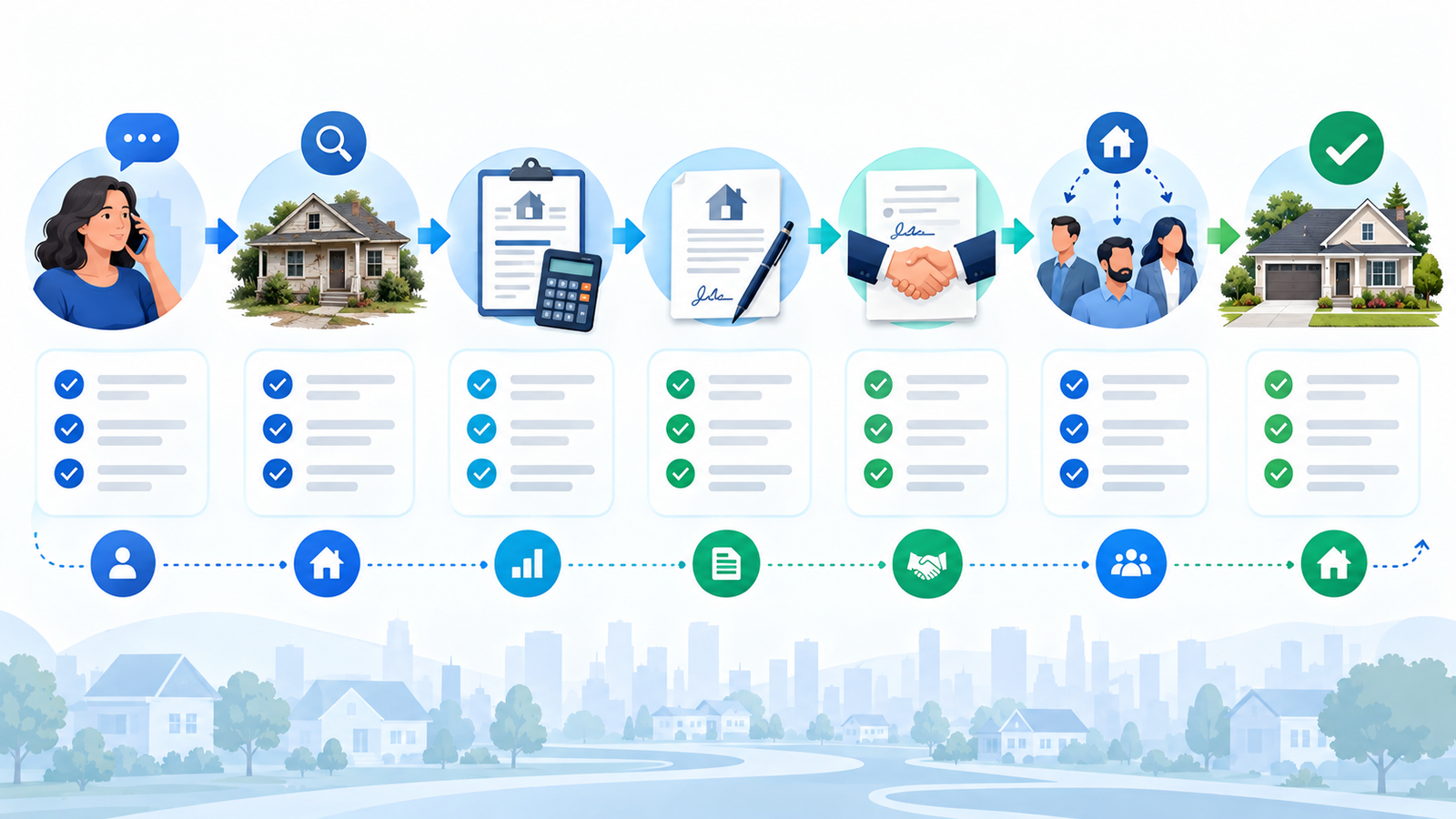
A real estate wholesaling CRM should make the full movement from seller enquiry to disposition visible. If it only stores contacts, teams often rebuild the actual process in spreadsheets, inboxes and chat threads.
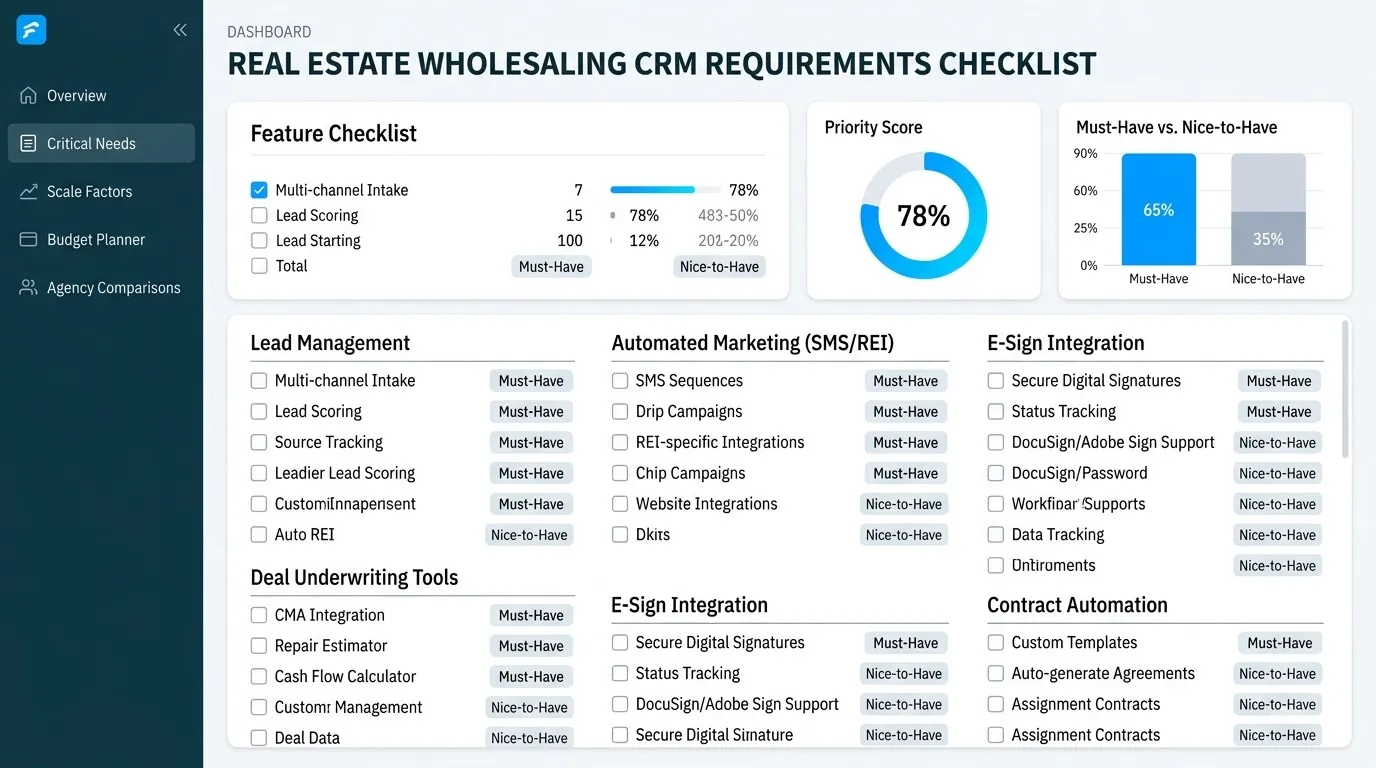
This checklist helps acquisitions and dispositions teams define what their system must do before buying, configuring or building software. It is intentionally requirements-led: not every team needs every item.
1. Seller lead intake
- Capture source, campaign and permission data.
- Normalize phone and email fields.
- Detect likely duplicate people and properties.
- Record motivation, timeline, condition and asking price without forcing guesses.
- Assign ownership using documented rules.
The system should flag incomplete or conflicting intake rather than silently treating it as qualified.
2. Property-centered records
A person may own several properties, and a property may have several associated people. Store the property separately, link ownership and opportunities, and preserve history across multiple conversations.
- Address and parcel identifiers where legally and commercially available
- Condition, occupancy and access notes
- Valuation inputs and their sources
- Photos, documents and inspection records
- Offer history and approval status
3. Acquisition pipeline
Stages should represent meaningful decisions—not cosmetic labels. Define entry and exit conditions for new, contacted, qualified, appointment, analysis, offer, negotiation, contract and closed/lost states. Track ageing and the next responsible action.
4. Buyer and dispositions workflows
Buyer records need criteria, markets, property types, funding readiness, communication permissions and engagement history. Matching should explain why a buyer is eligible. Dispositions staff need controlled campaign lists, responses, offers, documents and an audit trail.
5. Communication and consent
Centralize supported email, calling and messaging history when provider APIs permit it. Record opt-outs, consent source and suppressed channels. Automation must stop when consent or provider rules require it.
6. Tasks, appointments and approvals
- Create tasks from specific stage changes.
- Escalate overdue work to an explicit queue.
- Sync appointments only through verified calendar access.
- Require approval for offers or communications above agreed risk thresholds.
- Keep human decisions and overrides in the timeline.
7. Integrations
List each intended data source and destination. Confirm API access, authentication, field coverage, webhooks, quotas and licence terms. “Integrates with property data” is not a requirement until the provider and permitted use are named.
8. Reporting
Agree definitions for valid leads, contacted leads, appointments, offers, contracts, assignments and revenue. Useful views include response time, stage ageing, conversion by verified source, owner workload, fallout reasons and data-quality exceptions.
9. Security and administration
- Role-based permissions and least-privilege access
- Audit history for material changes
- Data export and retention rules
- Backups, monitoring and incident ownership
- Separate production and test environments
10. Adoption requirements
A technically capable CRM fails when normal work takes too many clicks or mobile tasks are ignored. Prototype the highest-frequency screens with real users. Plan training, data ownership and a feedback process.
Turn the checklist into a first release
Choose one complete path from intake to measurable outcome. Deliver contacts, properties, opportunities, permissions and that workflow first. Add integrations and automation after the data model and responsibilities are stable.
See the approach on the real estate wholesaling software page, explore the fictional CRM demo, or estimate scope with the CRM cost calculator.
Frequently asked questions
Do wholesalers need a custom CRM?
Not automatically. Existing software is sensible when it fits the process and integrations. Custom development is worth evaluating when critical logic remains outside the platform or the workflow is a material advantage.
What should be automated first?
Start with reliable lead capture, deduplication, assignment and next-action tracking before advanced outreach or AI.