10 Signs Your Real Estate Business Needs Automation (And What to Fix First)
10 clear signs your real estate business needs automation — from slow lead response to manual follow-ups — plus what to fix first.
DevGlim Team
September 7, 2026
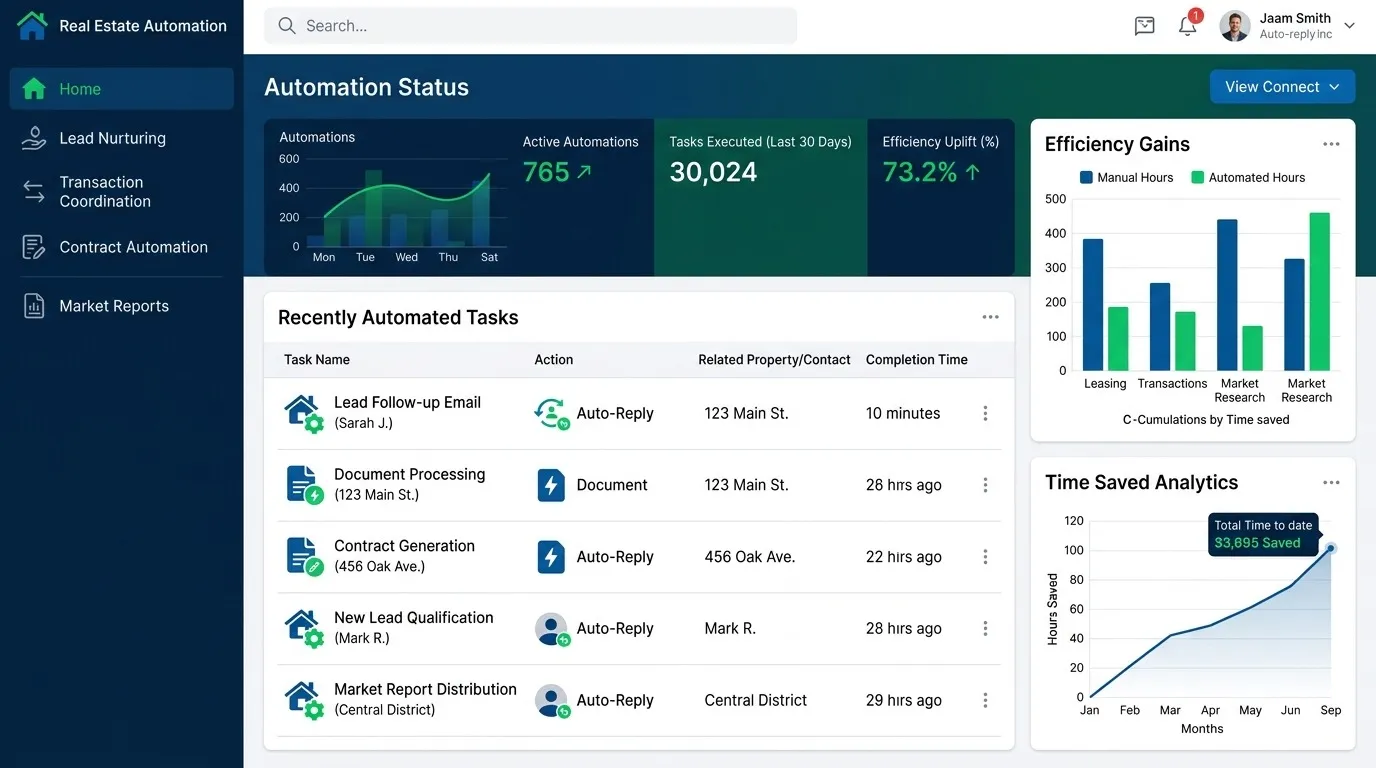
Looking to build this instead of buying it? See our AI Automation for Real Estate Workflows service →

Most real estate businesses don't decide to automate—they get pushed into it after enough leads slip through the cracks. If you're still relying on memory, sticky notes, or spreadsheets to manage clients, chances are you're already losing deals without realizing it.
Here are 10 clear signs your business needs real estate agent automation and what to fix first once you start.
1. Leads Wait Hours (or Days) for a Response
If a new lead comes in and doesn't hear back until you're out of a showing, you've likely already lost them to a faster-responding competitor. This is one of the most common and costly signs a business needs automation for real estate—an automated instant reply closes this gap immediately, even before a human follows up.
2. You're Tracking Leads in Spreadsheets or Notebooks
Spreadsheets work fine for a handful of contacts. Past that, leads get duplicated, lost, or forgotten. If you're manually copying information between a notebook, your phone, and email, you need a proper real estate lead tracker—not more organizational effort, but a system that tracks it for you.
3. Follow-Ups Depend on Someone Remembering
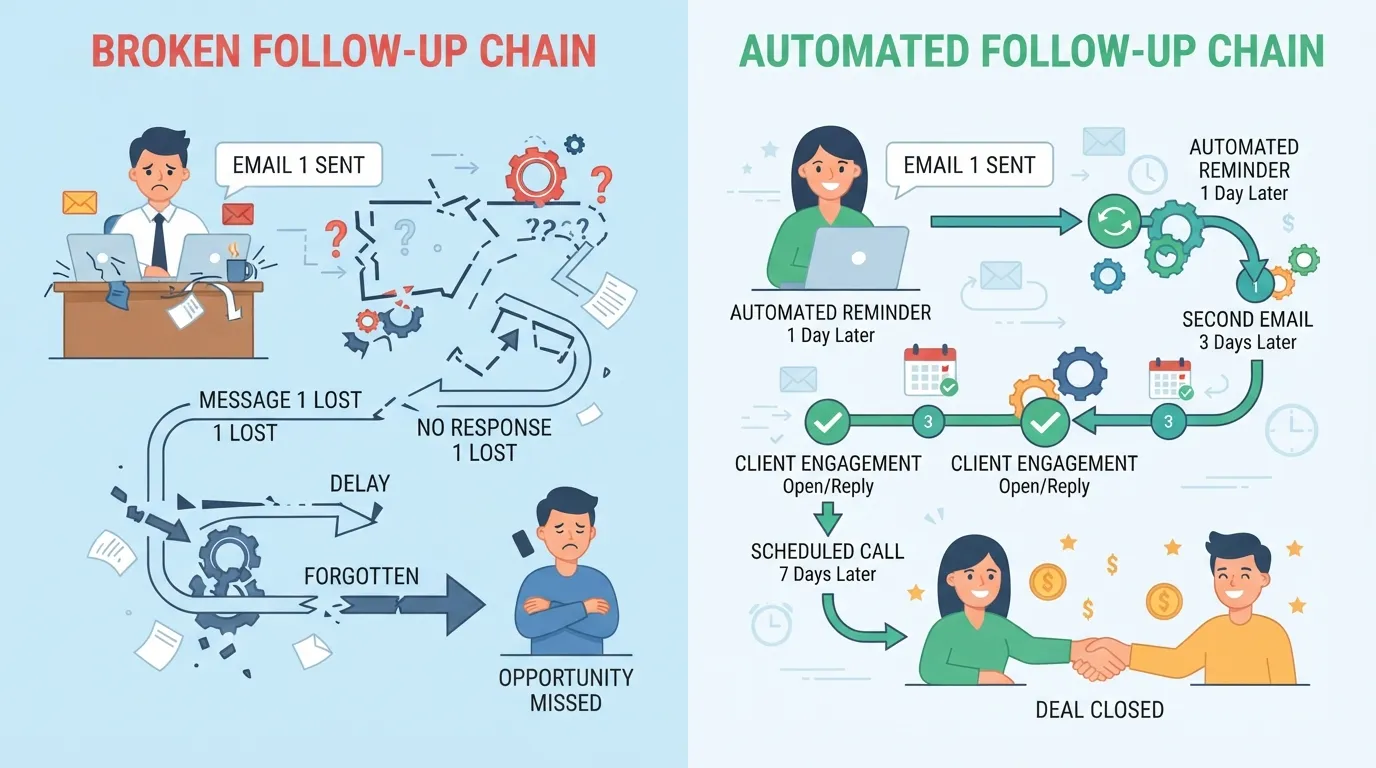
If your follow-up process is "I'll remember to call them back," it will eventually fail—not because anyone is careless, but because memory doesn't scale past a certain lead volume. Automated real estate systems handle scheduled follow-ups automatically, regardless of how busy an agent's day gets.
4. Past Clients Rarely Hear From You Again
Most real estate revenue over time comes from referrals and repeat clients—but only if you stay in touch. If your only contact with past clients is a holiday card (or nothing at all), you're leaving referral business on the table that automated nurture sequences would otherwise capture.
5. Different Team Members Handle Leads Differently
Without a shared system, every agent on a team develops their own process—some follow up fast, some don't follow up at all. This inconsistency directly costs closed deals. Workflow automation for real estate teams standardizes the process so lead quality doesn't depend on which agent happens to pick it up.
6. You Can't Answer "Where Did This Lead Come From?"
If you can't quickly say whether a lead came from your website, Zillow, a referral, or a Facebook ad, you can't tell which marketing channels are actually working. This is a data problem automation that solves by default—every lead gets tagged and tracked at the point of capture.
7. Reporting Takes Hours of Manual Work
If pulling a simple report on lead volume or conversion rates means manually combing through spreadsheets or CRM exports, that's hours a week that automated reporting would eliminate entirely.

8. Showings and Appointments Get Double-Booked
Manual scheduling across multiple agents and calendars is a common source of embarrassing double-bookings. Automated scheduling tools sync calendars in real time, preventing this entirely.
9. You're Losing Leads to Faster Competitors
If prospective clients mention they "already went with someone else" who responded faster or seemed more organized, that's a direct signal your process — not your service quality — is costing you deals.
10. Growth Feels Like It's Creating More Chaos, Not More Revenue
If adding more leads or agents makes your business feel harder to manage rather than more profitable, your systems haven't scaled with your growth. This is exactly the ceiling. How to automate your real estate business guides typically address—automation is what lets growth translate into revenue instead of chaos.
What to Fix First
If several of these signs sound familiar, don't try to automate everything at once. Start with:
- Instant lead response—the single highest-impact fix, addressed in more depth in our real estate CRM automation guide
- Centralized lead tracking—replace spreadsheets with a system that captures and tags leads automatically
- Basic follow-up sequences—even simple automated sequences dramatically outperform inconsistent manual follow-up
Once these three are solid, layer in reporting automation, scheduling tools, and past-client nurture campaigns.

Frequently Asked Questions
How do I know if my real estate business is ready for automation?
If you recognize 3 or more of the signs above, you're likely already losing leads or time to manual processes—automation typically pays for itself quickly at that point.
Is automation only useful for large teams?
No—only agents often benefit the most, since automation replaces tasks a single person can't keep up with alone as lead volume grows.
What's the difference between real estate automation and a CRM?
A CRM is the system that stores and organizes client data; automation refers to the rules and sequences that act on that data automatically (follow-ups, reminders, reporting) without manual effort.
How much of the process should be automated vs. handled personally?
Automate repetitive, time-sensitive tasks (first response, reminders, reporting). Keep personal calls, negotiations, and relationship-building steps human—automation should support agents, not replace the relationship itself.
Final Thoughts
None of these 10 signs mean your business is failing—they're simply signals that manual processes have hit their ceiling. Fixing the highest-impact gaps first (response time, tracking, follow-up) typically shows results within weeks, not months.
Ready to Automate Your Real Estate Business?
DevGlim builds custom automation and CRM systems tailored to how your real estate business actually runs. See our SaaS development services or get in touch to talk through your specific workflow.