Excel to Web App: When a Spreadsheet Becomes a Business Risk
Spreadsheets are great until the business depends on them. Here are the warning signs, what to move first, and when a spreadsheet is still fine.
DevGlim Team
November 18, 2026 · Updated November 19, 2026

Looking to build this instead of buying it? See our Replace Spreadsheets & Access Databases with a Web App service →
Spreadsheets are the most successful business software ever made. They are fast to start, flexible, and everyone knows how to use them. That is also why so many companies end up running critical operations on a file that was never designed for the job.
If your orders, jobs, inventory or client records live in a spreadsheet, this guide will help you decide whether it is still safe, and what to do if it is not.
Warning signs your spreadsheet has become a risk
A spreadsheet is fine for analysis and small, single-user tasks. It becomes a risk when the business depends on it. Watch for these signs:
- Only one person understands it. If the person who built it is on leave, work slows down or stops.
- Multiple versions exist. Files named "final_v3_NEW" mean nobody is sure which copy is correct.
- People overwrite each other. Two people editing at once leads to lost changes.
- No audit trail. You cannot tell who changed a price, a date or a status, or when.
- No access control. Everyone who can open the file can see and change everything, including data they should not see.
- Manual copy and paste. Data is retyped between the spreadsheet, your accounting tool and email, which creates errors.
- It is slow or crashes. Large files with many formulas become fragile.
If three or more of these sound familiar, the spreadsheet is no longer a convenience. It is a single point of failure.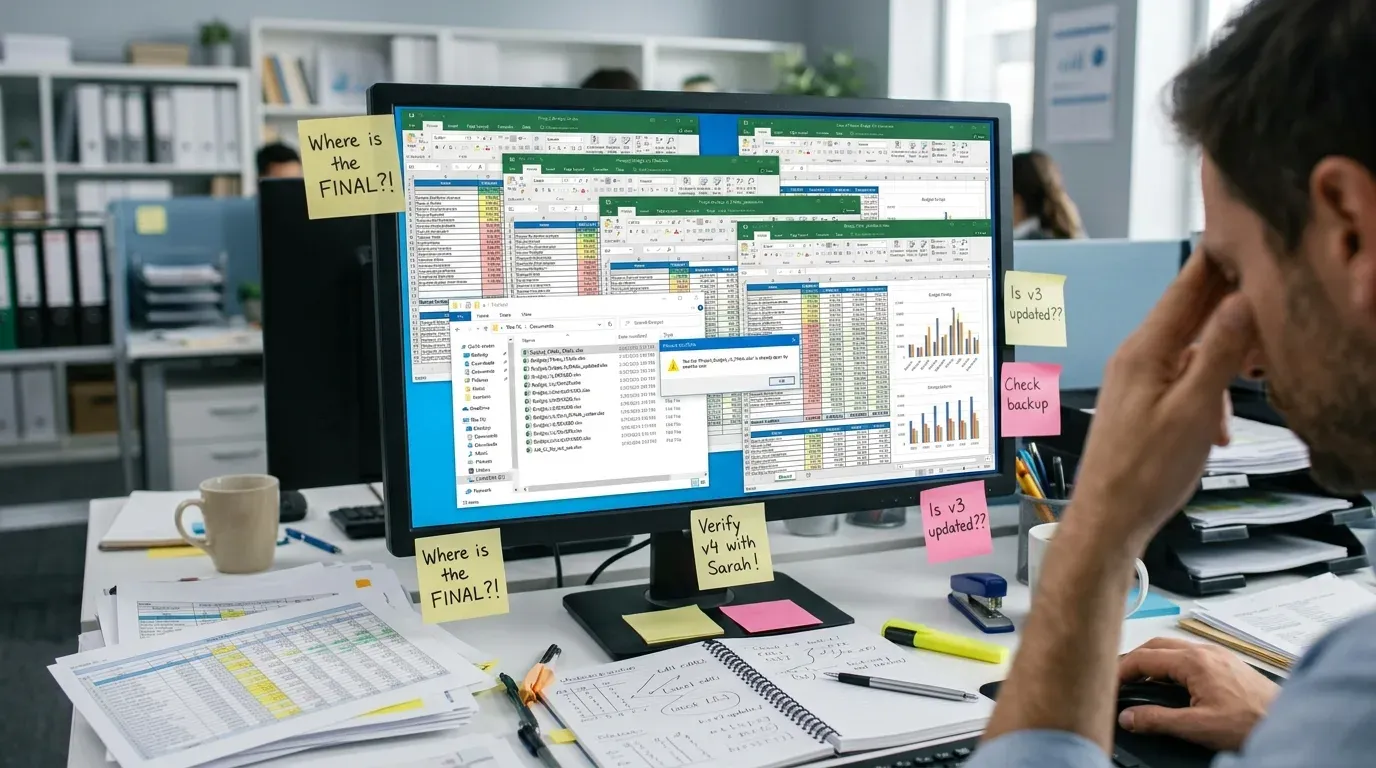 What a web app fixes
A custom web app replaces the file with a system built around how your team actually works. The usual gains are:
- One shared source of truth, so everyone sees the same data in real time
- Role-based access, so staff only see what they need
- A history of every change
- Validation that stops bad data at entry, such as a missing date or a duplicate customer
- Automatic links to email, invoicing, or other tools you already use
- Reports that update on their own instead of being rebuilt by hand
What to move first
You do not have to replace everything at once. Start where the pain and the risk are highest.
- List what the spreadsheet does. Capture data entry, calculations, reports, and anything people do with it outside the file.
- Rank by risk. Which task would hurt most if the file were lost or wrong today? Start there.
- Keep the first release small. Replace the core workflow, such as entering and tracking jobs or orders, and leave rare reports for later.
Import your existing data. Plan to clean it first. Duplicates and inconsistent formats are common. When a spreadsheet is still the right tool
Be honest about this part. If one person uses the file, nothing depends on it, and mistakes are cheap, a web app may be overkill. Off-the-shelf software can also be enough if your process is standard. Custom makes sense when your workflow is specific to your business and off-the-shelf tools force you to work around them.
What it costs
Cost depends mainly on how many workflows you replace, how many user roles you need, how many other systems it must connect to, and how messy the existing data is. A focused first version that replaces one core workflow costs far less than a full platform. Ask any developer to scope a small first release and price it separately from later phases.
Next step
Write down the three tasks your spreadsheet handles that would cause the most trouble if they failed. That short list is the starting point for any replacement project, and it will make a scoping conversation with a developer much faster.