AI Business Automation: Practical Use Cases, Risks and First Steps
Where AI automation creates value, where ordinary rules are better, and how to choose a safe first workflow.
DevGlim Team
September 22, 2026 · Updated September 22, 2026
Looking to build this instead of buying it? See our AI Business Automation service →
AI business automation is most useful when it removes a repeated handoff without hiding who owns the result. A model can classify an enquiry, extract fields from a document, draft a response or summarise a call; the surrounding system still needs rules, permissions, validation and a clear exception path.
DevGlim builds custom systems around the workflow and tools a business already uses. The first step is not choosing a model. It is choosing a measurable workflow.
High-value AI automation use cases
Lead qualification and routing
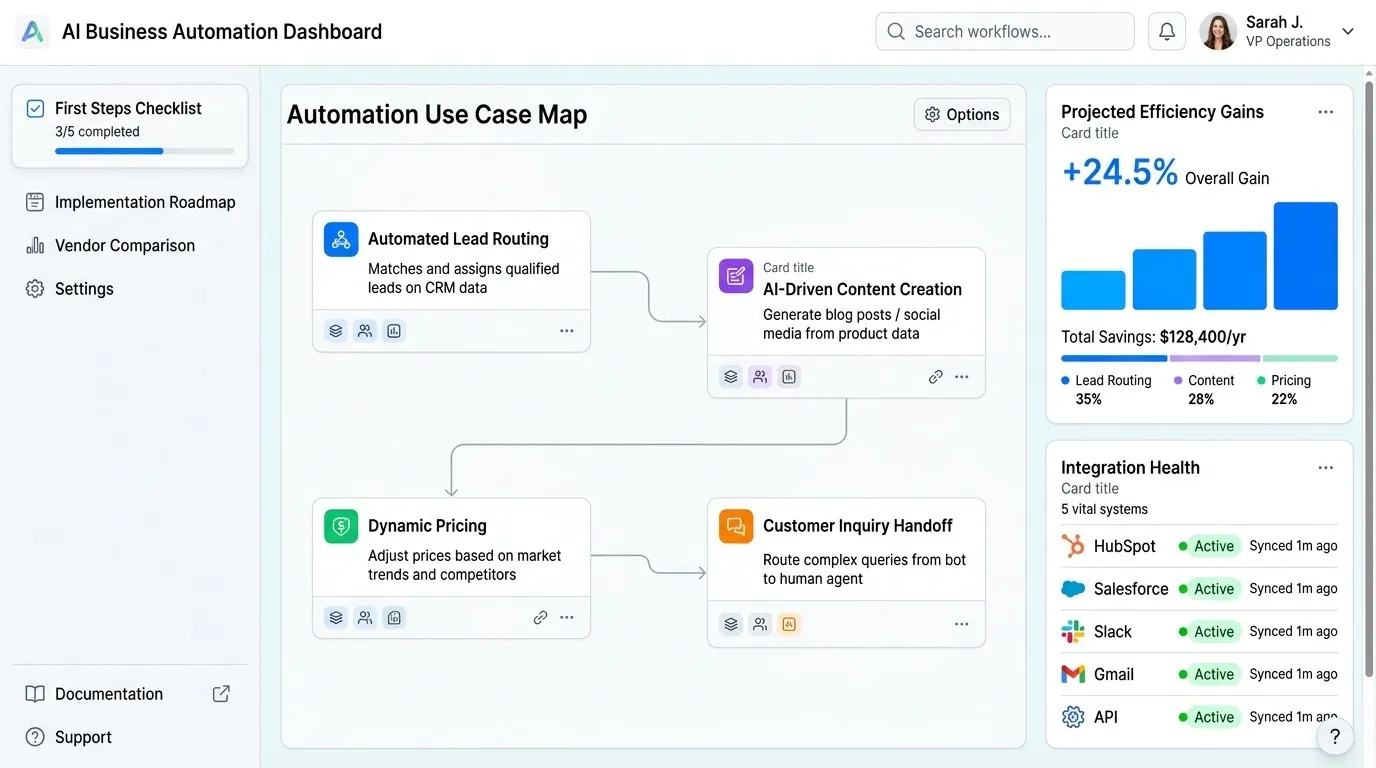
Classify inbound requests, capture structured requirements and route a qualified lead to the right queue. Keep scoring explainable and let a person review borderline cases.
Customer support assistance
Ground answers in approved documentation, suggest replies and write a concise case summary. Escalate billing, safety, legal or account-sensitive requests rather than guessing.
Document and inbox processing
Extract fields from invoices, applications or emails, validate the structure and send uncertain values to a review queue before updating a system of record.
Sales and CRM automation
Summarise calls, update next steps and create tasks after a stage change. Deterministic rules should still control ownership, consent and required fields.
When ordinary automation is better
If a condition is explicit—such as assigning a region, stopping after an opt-out or syncing a known field—rules are usually easier to test and operate than a model. Use AI where language, documents or ambiguity are the real bottleneck.
Controls to define before launch
- Which data the system may read and retain
- Which tools and actions are permitted
- How structured output is validated
- Which confidence or risk cases require approval
- How errors, retries and provider outages are handled
- What evidence is written to the audit trail
A practical first project
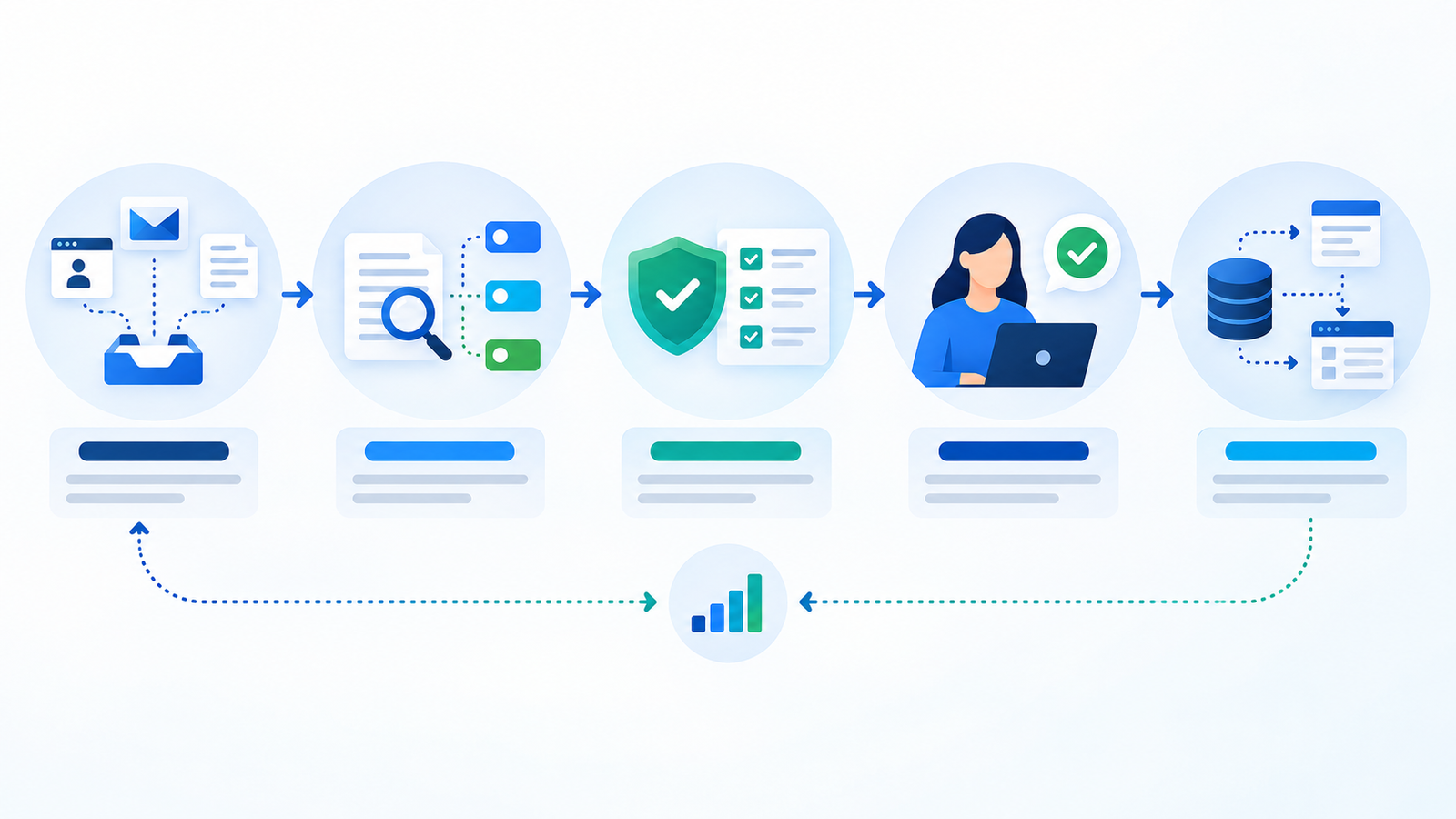
- Map one workflow and its current failure points.
- Collect representative examples, including difficult cases.
- Prototype the smallest useful step with human review.
- Measure quality, time, exceptions and operating cost.
- Expand only after the first workflow is stable.
Use the AI Workflow Assessment to prioritise a starting point, then review the custom AI business automation service.
Frequently asked questions
Does every business need an AI agent?
No. Many high-value workflows need a reliable integration and a few rules. Agents are appropriate when the workflow requires bounded tool use and flexible language handling.
Can AI automation work with our existing CRM?
Often, when the CRM exposes suitable APIs or webhooks. The integration still needs access controls, data mapping and failure handling.