Web App vs Website: What Is the Difference and Which Do You Need?
A website informs; a web app lets people get work done. Here is how to tell which one your project really is, and why it matters for budget.
DevGlim Team
October 27, 2026
Looking to build this instead of buying it? See our Web App Development service →
The terms get used interchangeably, but a website and a web application are different projects with different costs, teams and maintenance needs. Knowing which one you need is the first step to an accurate quote.
The simple distinction
A website mainly presents information: your services, pages, articles, contact details. Visitors read and perhaps fill in a form.
A web application lets users do work: log in, create and change data, run calculations, manage bookings, process orders. The content is different for each user and changes constantly.
Many projects are a mix: a marketing website with a customer portal behind a login.
Examples
| Website | Web application |
|---|---|
| A clinic's services and location pages | A patient portal to book and manage appointments |
| A manufacturer's product catalogue | A dealer portal with pricing, ordering and order tracking |
| A firm's blog and team pages | An internal dashboard combining CRM and finance data |
Why the difference matters
- Cost and timeline. Web apps need data models, user accounts, permissions, business logic and testing, so they cost more than content sites.
- Team. Websites lean on design, content and SEO. Web apps need software engineers, QA and often a product owner.
- Security. Anything with logins and customer data needs stronger security practices and regular updates.
- Maintenance. A website can stay stable for a long time. A web app evolves with your business and needs ongoing development.
- Platform choice. A CMS such as WordPress suits websites well. Bending a CMS into a complex application often becomes expensive.
How to decide
Ask three questions:
- Do users need to log in and see their own data?
- Does the system create, change or calculate business data?
- Does it need to connect to other systems such as a CRM, ERP or payment provider?
If the answer to any of these is yes, you are at least partly building a web application, and you should brief developers accordingly.
Web app or mobile app?
Web apps work on any device with a browser and need no app store. A mobile app is worth considering for offline use, frequent push notifications or heavy device features. See our guide to mobile app costs for small businesses.
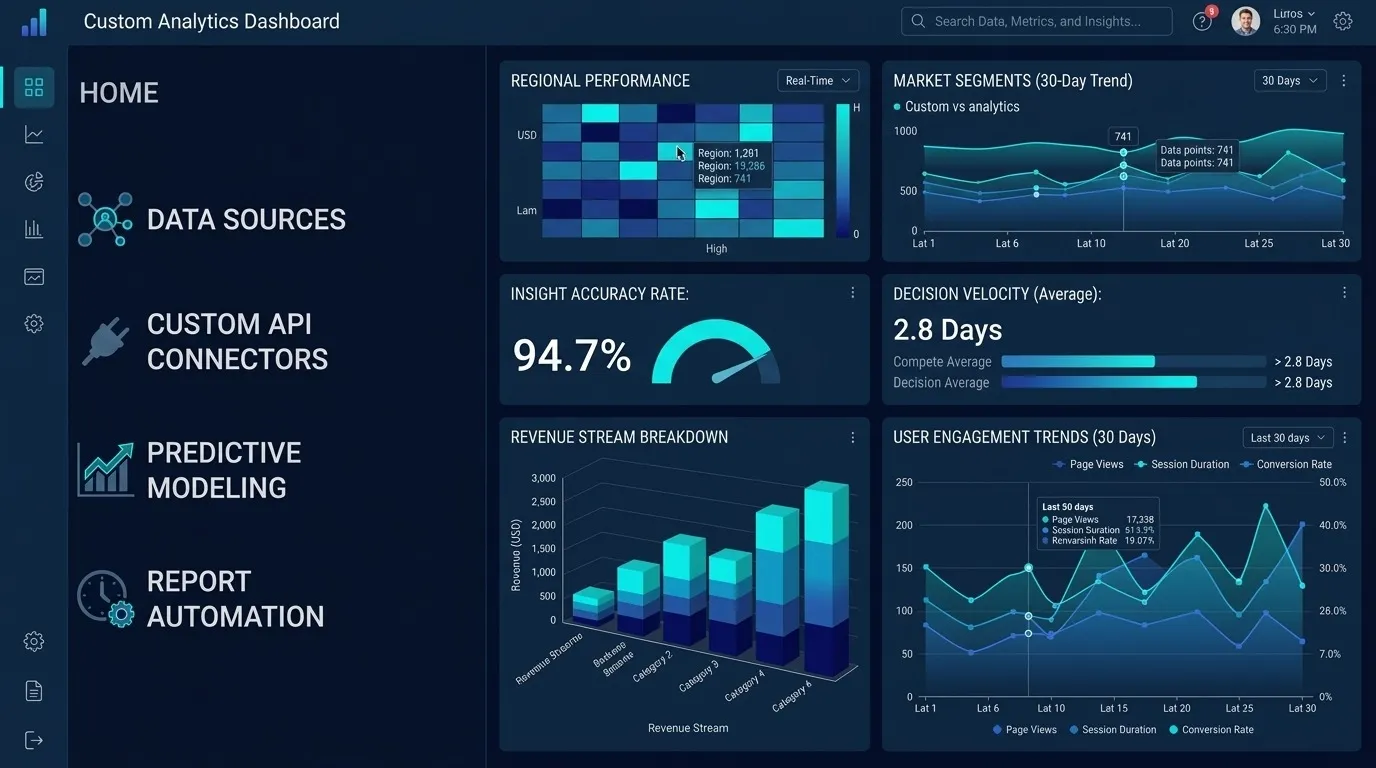
Our custom dashboard guide shows a common web app in practice. DevGlim's web app team can help you scope yours.